
Organising and editing rooms, basic actions and routines

Only applicable for the following touchscreens 550-20101 and 550-20102. For the newer models, all view settings are set on the touchscreen itself.
Regardless of the touchscreen profile, you can edit the names and icons of the rooms. You can also choose the order in which the rooms and corresponding basic actions and routines appear on all your touchscreens.
Starting point
You have created basic actions and/or routines.
You are in the Dashboard overview window.
Procedure
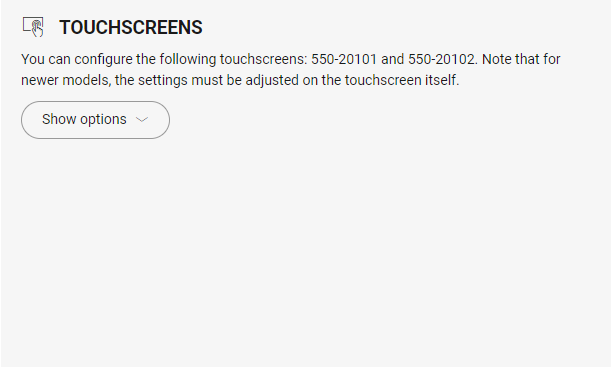
Click on Show options.
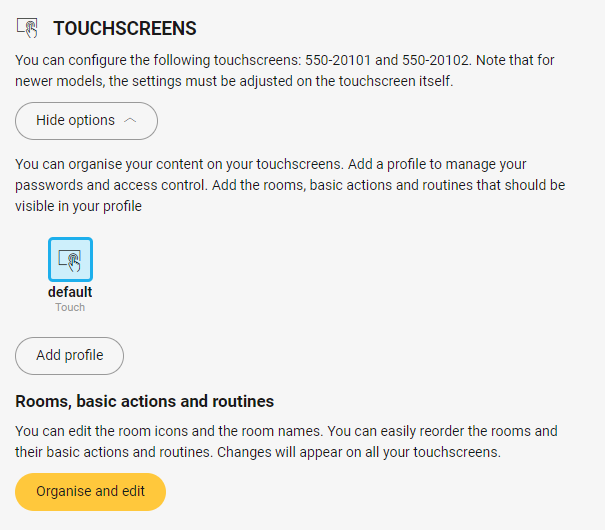
Click on Organise and edit.
Make the necessary changes.
Change the name and icon of a room: Click on the room and change the name and/or the icon.
Organise rooms: Click on the room, drag the room to the desired place and drop it.
Organise basic actions and routines within a room: Click the arrow next to the room. Click on the basic action or routine, drag it to the desired place and drop it.
Click the Close button to return to the Dashboard overview window.