Niko Home Control is evolving into MOTIV Building Control. MOTIV is a new brand for intelligent building automation. Built on the trusted foundation of Niko Home Control, MOTIV solutions are designed to make buildings work more naturally for the people inside them. MOTIV helps professionals create smarter, more comfortable buildings. With technology that works quietly in the background. All existing Niko Home Control solutions remain fully compatible with MOTIV. Over time, the full portfolio will move to the MOTIV brand. During this transition, you will see both Niko Home Control (NHC) and MOTIV Building Control (MBC) appear in this documentation. Discover MOTIV at niko.eu/MOTIV
Software Manual
2.27.1 English Dutch French Slovak Danish German Swedish

Mehrfachauswahl beim Erstellen einer Aktion

Ausgangspunkt

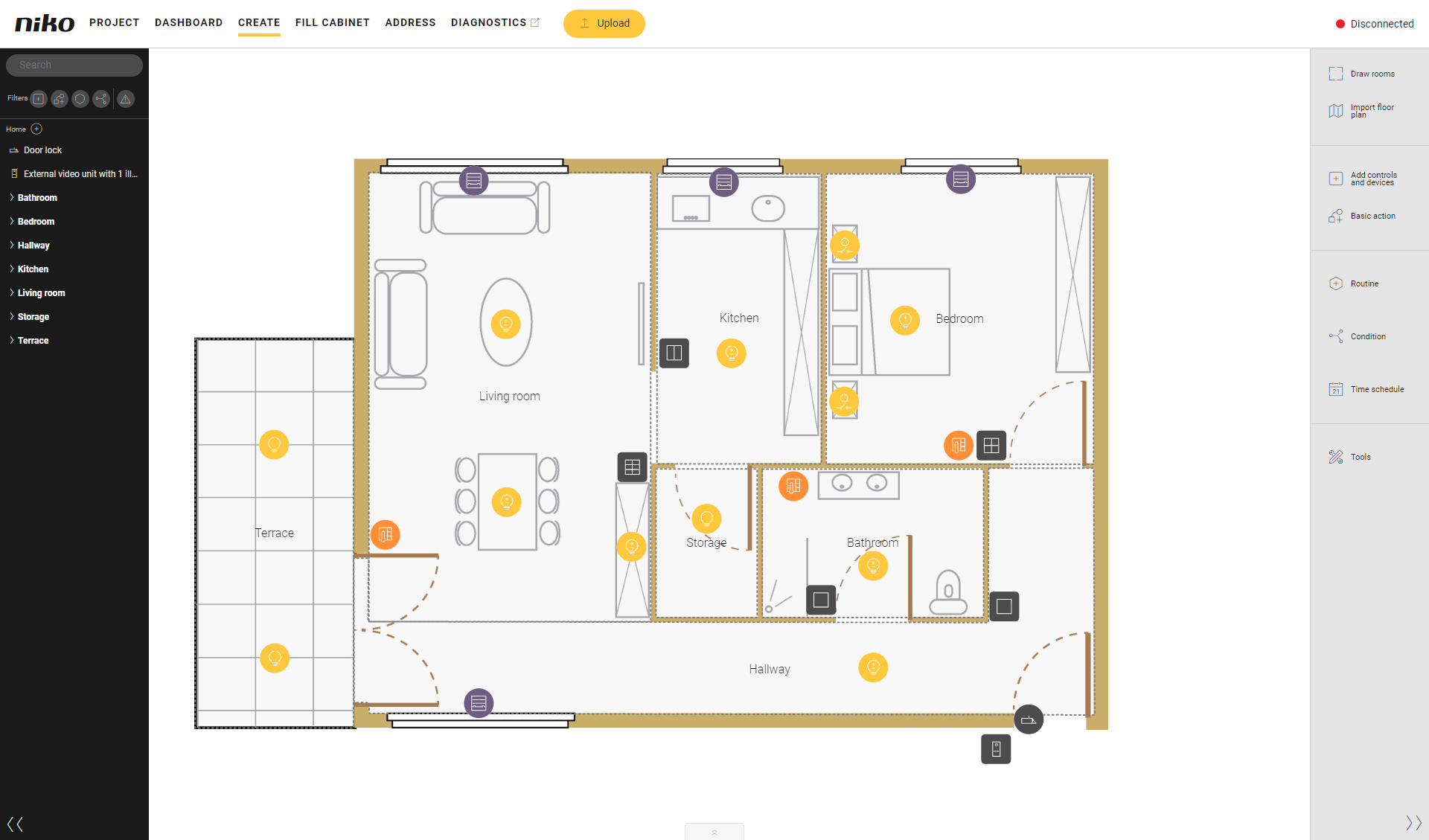
  • Ihr Projekt umfasst Steuerungen und Geräte.

  • Sie erstellen eine Basisaktion, eine Routine oder eine Bedingung.

  • Sie möchten gleichzeitig mehrere Steuerungen und Geräte zu dieser Aktion hinzufügen.

  • Sie befinden sich im Übersichtsfenster Erstellen.
s04_03_224_001

Vorgehen

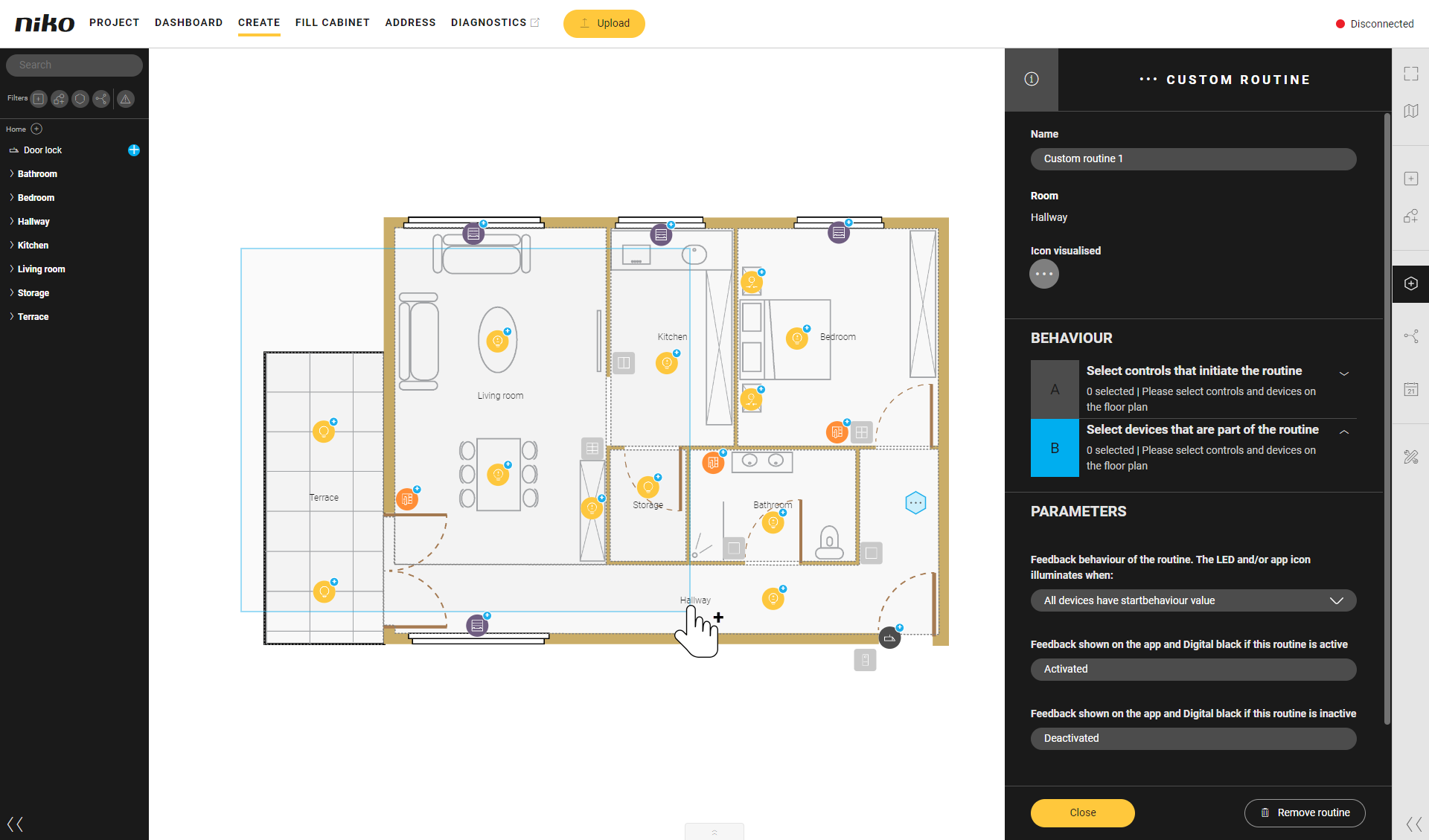
  1. Drücken Sie die Umschalttaste auf Ihrer Tastatur und halten Sie sie gedrückt.
    Ergebnis:
    Der Cursor verwandelt sich in ein Kreuz.

  2. Ziehen Sie den Cursor über (einen Teil) der Zeichenfläche.
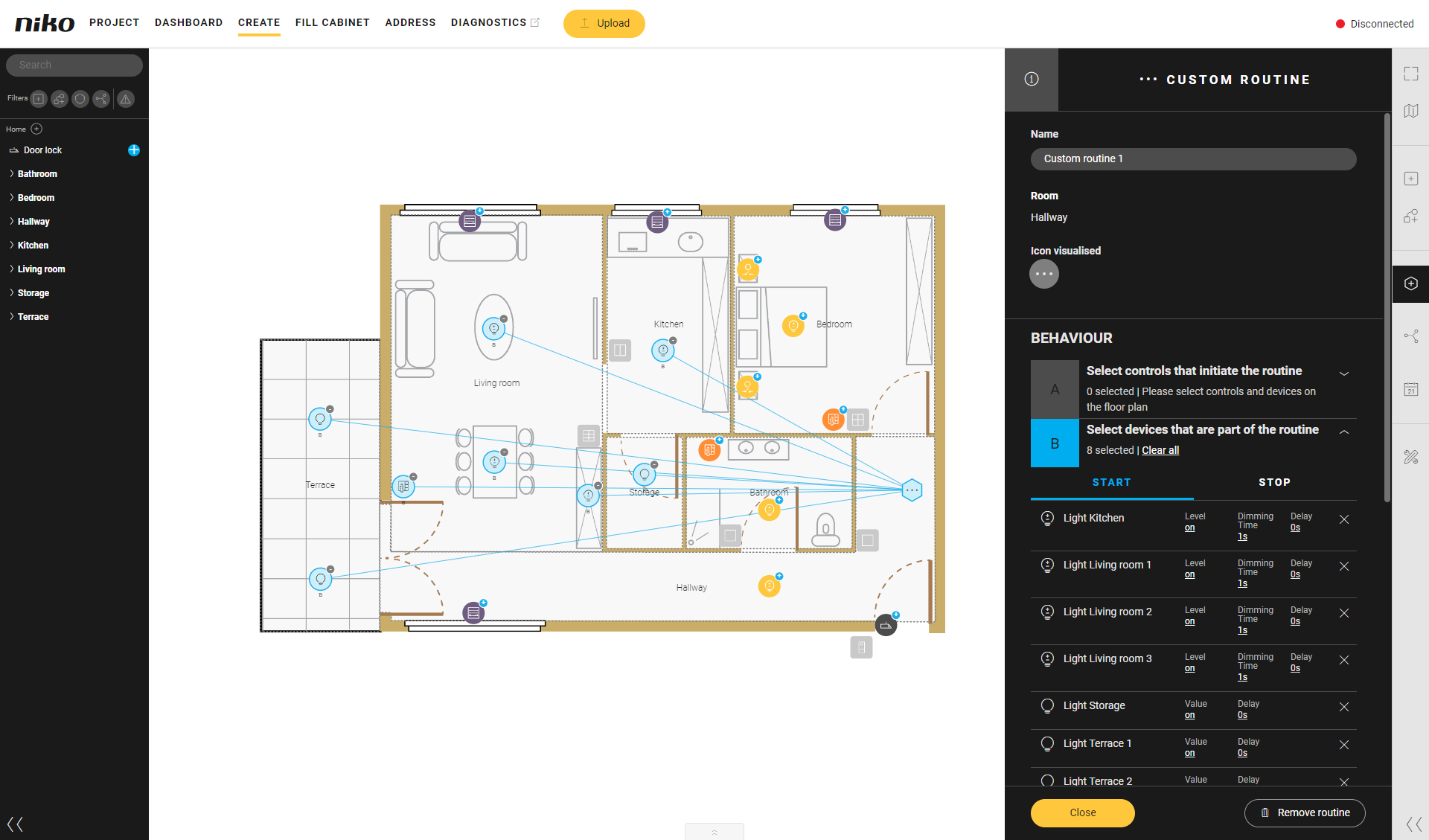
    Ergebnis:
    Alle Steuerungen und Geräte innerhalb dieser Fläche, die zur Aktion hinzugefügt werden können, werden hinzugefügt.
s04_03_224_002
s04_03_224_003