Niko Home Control is evolving into MOTIV Building Control. MOTIV is a new brand for intelligent building automation. Built on the trusted foundation of Niko Home Control, MOTIV solutions are designed to make buildings work more naturally for the people inside them. MOTIV helps professionals create smarter, more comfortable buildings. With technology that works quietly in the background. All existing Niko Home Control solutions remain fully compatible with MOTIV. Over time, the full portfolio will move to the MOTIV brand. During this transition, you will see both Niko Home Control (NHC) and MOTIV Building Control (MBC) appear in this documentation. Discover MOTIV at niko.eu/MOTIV
Software Manual
Working version 2.28.1 2.27.1 English Danish Dutch French German Slovak Swedish

Top bar

Icon/Menu button

Description

s18_00_00_228_001.png


This button only appears when a project is open and opens Project management and Installation management.

s18_00_00_228_002.png


These programming menus only appear when a project is open:

s18_00_00_228_003.png


This button only appears when a project is open and saves your project locally.

s18_00_00_228_004.png

This button only appears when a project is open and saves a copy of the current project under a different name or in a different location.

s18_00_00_228_005.png


This button only appears when a project is open and your computer is connected to a controller, it uploads your locally stored project to the controller.

When your computer is not connected to the controller, it is greyed out.

s18_00_00_228_006.png


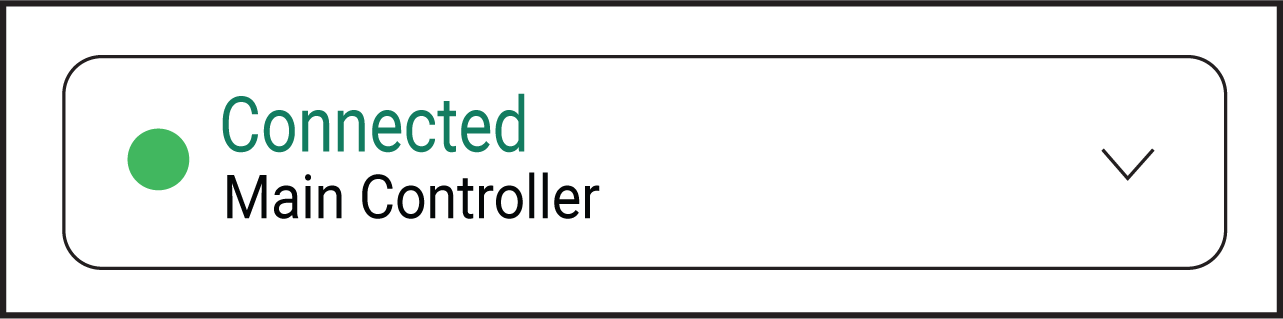
Shows the connectivity status of your installation. Click the button to open the Connection centre.

s18_00_00_228_007.png


Indicates information on the limit of a component type:

  • Black triangle: at least one component type is near its limit

  • Red triangle: at least one component type exceeds its limit

  • Click the triangle for more information.