
Starting point
-
All components you want to address are in place and connected to the installation.
-
Your computer is connected to the installation.
-
You are in the Address overview window.
Procedure
-
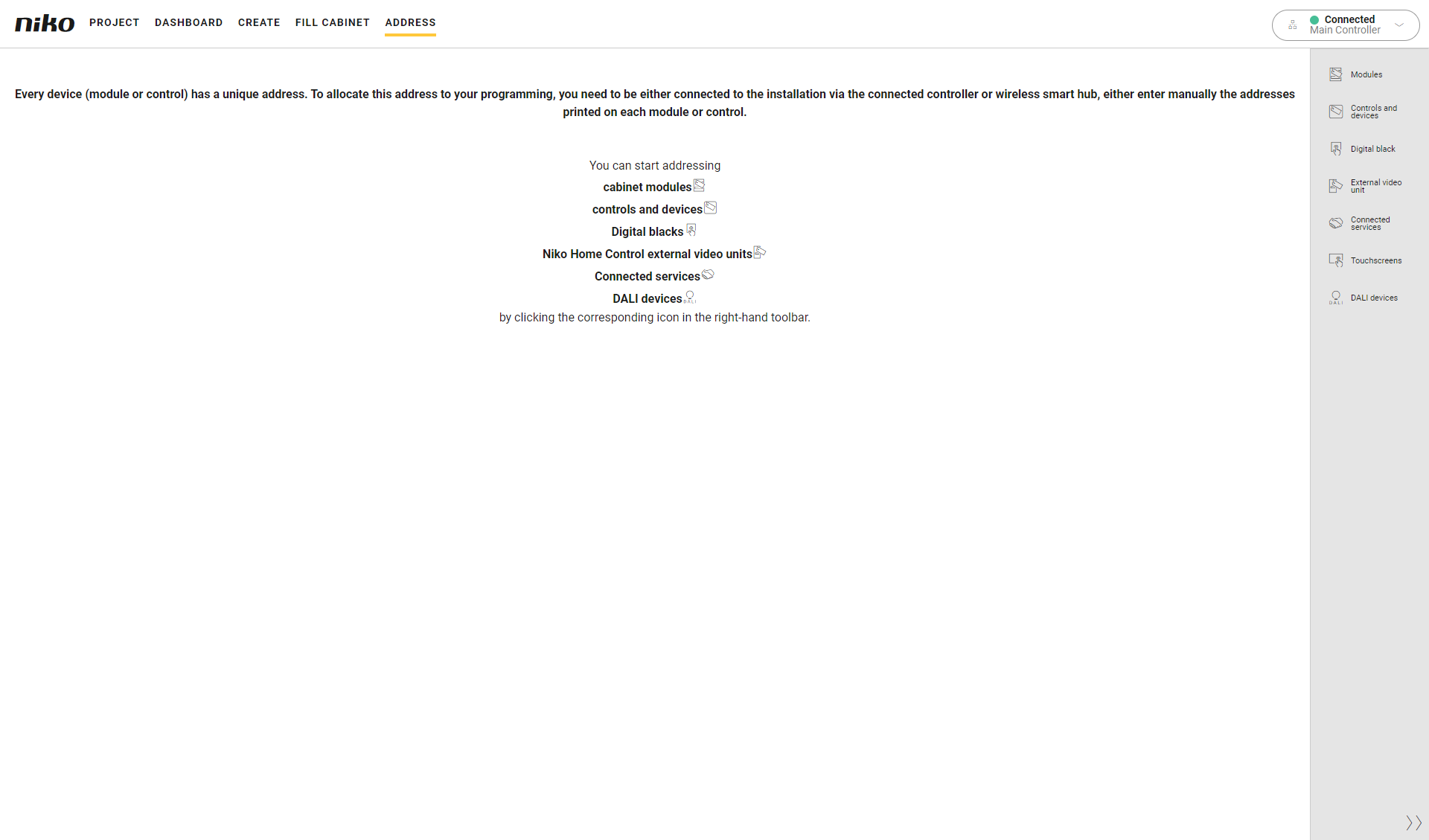
In the right-hand button bar, click on the button External video unit.
Result:-
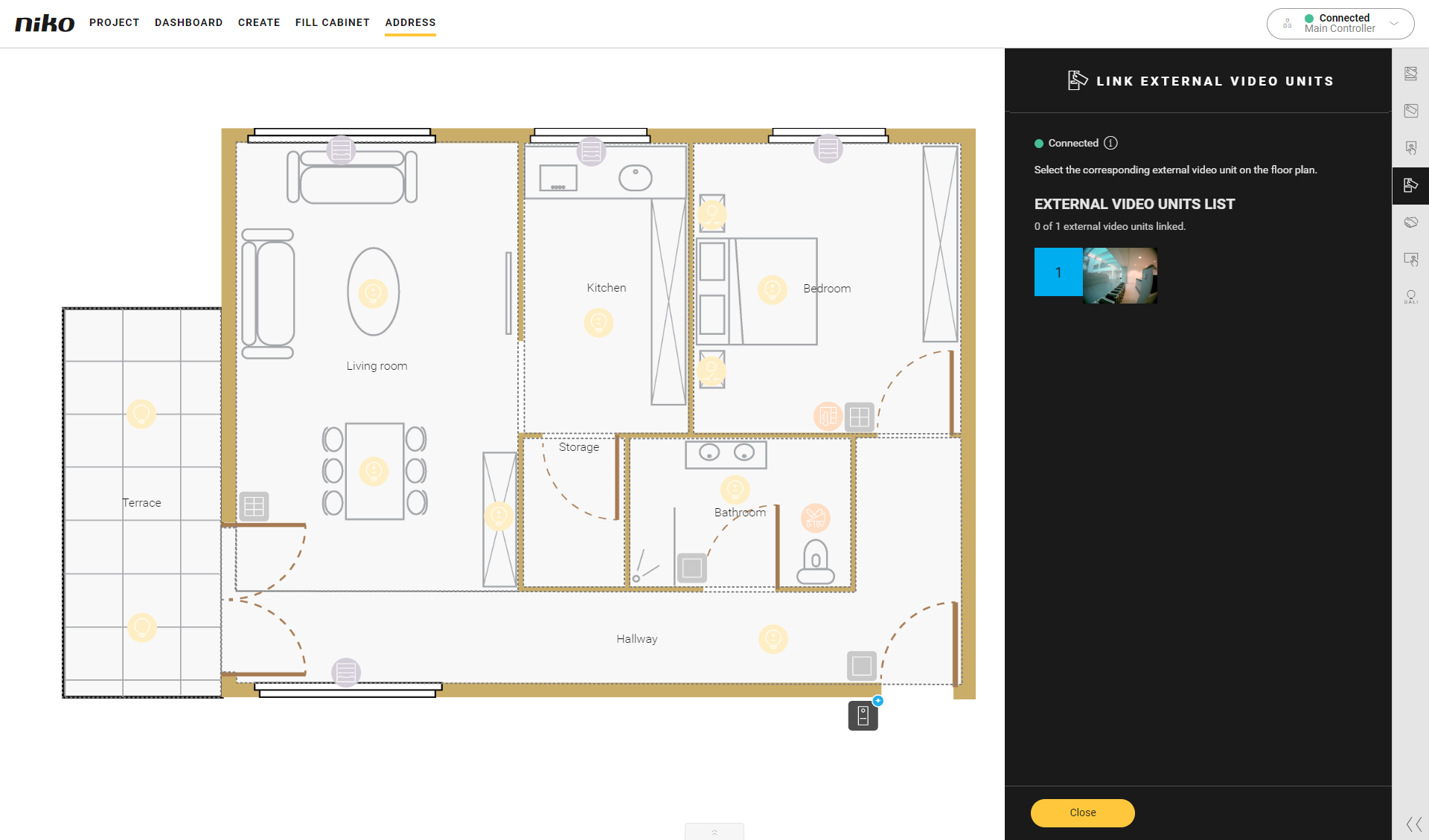
The Link external video units pane appears and shows the external video units found in the installation, with the corresponding camera image.
-
In the drawing area the external video units are shown.
-
-
Click on an external video unit in the Link external video units pane.

-
Type your own password or choose a random password to secure the connection between the external video unit and the connected controller or wireless smart hub.
-
Click Save to save the password of your external video unit.
-
Click on the external video unit for which you just set a password.
-
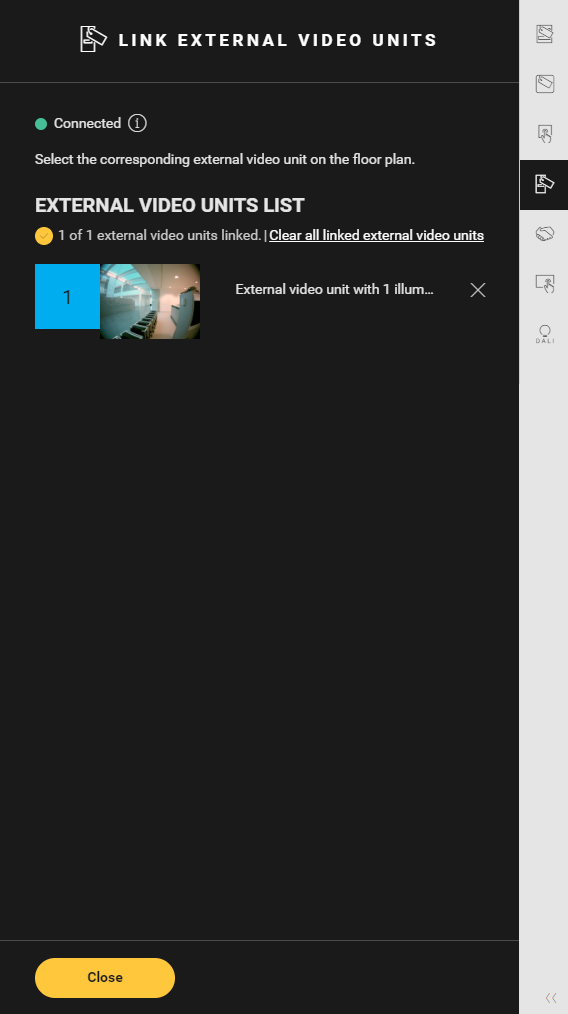
Click on the plus sign of the externalvideo unit on the floor planto link them.
-
Repeat step 2 to 6 for each external video unit in your installation. Respect the order listed in the programming software.
-
Click the Close button to return to the Address overview window.
-
There is no need to store the password externally.
-
If you address an external video unit that has already been set up with a password in another Niko Home Control installation, you will be prompted to reset the external video unit by power cycling the device and clicking the Reset button in the softwarewithin 2 minutes after the beep before setting a new password.
