
You can adjust the function of the following push buttons:
-
generic push buttons with or without LED
-
push-button interface used as 4-fold control
-
push button extension
-
wireless push buttons
-
Niko Rocker or Niko Toggle, configured as two separate generic buttons
Starting point
-
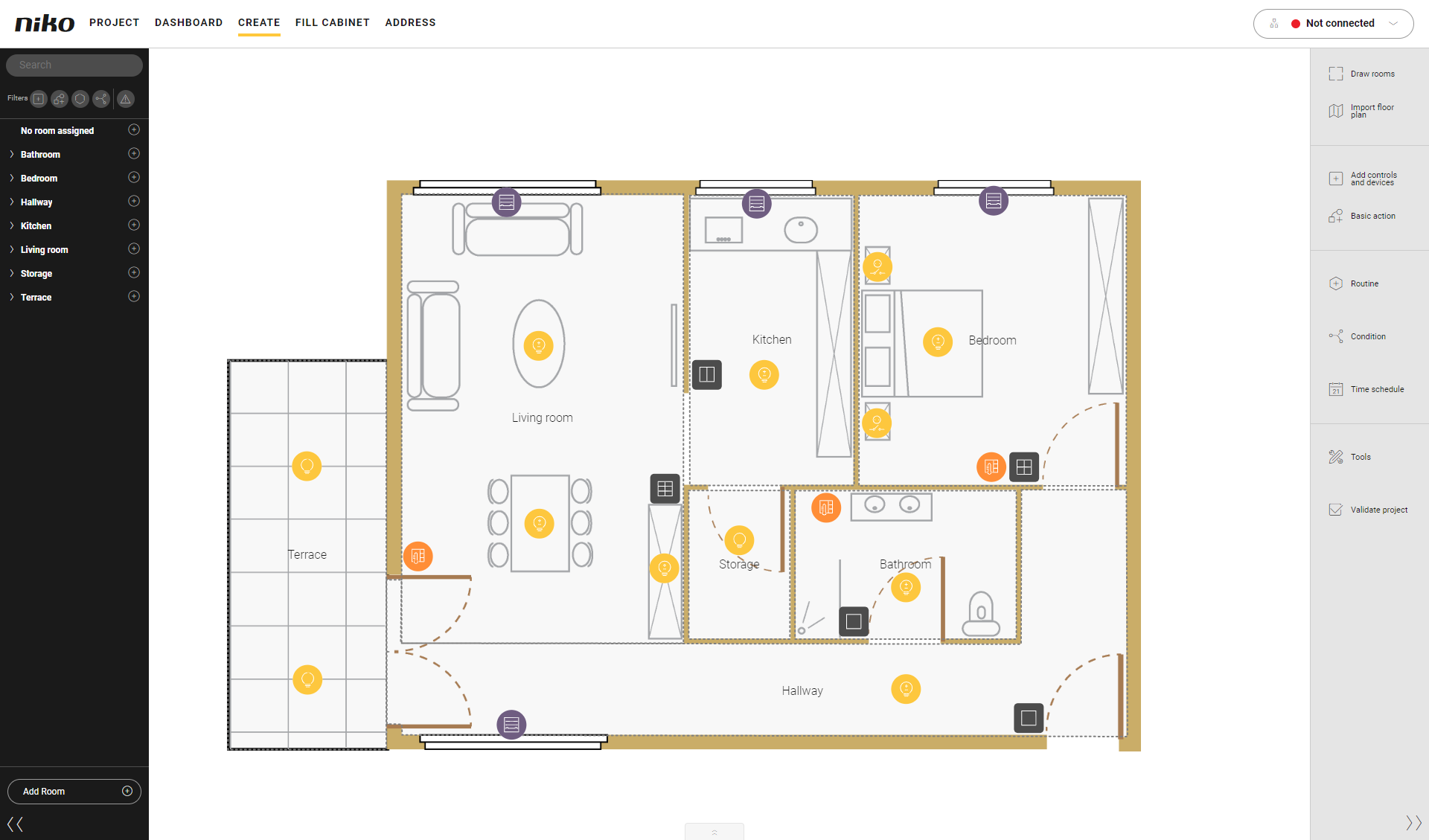
You are in the Create overview window.
Procedure
-
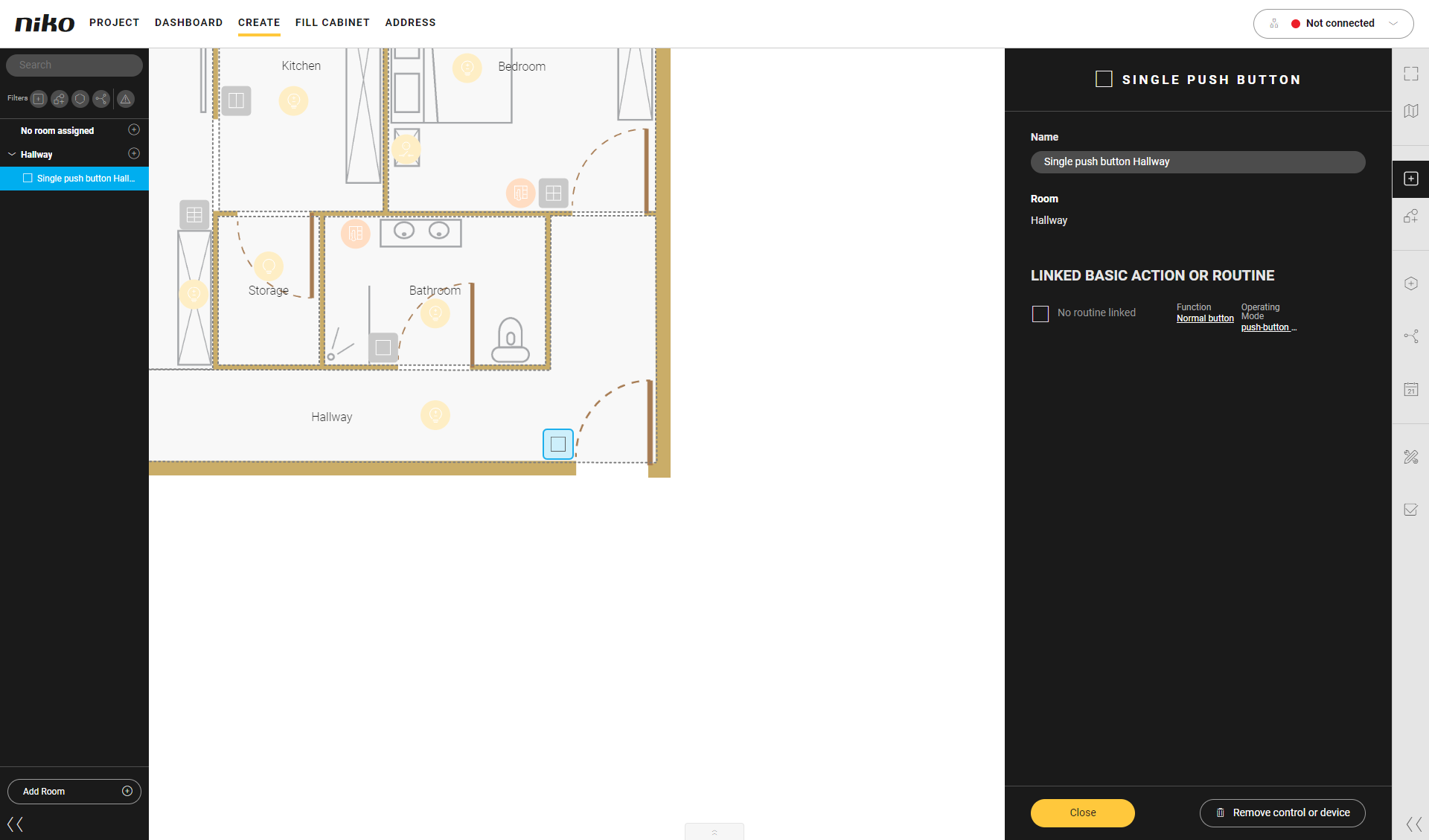
Click on the push button.
Result: The pane with the information appears.
-
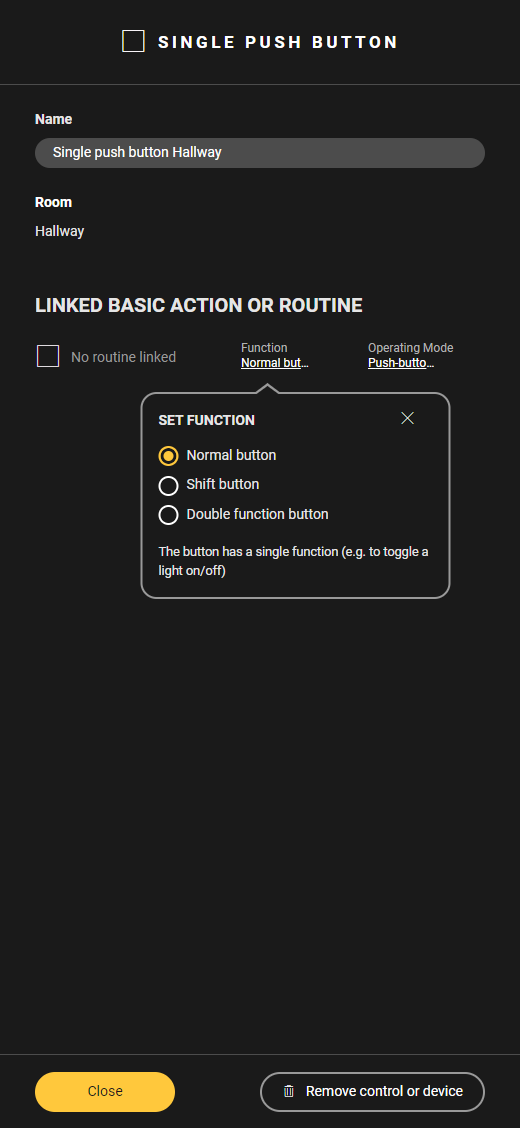
Click on Function.
Result: TheFunction menu appears.
-
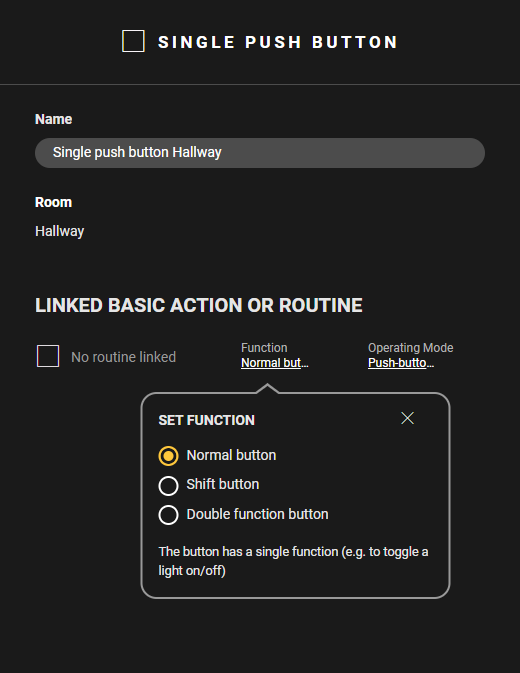
Adjust the function as follows:
-
Choose Normal button to activate the basic action or routine by pressing the button. The button has a single function.
-
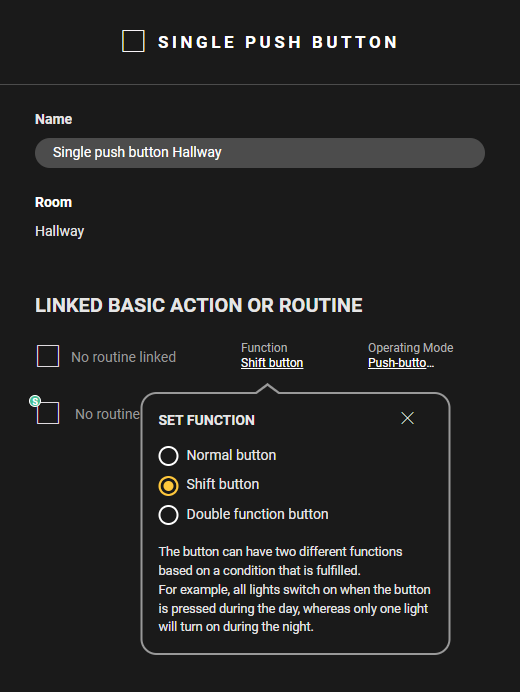
Choose Shift button to give the button 2 functions based on a condition that is fulfilled (see Shift function).
-
Choose Double function button to give the button 2 functions, depending on whether it is pressed for a short or a long time. Set the Duration (minimum 1 sec. - maximum 5 sec) for long press and link the desired routine or basic action to both functions.
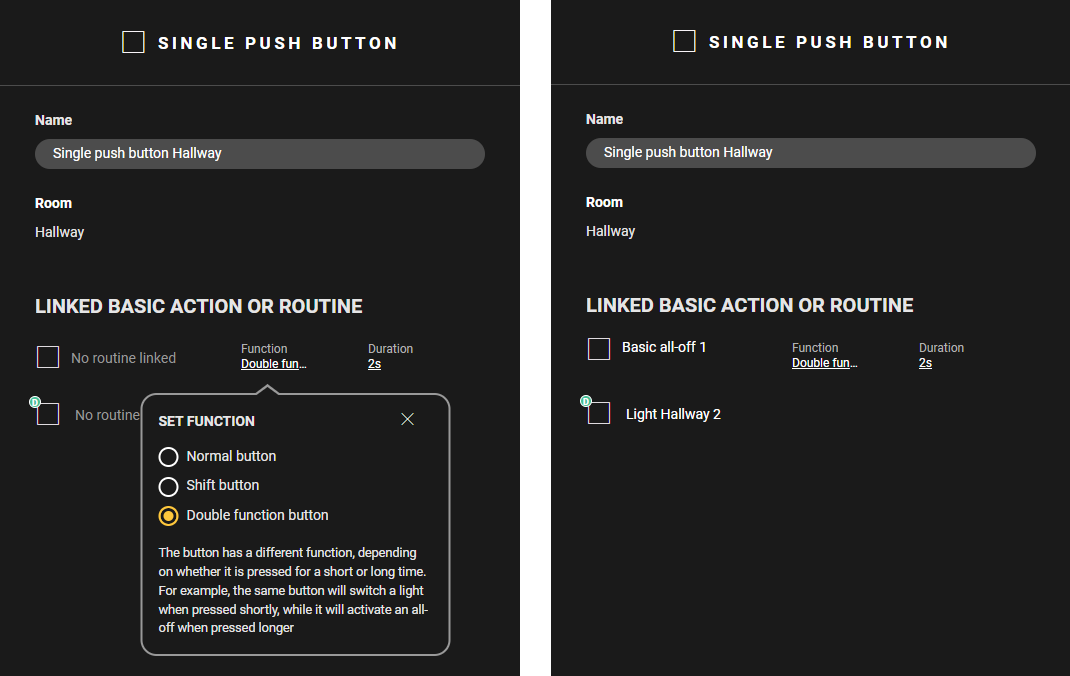
Not all basic actions and routines can be linked to the double function of a button. If not supported you can use them in operation mode (short press/long press).