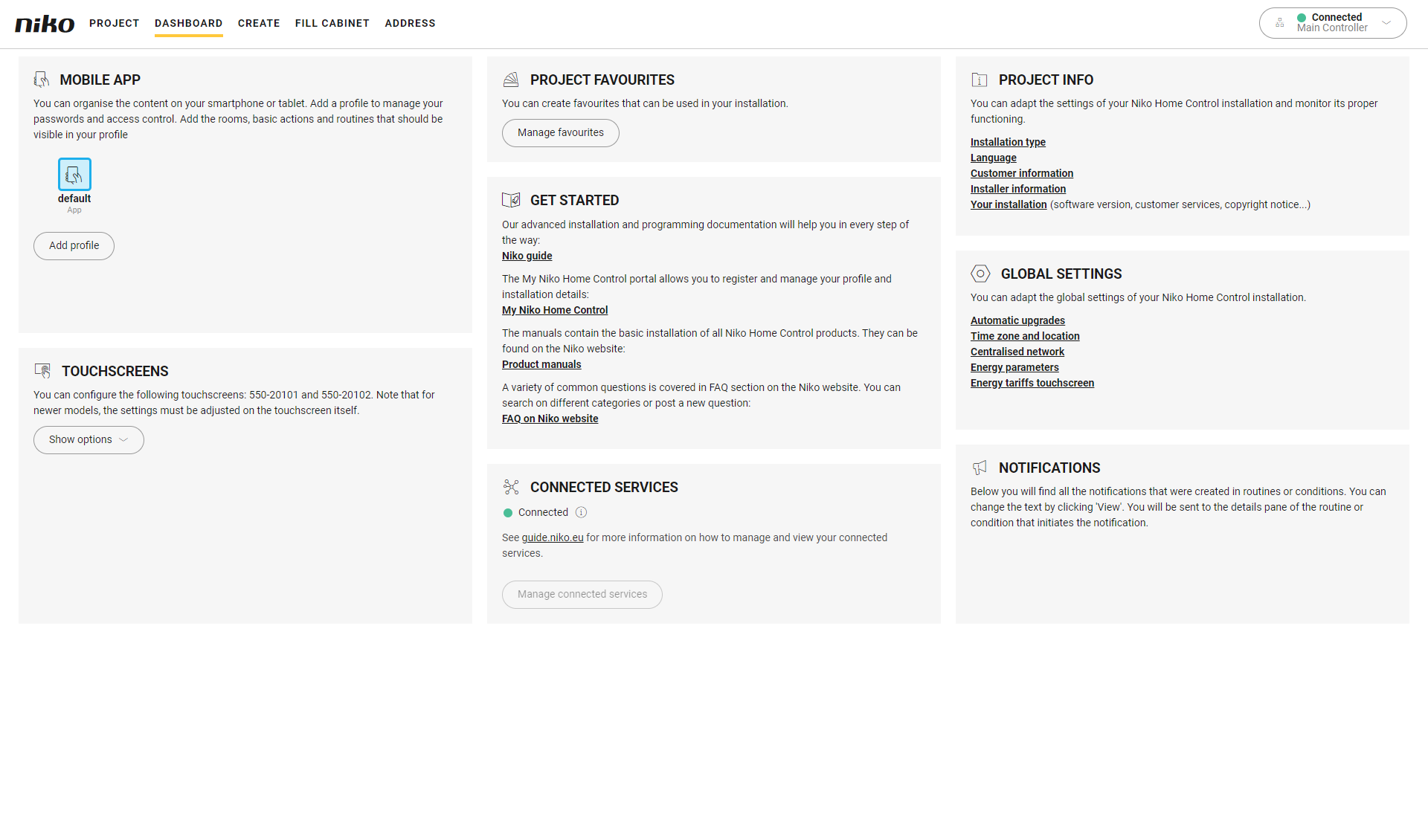
In the Niko Home Control programming software II version 2.x the Dashboard is an overview window for the end user and the installer where you can edit (personalise) the following:
-
touchscreen profiles, only for the following touchscreens: 550-20101 and 550-20102. For newer models, the settings must be adjusted on the touchscreen itself.
-
get started (access to the manuals and to the My Niko Home Control portal to register and manage your profile)
-
connected services (activating Niko partner systems)