
Starting point
-
You have activated a connected service.
-
Your Niko Home Control installation is online.
-
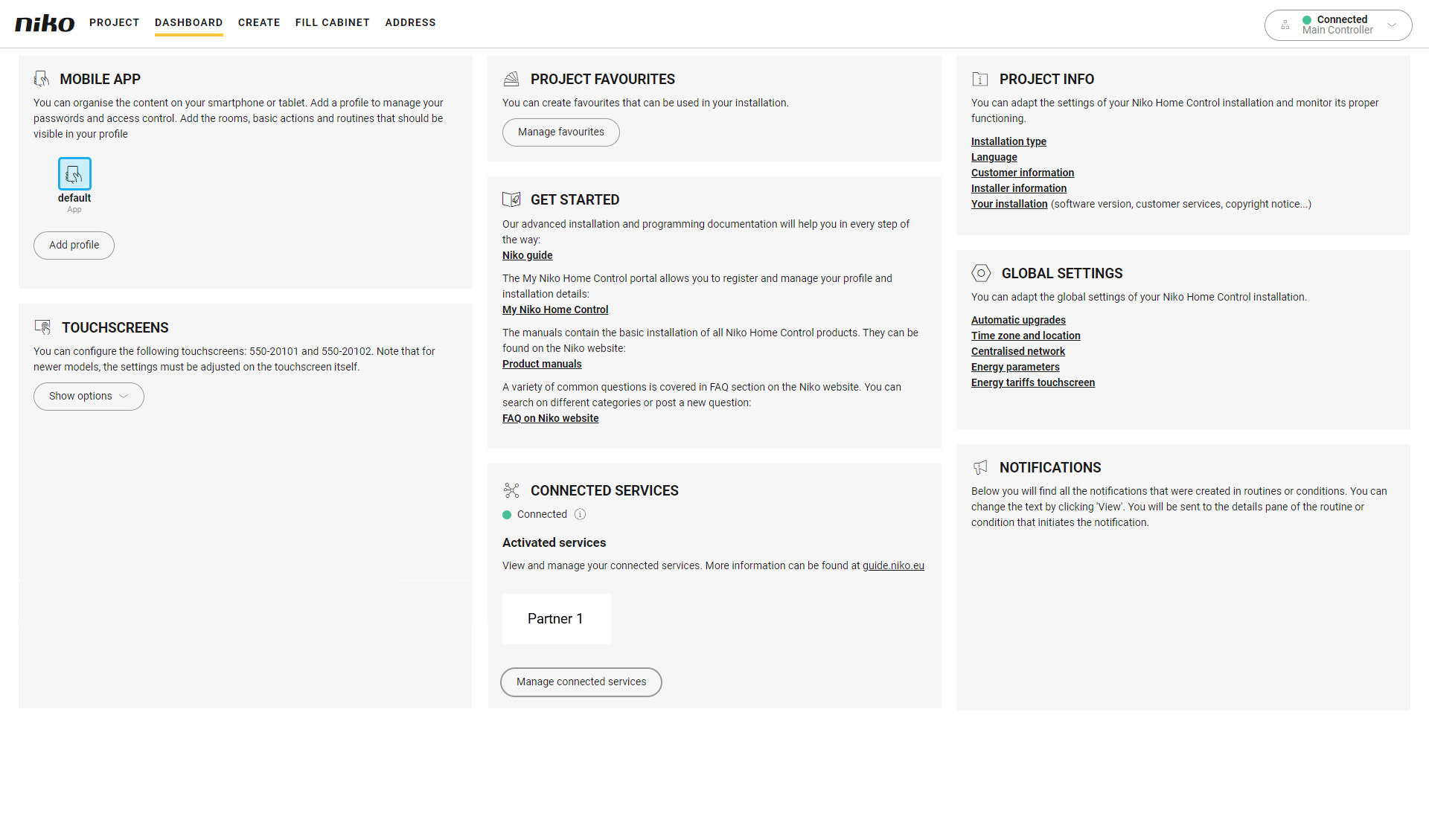
You are in the Dashboard overview window.
Procedure
-
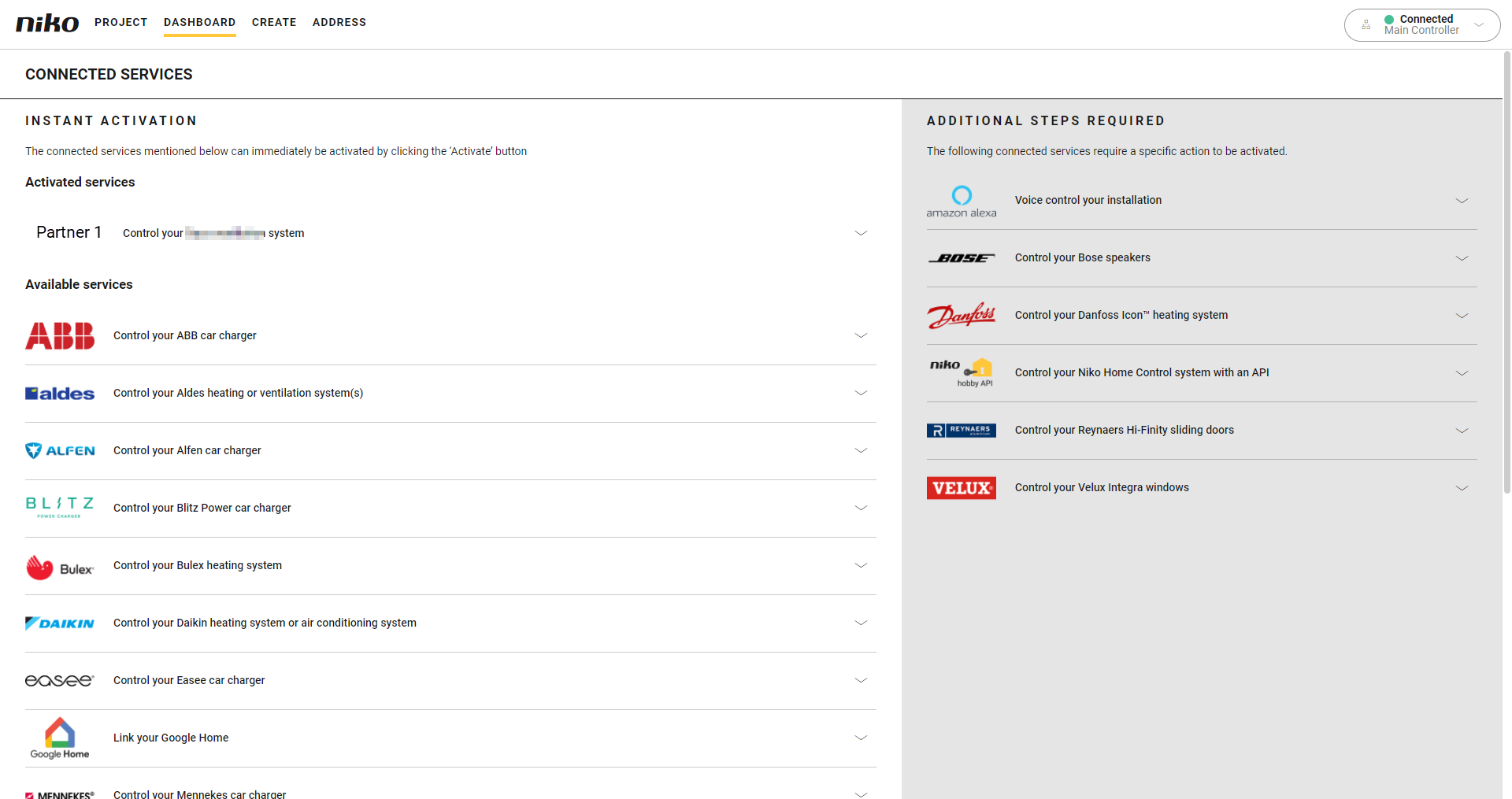
Click on Manage connected services. This is where you manage all the services linked to your installation, including those from partner brands.
-
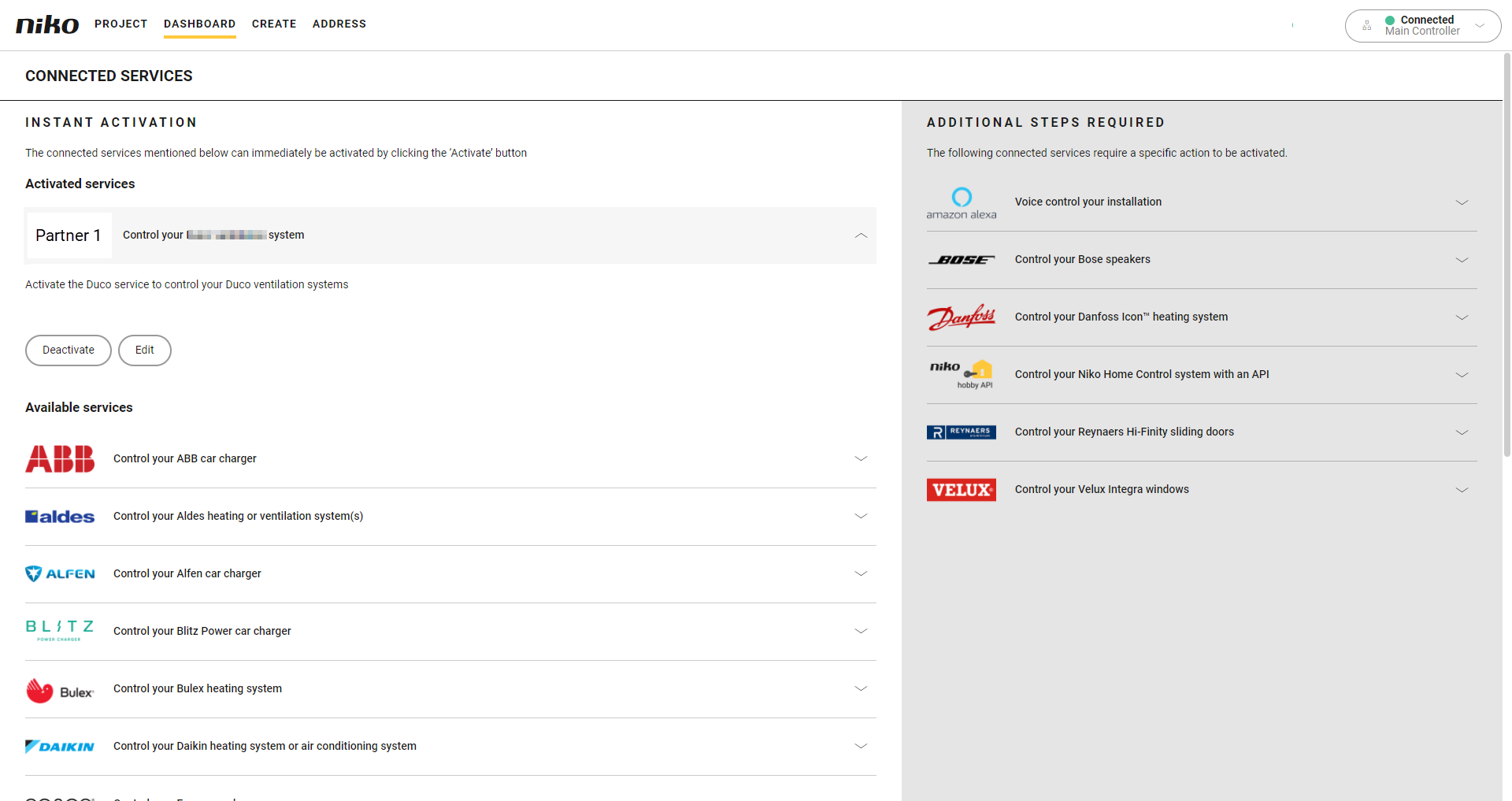
In the Activated services section, click the arrow next to the connected service you want to unlink from your installation.
-
Click Edit.
-
Make the necessary changes to the activation details.
-
Click Reconnect.