
Starting point
-
(Optional) You have created one or more conditions that use the time schedule.
-
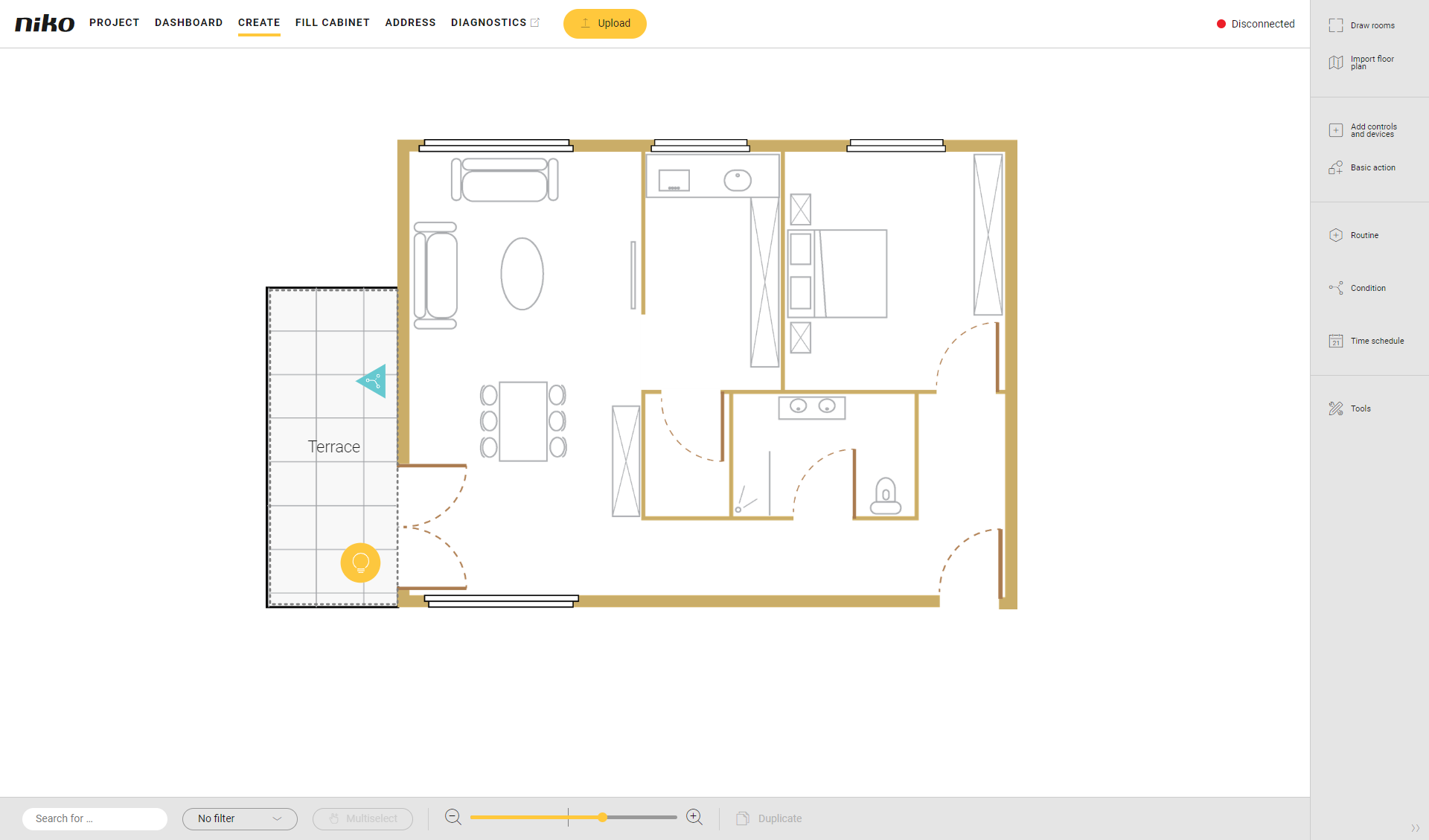
You are in the Create overview window.
Procedure
-
In the right-hand button bar, click on the button Time schedule.
Result:
The Time schedule pane appears. You get an overview of all time schedules created.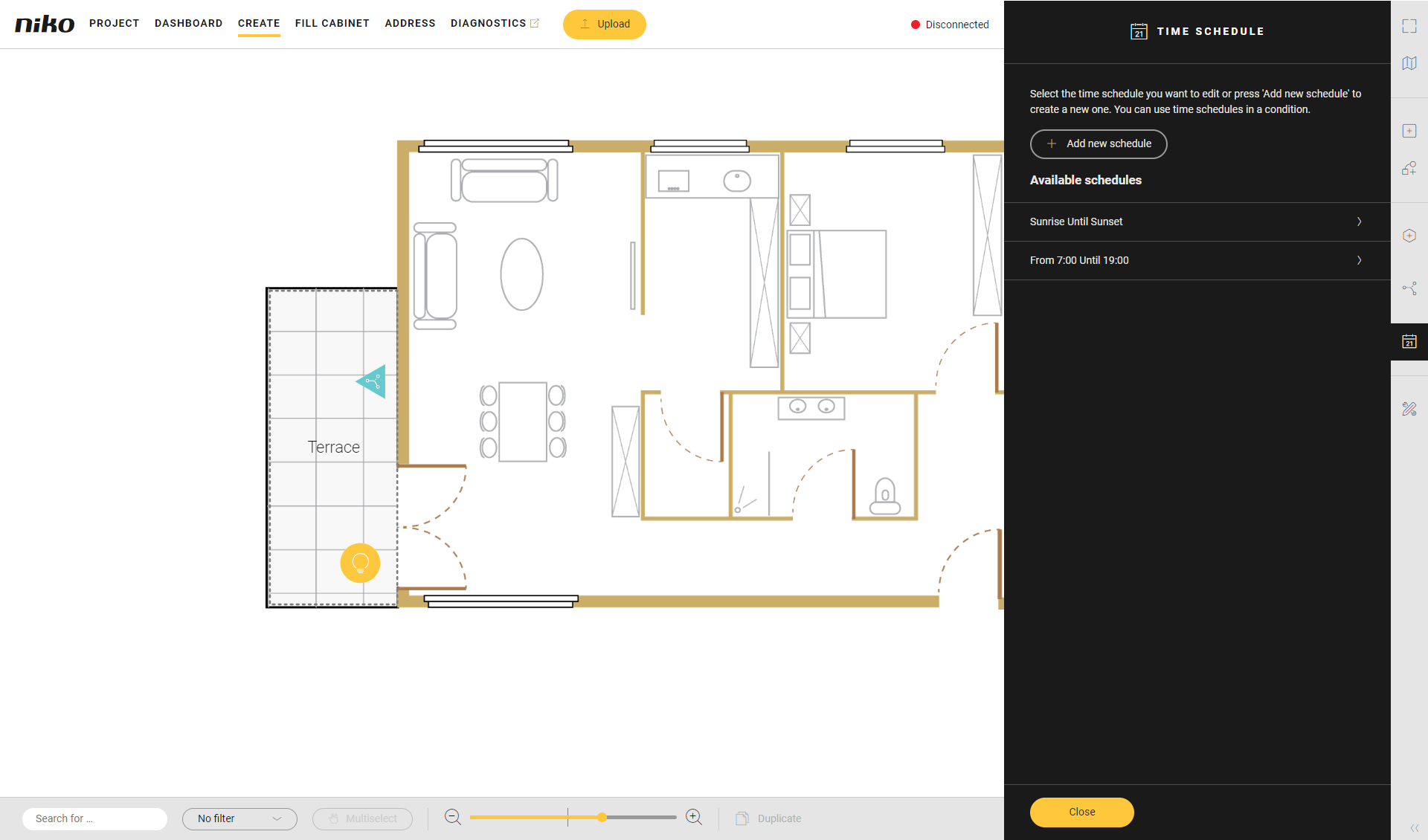
-
Click on the time schedule you want to modify.
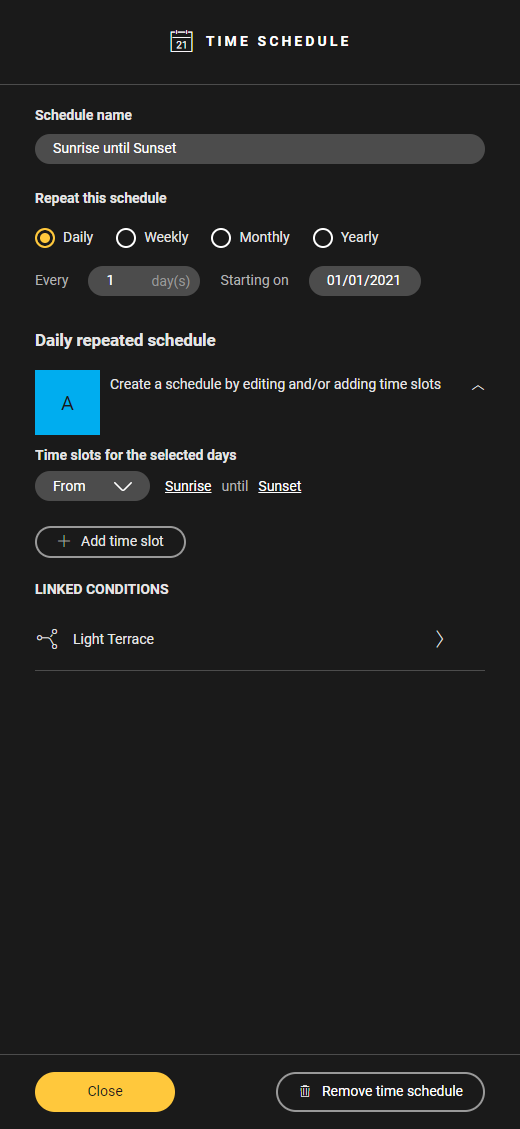
-
Make the necessary changes.
-
Click on Close to close the Time schedule pane.
-
To modify the information of a time schedule you follow the same procedure as for creating a time schedule.
-
In the Linked conditions section of the Time schedule pane you find the list of conditions that use the time schedule. Click a condition name to open the corresponding Condition pane.
-
If you modify the repetitive pattern of the time schedule, the existing time slots will be deleted. You will get a warning first.