Niko Home Control is evolving into MOTIV Building Control. MOTIV is a new brand for intelligent building automation. Built on the trusted foundation of Niko Home Control, MOTIV solutions are designed to make buildings work more naturally for the people inside them. MOTIV helps professionals create smarter, more comfortable buildings. With technology that works quietly in the background. All existing Niko Home Control solutions remain fully compatible with MOTIV. Over time, the full portfolio will move to the MOTIV brand. During this transition, you will see both Niko Home Control (NHC) and MOTIV Building Control (MBC) appear in this documentation. Discover MOTIV at niko.eu/MOTIV
Software Manual
2.28.1 2.27.1 English Danish Dutch French German Slovak Swedish

Pridanie controllera do inštalácie

Východiskový bod

  • Váš počítač je pripojený na internet.

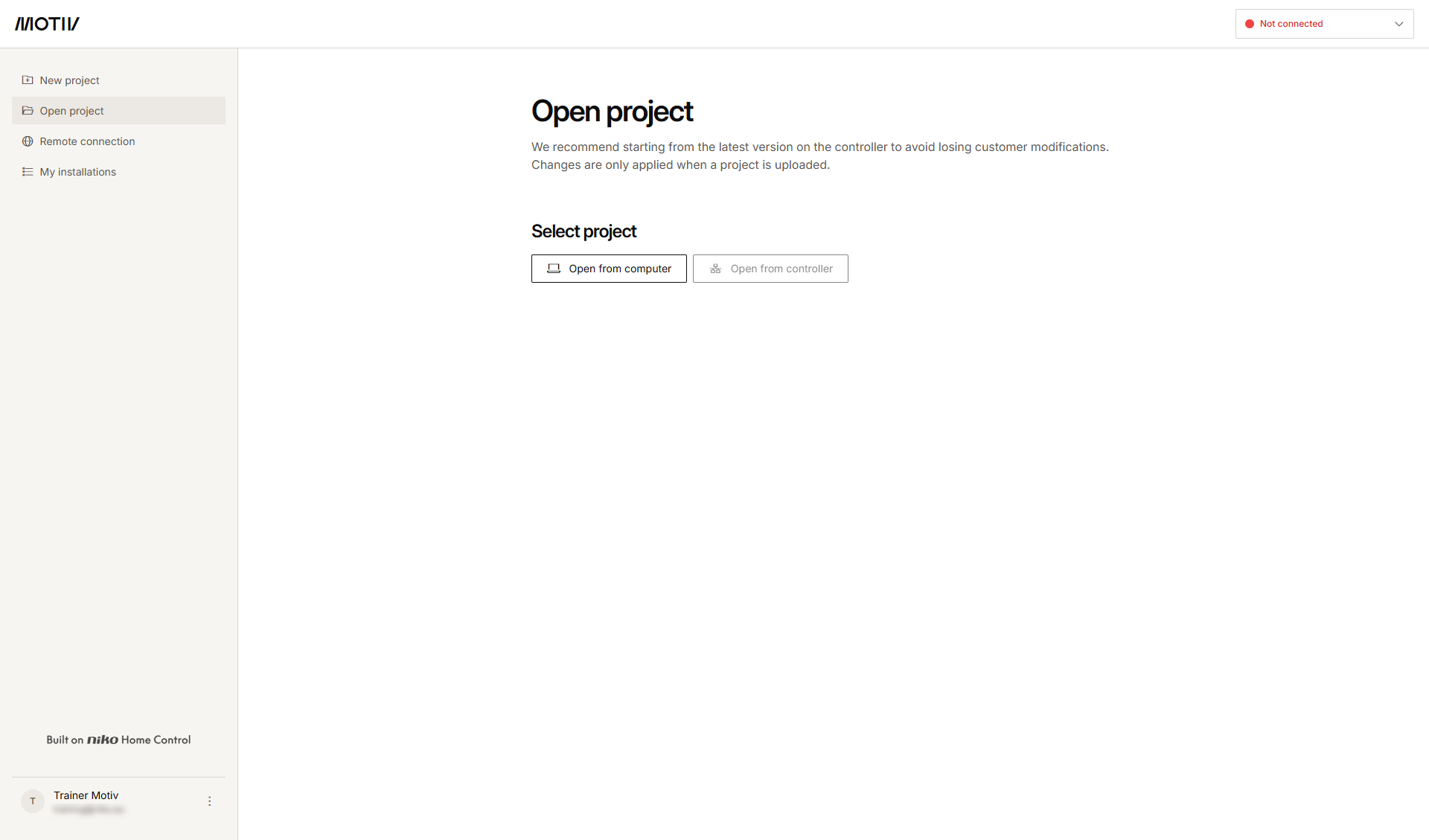
  • Otvorili ste programovací softvér MOTIV Building Control a prihlásili ste sa doň
    alebo ste klikli na tlačidlo Domov, keď bol otvorený nejaký projekt.

  • Máte zaregistrovanú inštaláciu.

https://s3-eu-west-1.amazonaws.com/guideimages/Screenshots/V2.9/EN/s19_02_07_228_001.png

Postup

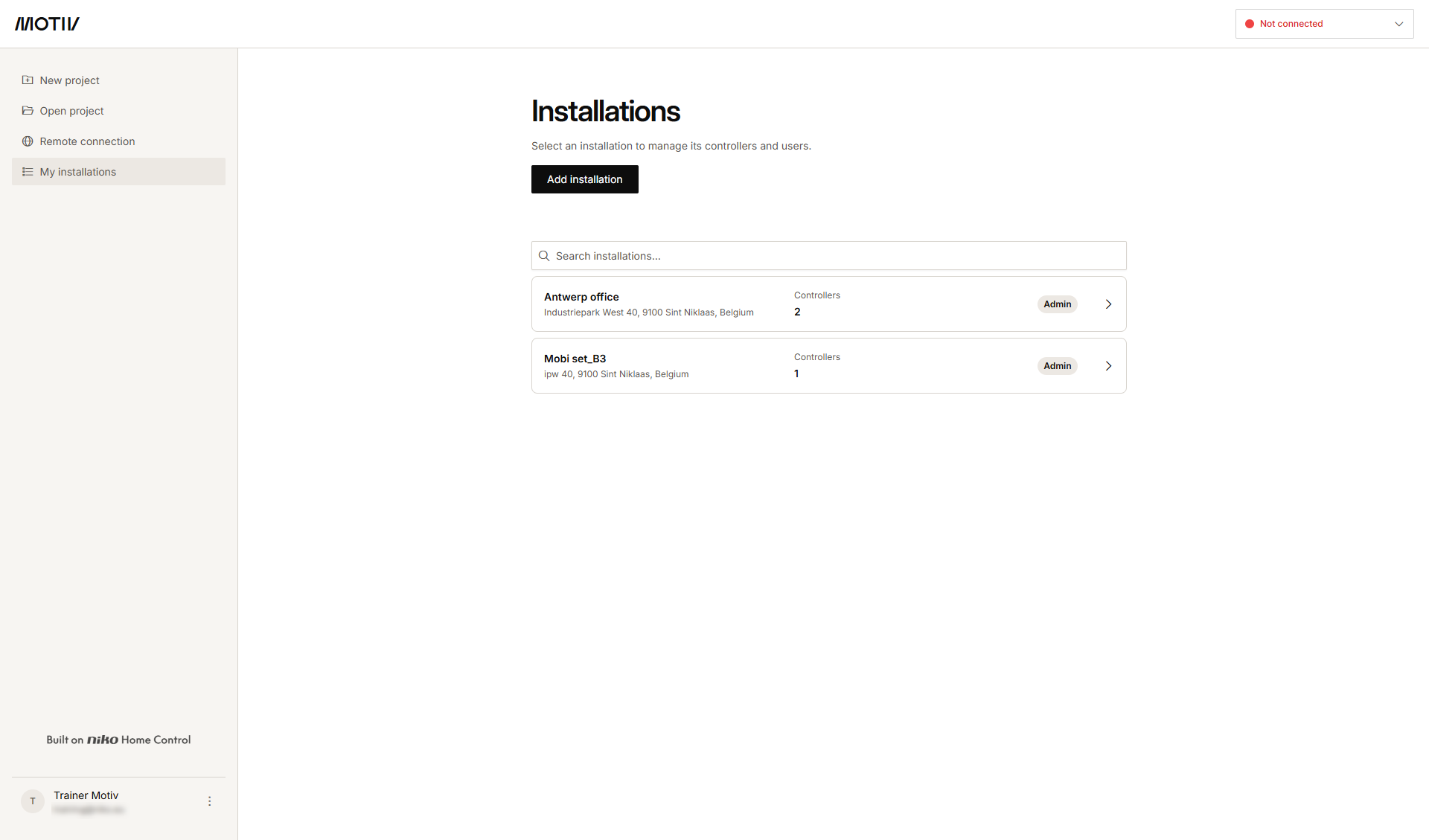
  1. V ponuke vľavo kliknite na Moje inštalácie.
    https://s3-eu-west-1.amazonaws.com/guideimages/Screenshots/V2.9/EN/s19_02_07_228_002.png
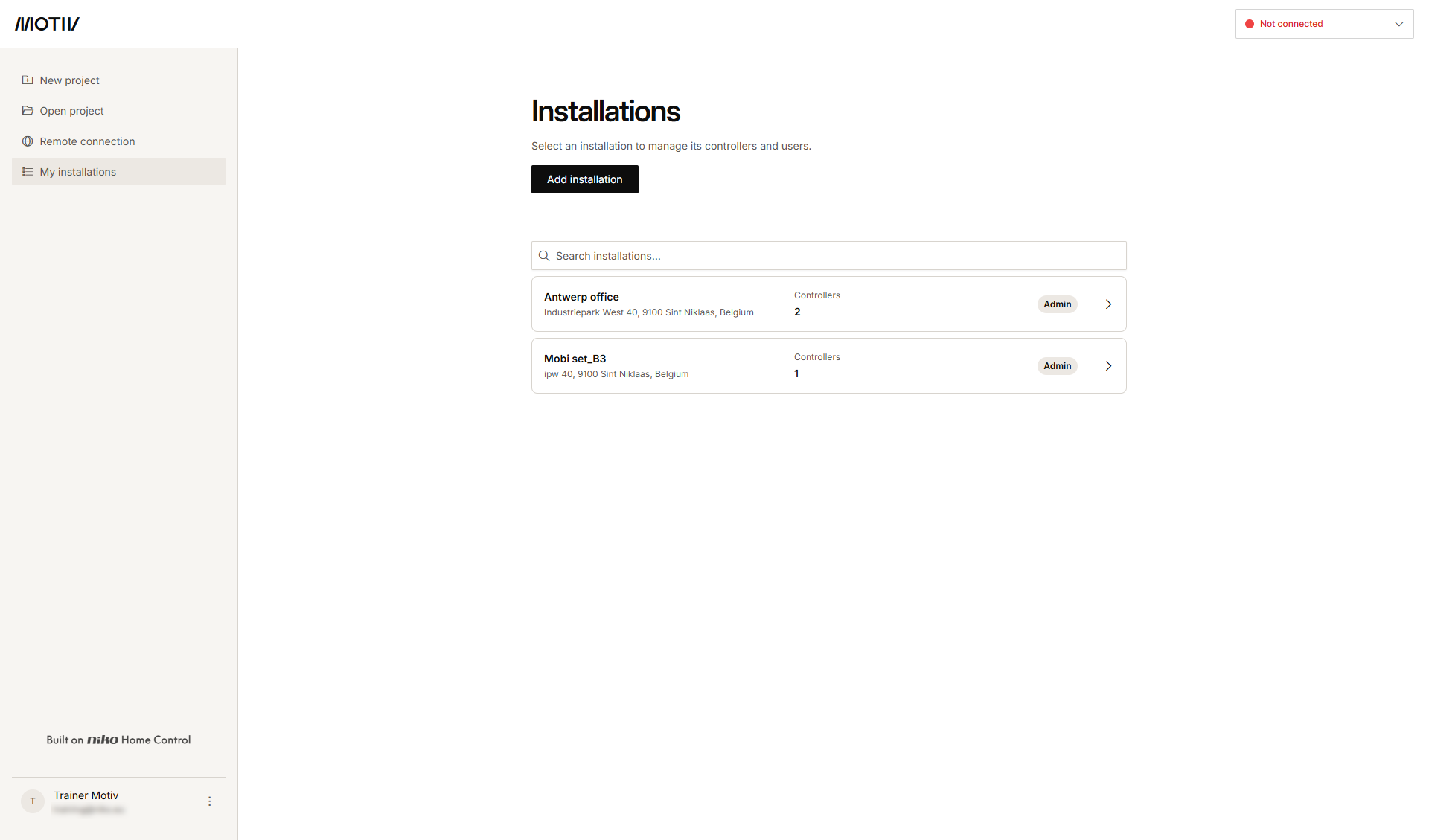
  2. Kliknite na šípku vedľa inštalácie, do ktorej chcete pridať controller.
    Výsledok: Zobrazí sa zoznam controllerov v inštalácii spolu s ich stavom.
    s19_02_07_228_003
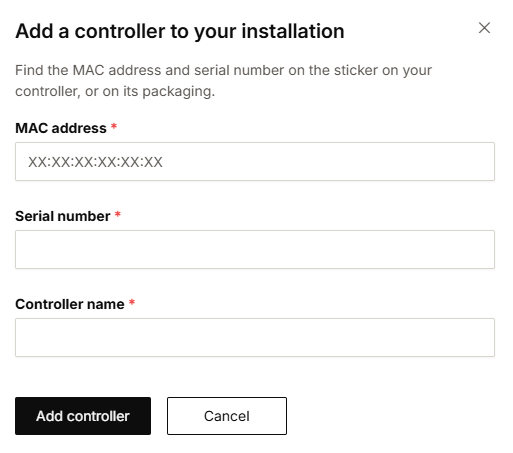
  3. Kliknite na Pridať controller.

    s19_02_07_228_004


  4. Zadajte MAC adresu, sériové číslo a názov controllera.

  5. Kliknite na Pridať controller.