Niko Home Control is evolving into MOTIV Building Control. MOTIV is a new brand for intelligent building automation. Built on the trusted foundation of Niko Home Control, MOTIV solutions are designed to make buildings work more naturally for the people inside them. MOTIV helps professionals create smarter, more comfortable buildings. With technology that works quietly in the background. All existing Niko Home Control solutions remain fully compatible with MOTIV. Over time, the full portfolio will move to the MOTIV brand. During this transition, you will see both Niko Home Control (NHC) and MOTIV Building Control (MBC) appear in this documentation. Discover MOTIV at niko.eu/MOTIV
Software Manual
Working version 2.27.1 English Dutch French Slovak Danish German Swedish

Changing the shape of a room

Starting point

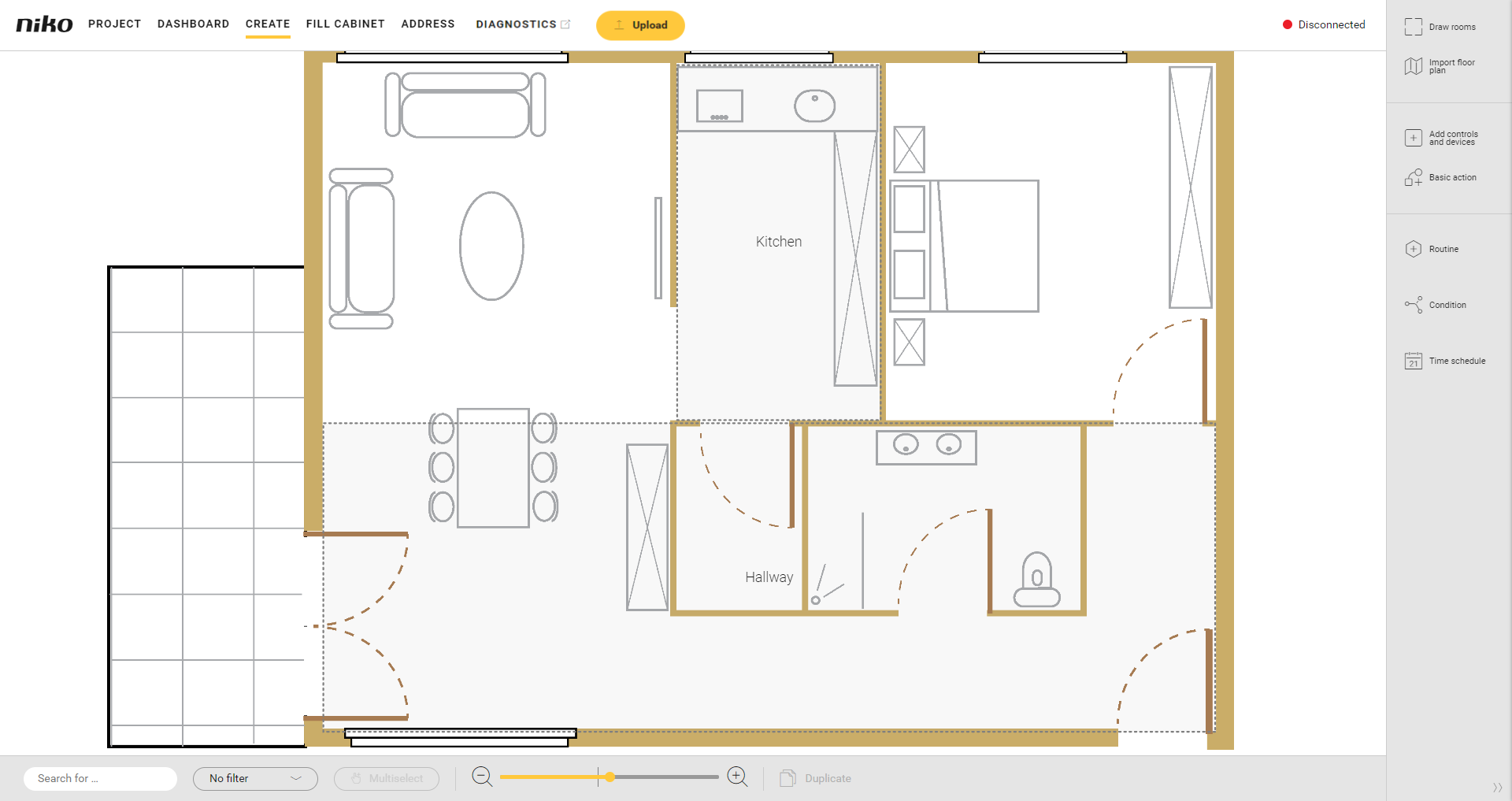
https://s3-eu-west-1.amazonaws.com/guideimages/Screenshots/V2.9/EN/s06_03_00_217_001.png

Procedure

  1. Select the room by: 

    • clicking on the edge of a room

    • double-clicking in the room

    • clicking on the name of the room

    Result: The Draw rooms pane appears. The room is marked on the drawing area:

    • a blue bubble appears on each corner

    • a grey bubble appears in the middle of each line.

  2. You can do the following: 

    • Double-click on a grey bubble to divide a line into 2 equal parts. The grey bubble turns blue (becomes a corner).

    • Click and drag a blue bubble to move a corner.

Video

See an example here. Turn on the sound to watch the video.

In this example the room corresponding to the bedroom has been drawn as a square. We modify the shape so that it coincides with the bedroom on the floor plan.