
You can also onboard (address) the Digital black using the Niko Home app.
Starting point
-
You have physically installed the Digital black (24 V - 230 V).
-
The Digital black is connected to the same network as your installation (24 V - 230 V).
-
Your computer is connected to the installation.
-
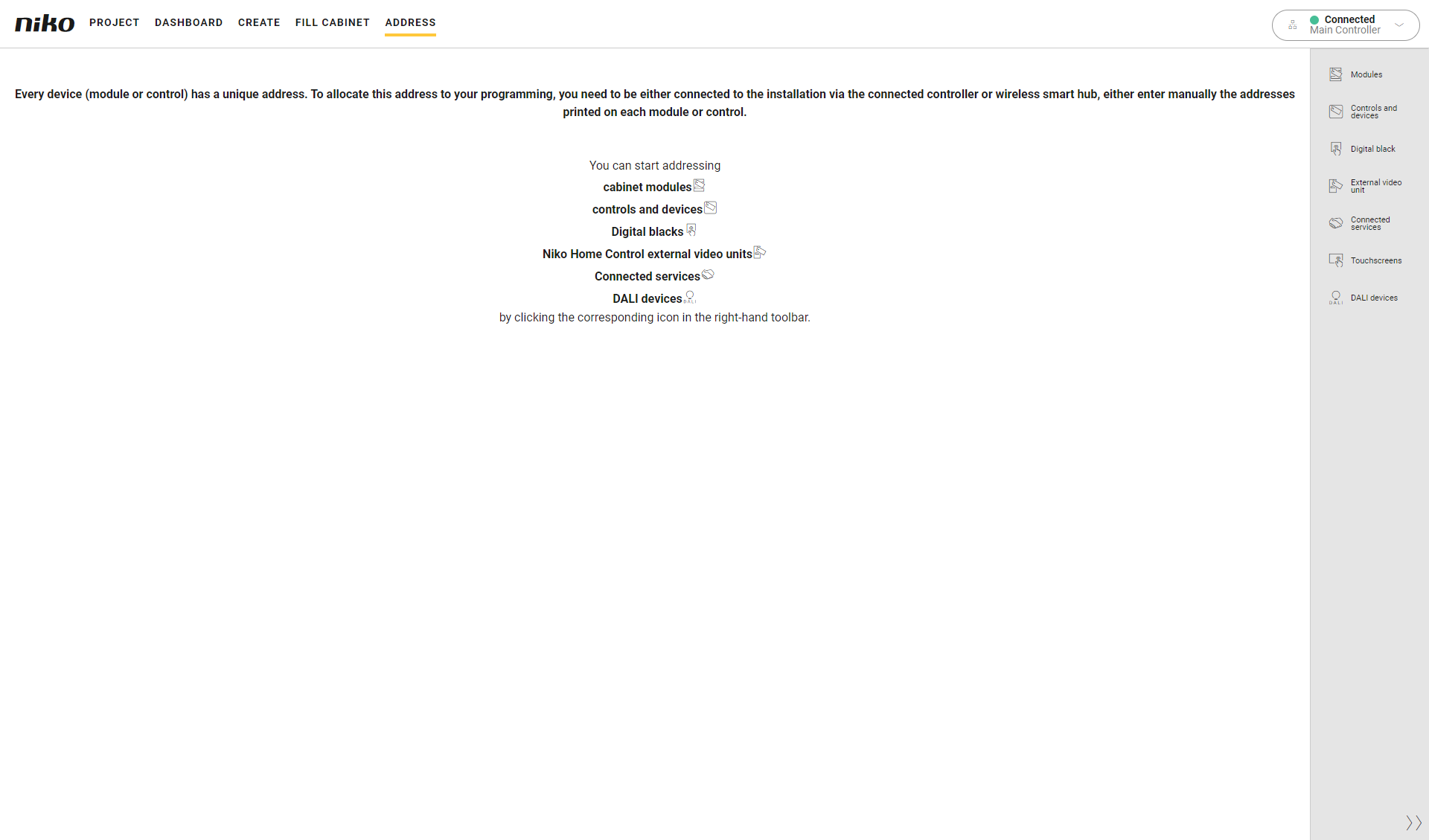
You are in the Address overview window.
Procedure
-
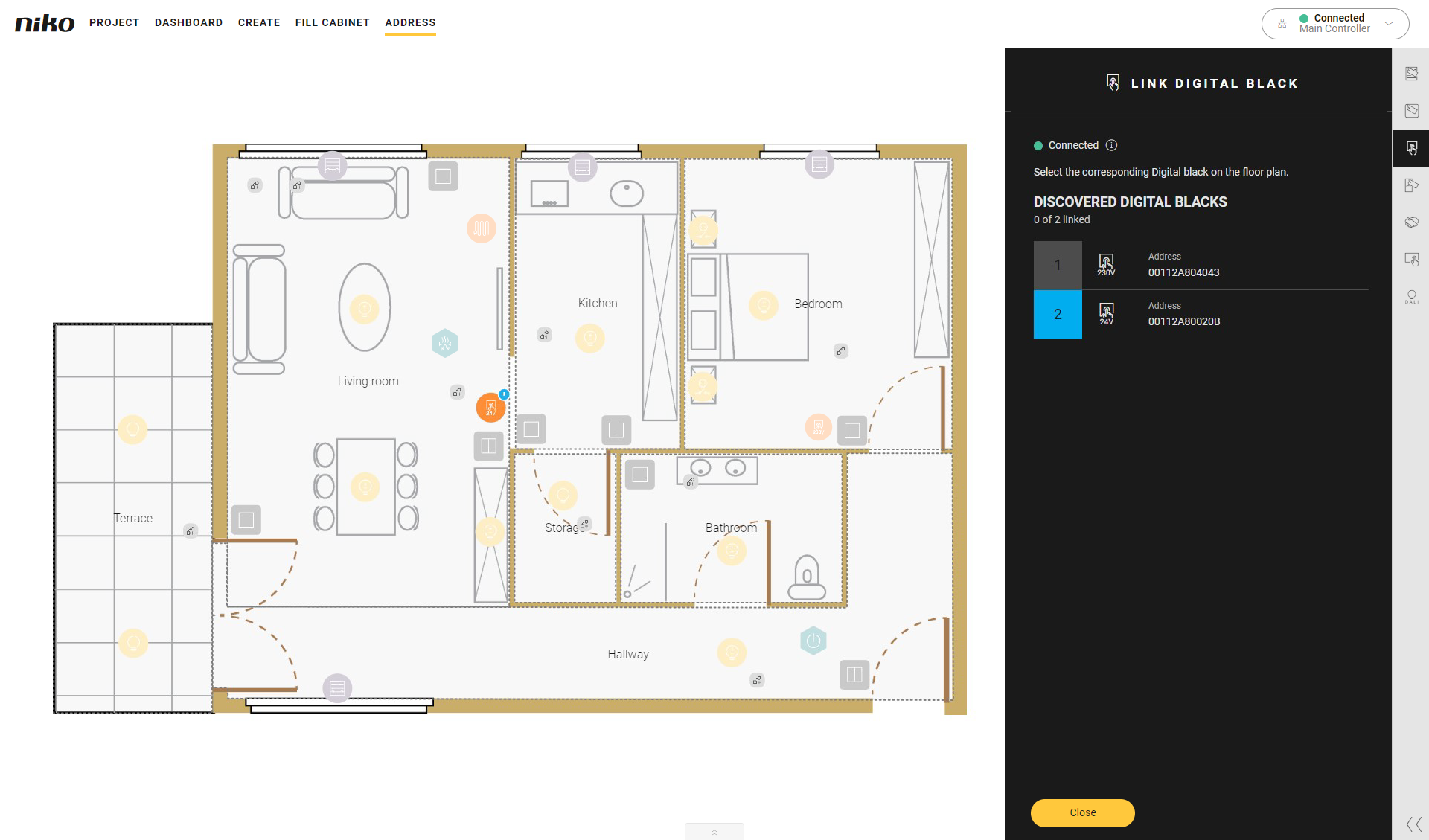
In the right-hand button bar, click on the button Digital black.
Result:-
The Link Digital black pane appears and shows the Digital blacks, 24 V/230 V found in thehome network, with the corresponding MAC address. This MAC address is also displayed on the Digital black.
-
In the drawing area the Digital blacks are shown.
-
-
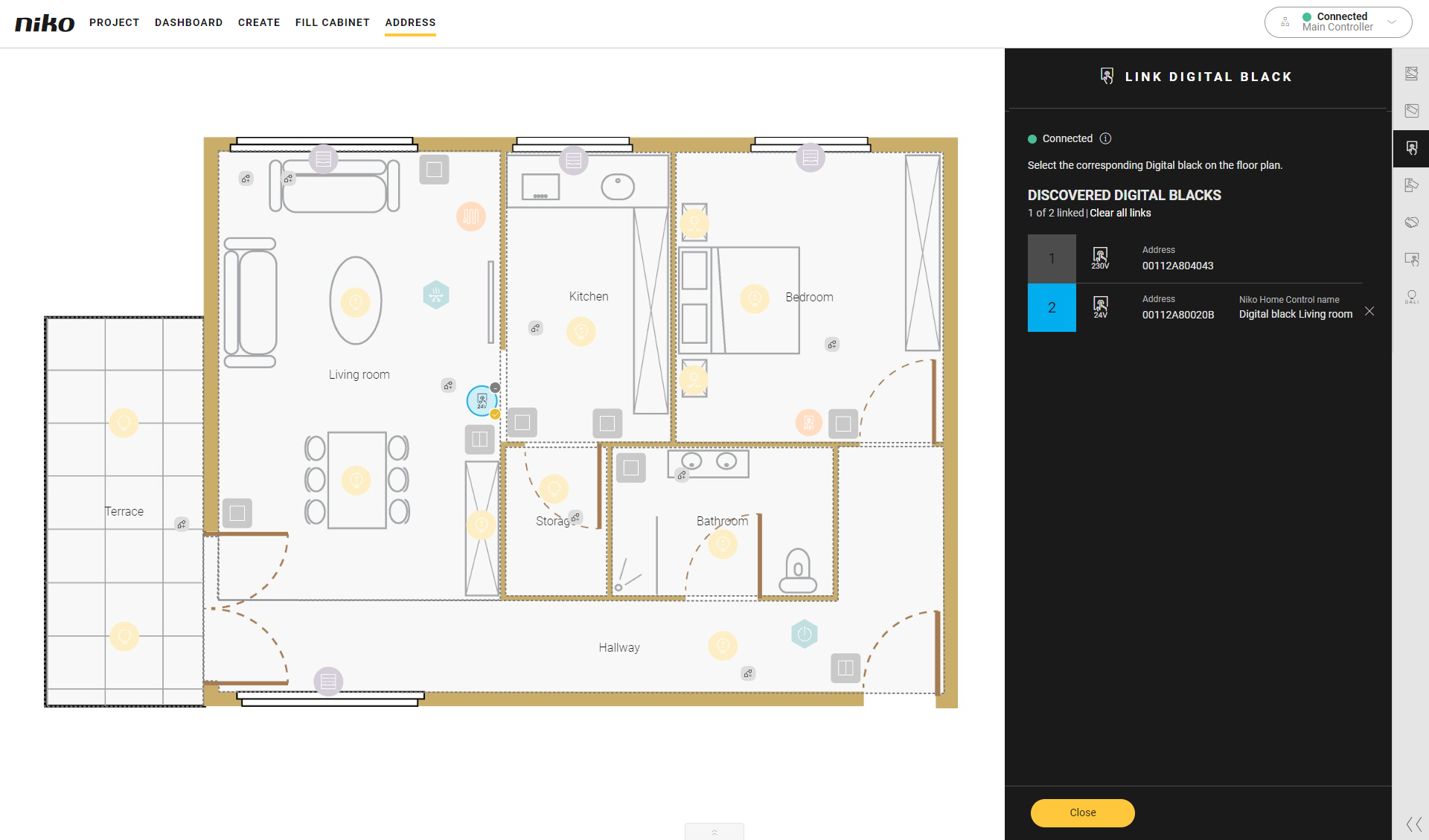
Click on the plus signs of the Digital blackon the floor planto link them.
-
Click the Close button to return to the Address overview window.