
On the right-hand side of the menu, you always find the Connection centre button with the connectivity status of your Niko Home Control installation.
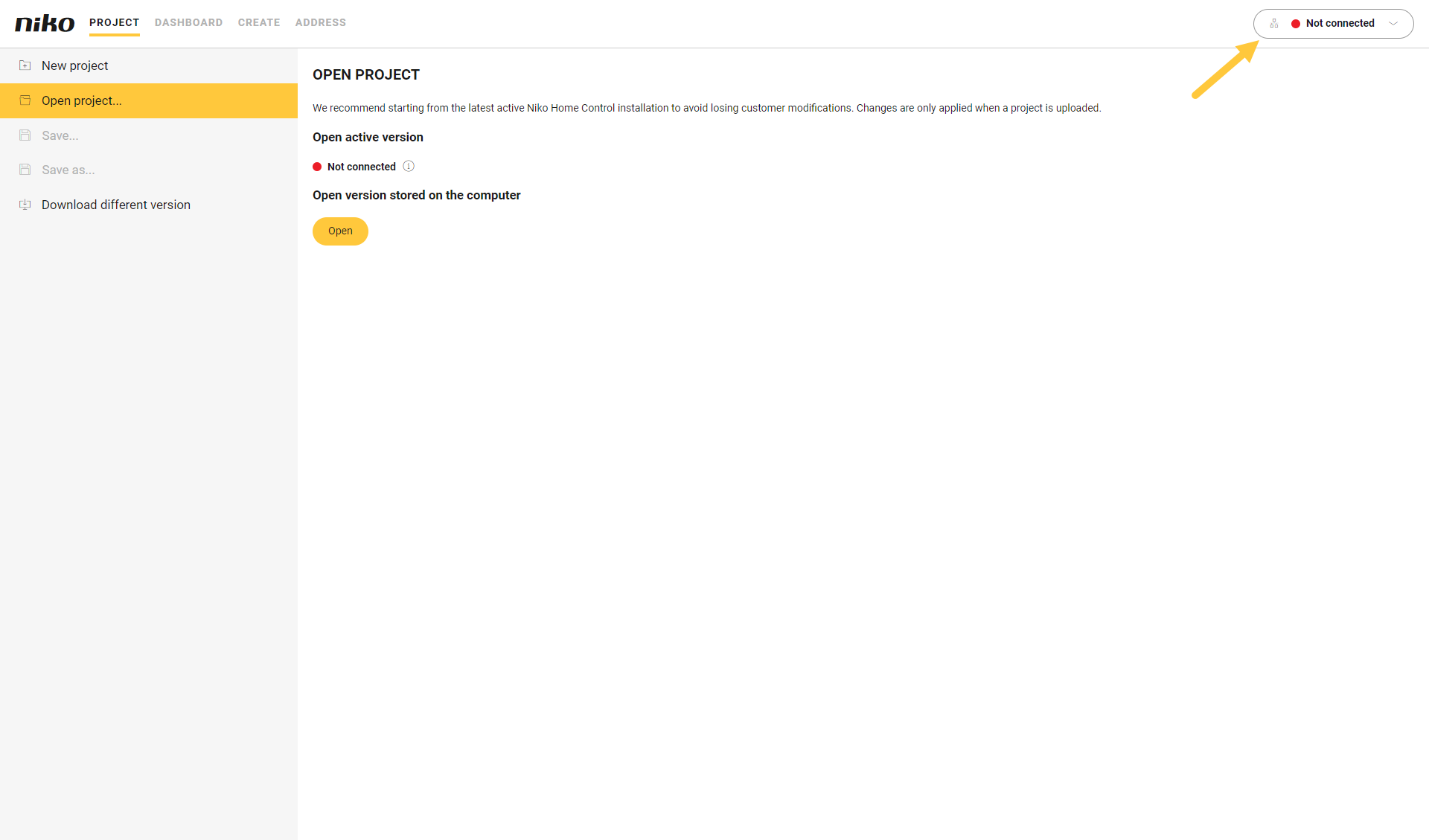
Connection status
|
|
Installation with a |
|
|---|---|---|
|
connected controller |
wireless smart hub |
|
|
Disconnected |
|
|
|
Connected |
|
|
When your computer is connected to the same network as your installation, and you open the Niko Home Control programming software, you are not connected automatically to your connected controller or wireless smart hub.