
You can adjust the operating mode of the following push buttons:
-
generic push buttons with or without LED
-
push-button interface used as 4-fold control
-
push button extension
-
wireless push buttons
-
Niko Rocker or Niko Toggle, configured as two separate generic buttons
-
Sense3
You connect a push-button interface to an external (waterproof) push button to connect this to the bus. You can programme the interface in different ways: dim, roller shutter, ventilation or 4-fold control.
Startingpoint
-
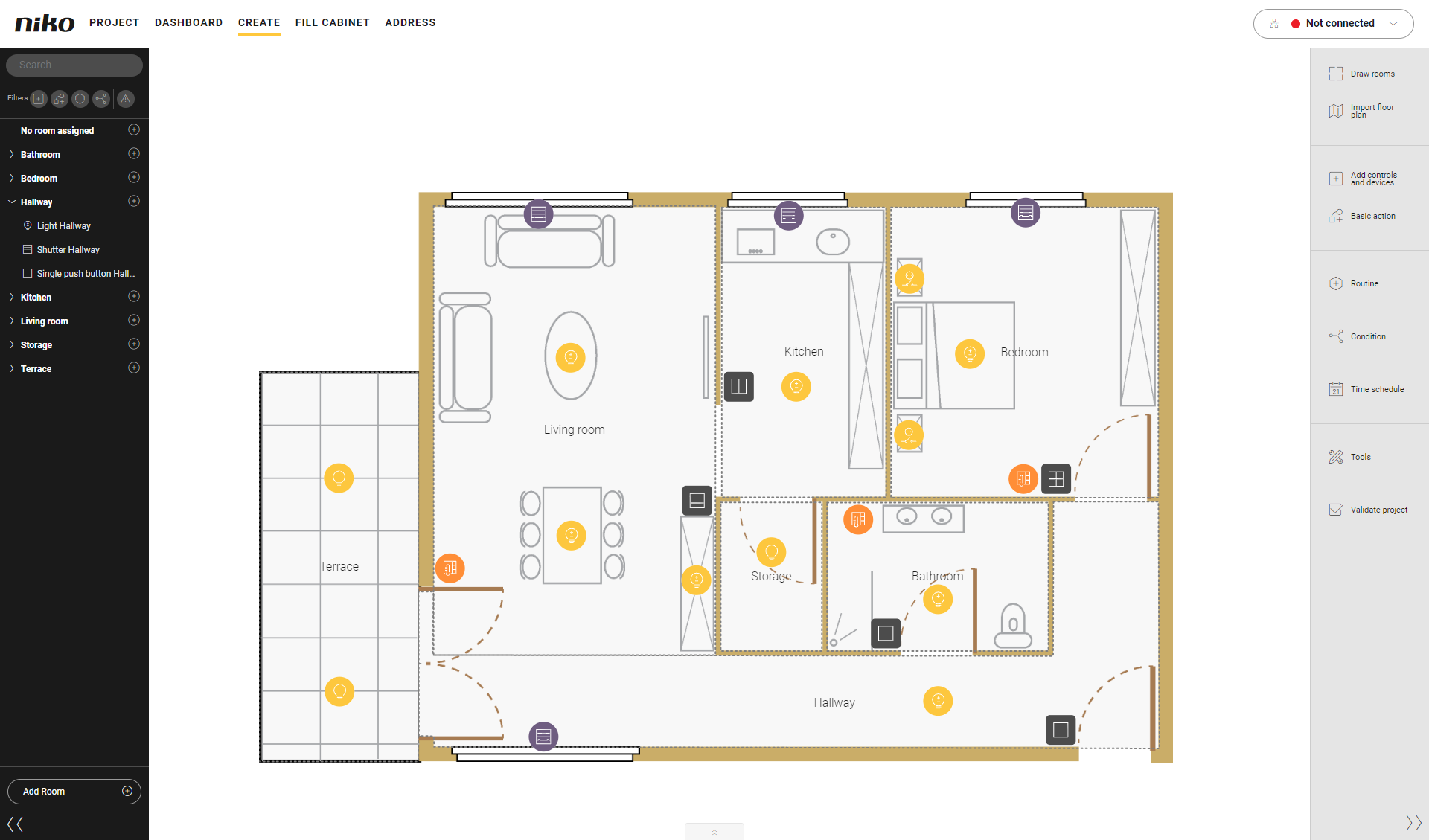
You are in the Create overview window.
Procedure
-
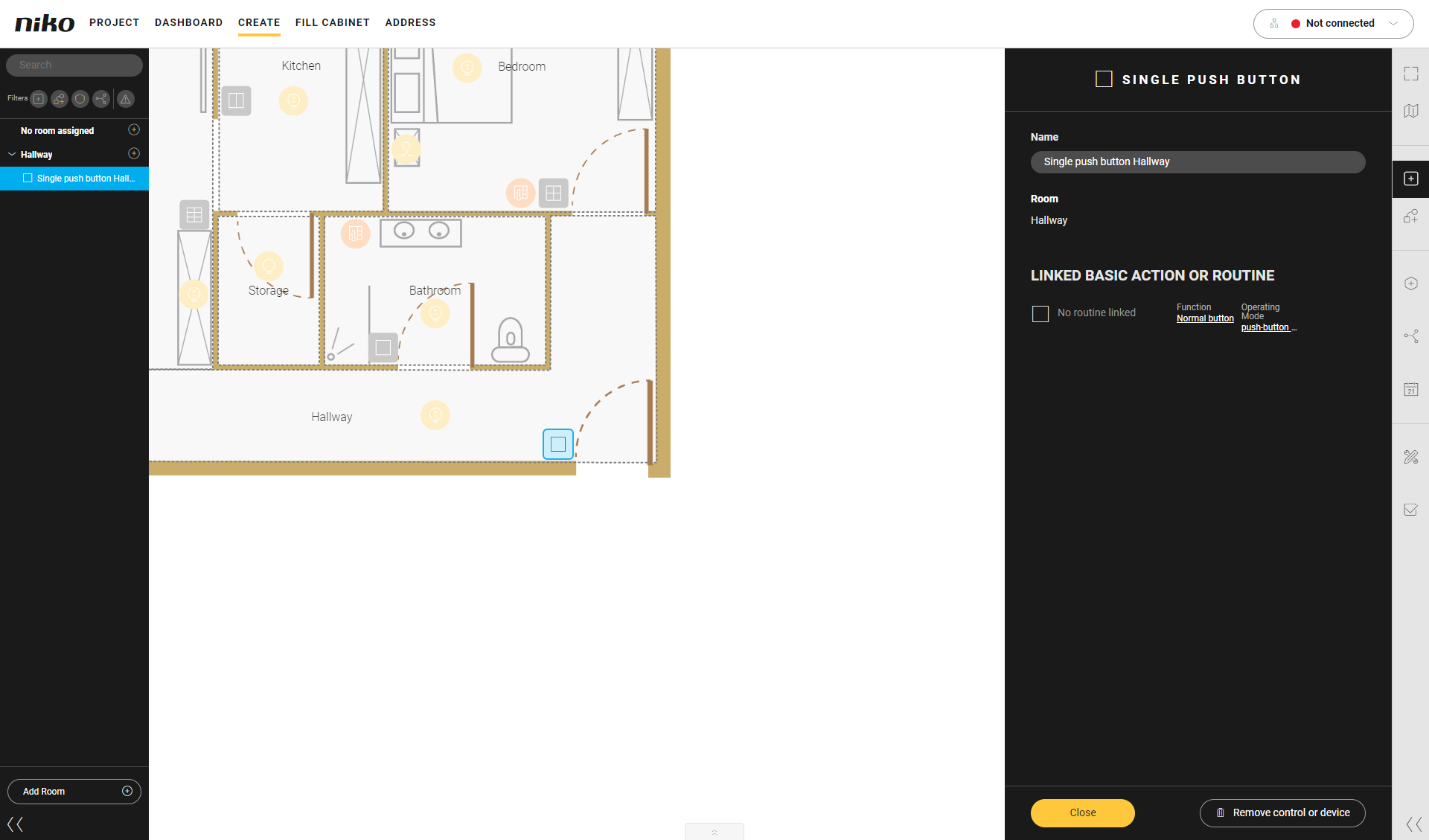
Click on the push button.
Result: The pane with the information appears.
-
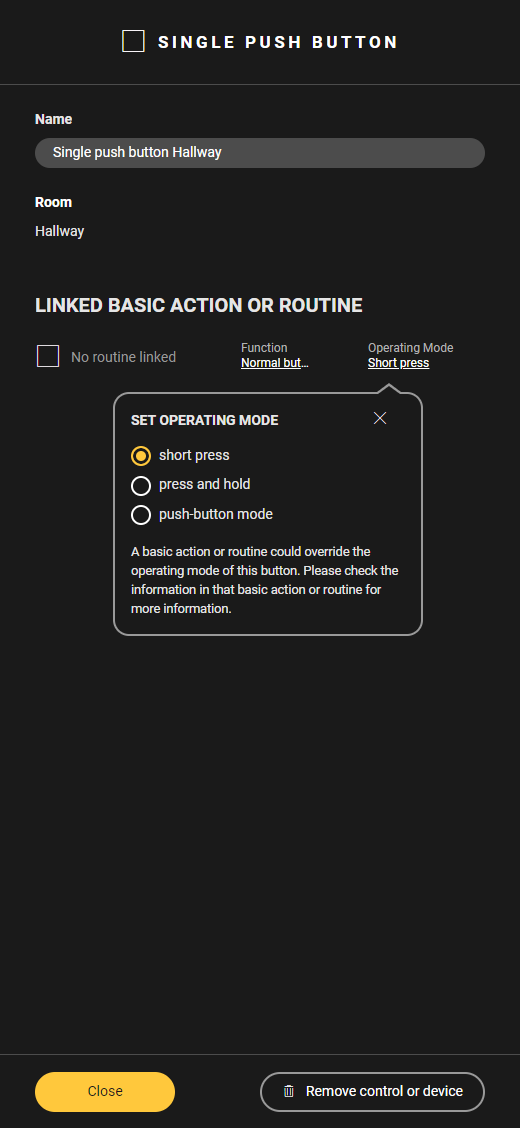
Click on Operating mode.
Result: The Set operating mode menu appears.
-
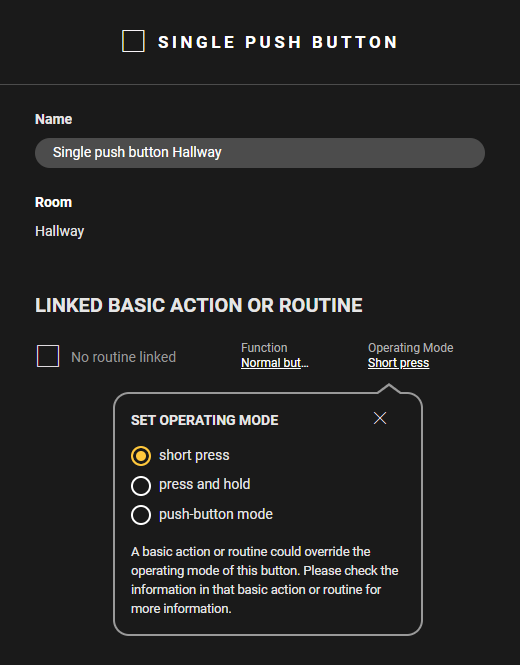
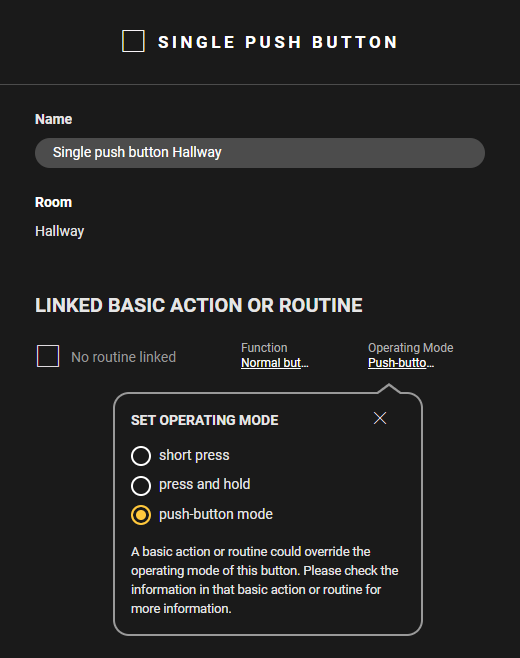
Adjust the operating mode as follows:
-
Choose Short press to activate the basic action or routine by briefly pressing the push button.
-
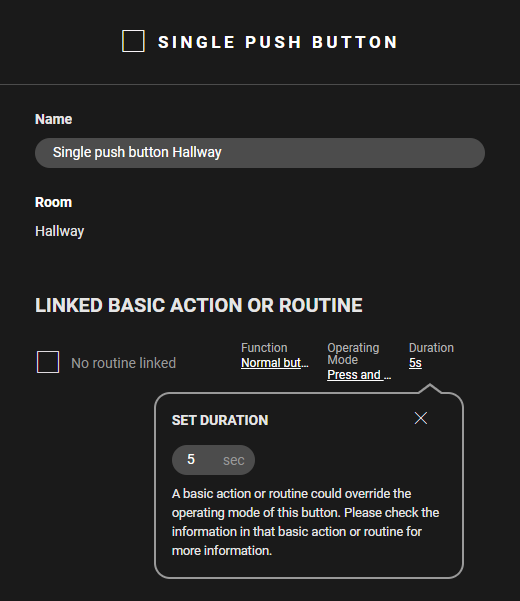
Choose Press and hold to activate the basic action or routine by holding down the push button. Set the Duration (minimum 1 sec. - maximum 59 sec.).
-
Select Push button mode to activate the basic action or routine for as long as you keep the push button pressed.
Videos
See some examples here. Turn on the sound to watch the video.
Short press
Press and hold
Push button mode