
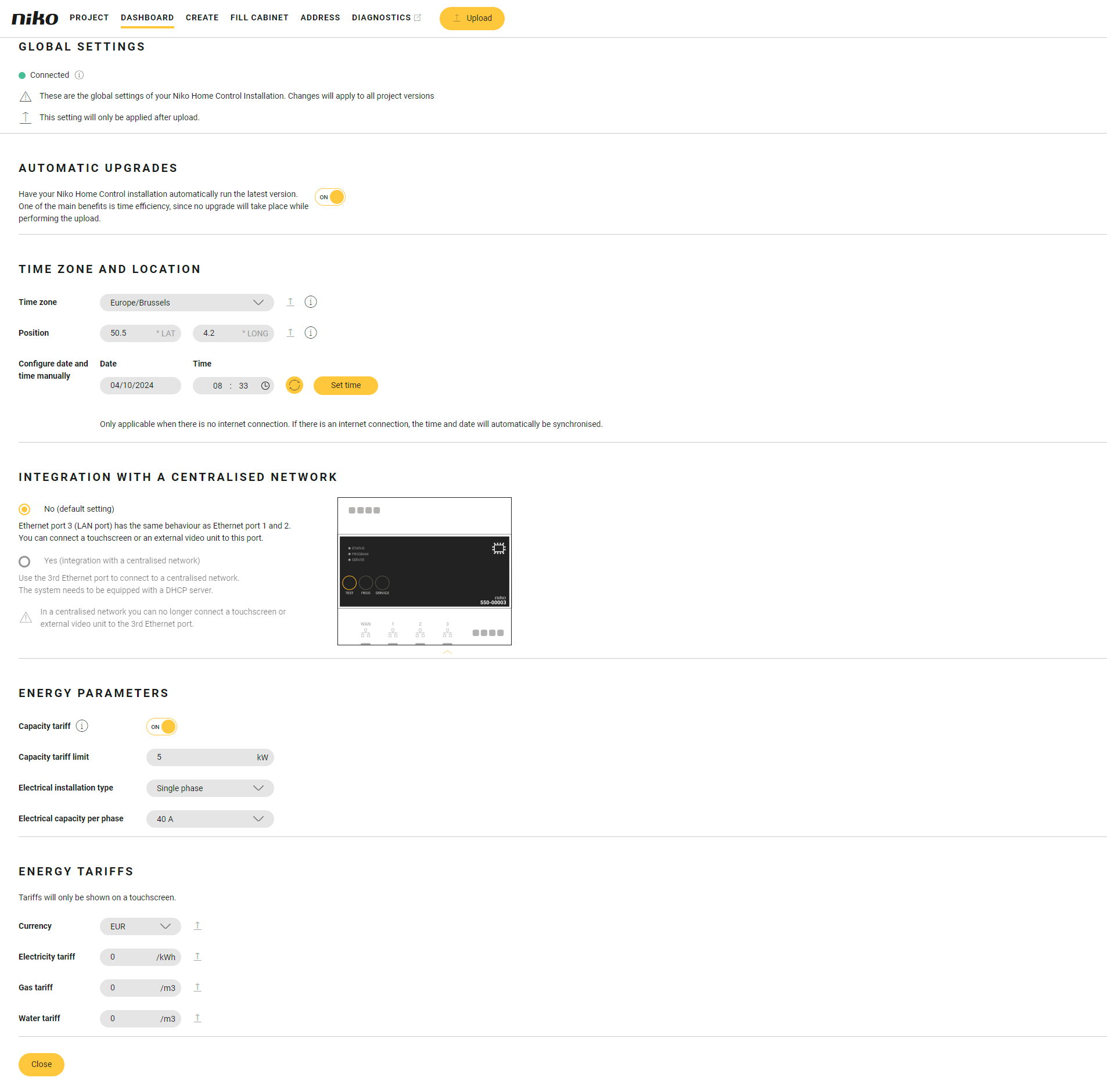
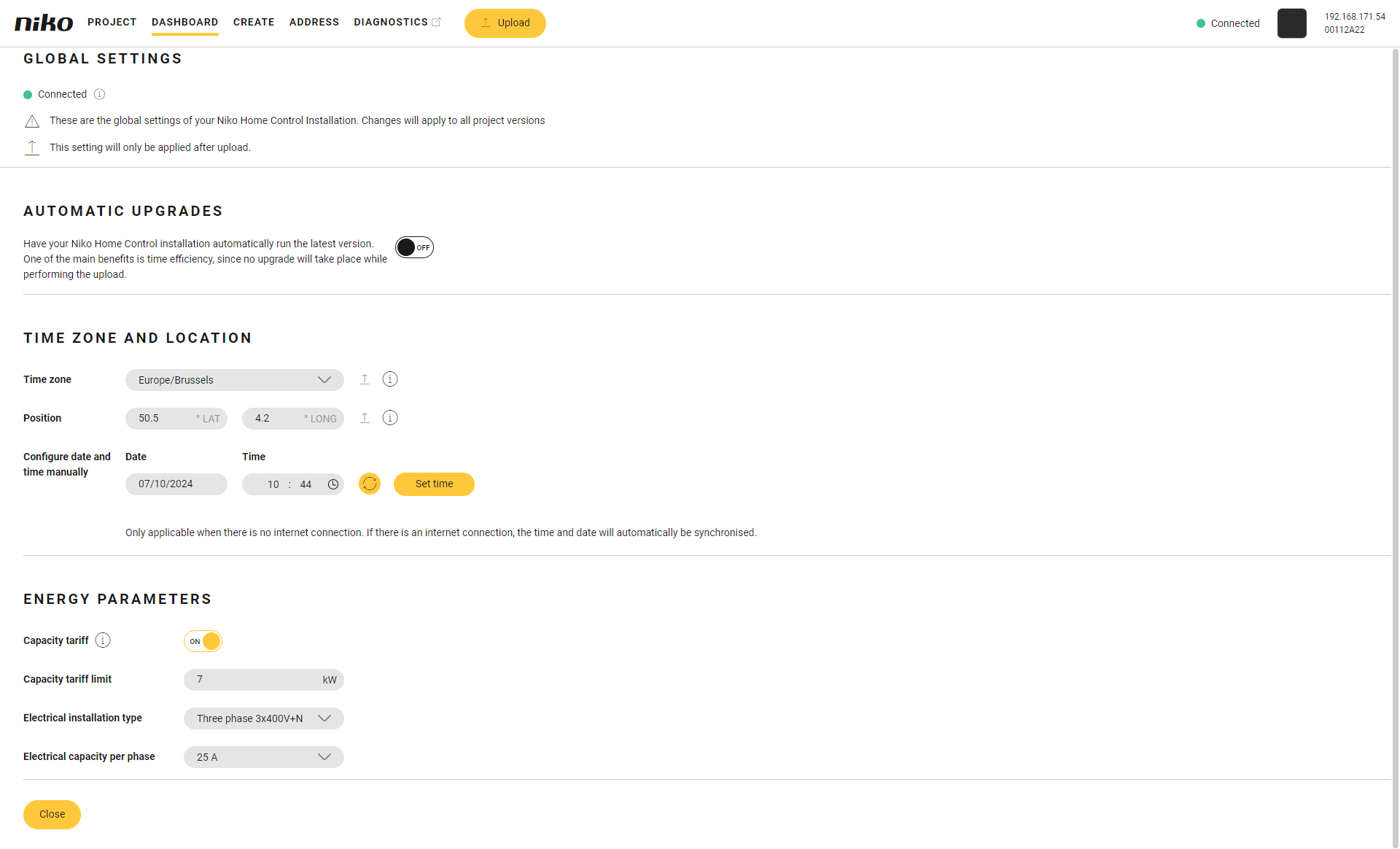
To adjust the global settings, the computer must be connected to the connected controller or wireless smart hub.
You can view/edit the following settings:
|
Setting |
What? |
|---|---|
|
Automatic upgrades |
Set to “ON” to make sure the installation automatically runs the latest version and upload the configuration file to the installation to save the setting. When an upgrade is downloaded, the connected controller or the wireless smart hub chooses when the installation will be upgraded. A notification is sent. You can postpone (date and/or time) the upgrade in the Niko Home app.
|
|
Time zone and location |
|
|
Centralised network |
Configuration of the 3rd Ethernet port of the connected controller for a connection to a centralised network. |
|
Energy parameters |
Configuration of the energy parameters:
The settings capacity tariff limit, electrical installation type and electrical capacity per phase are visualised when the capacity tariff slider is set to “ON”. You can also set the energy parameters in the Niko Home app. |
|
Energy tariffs touchscreen |
|
|
Installation equipped with |
|
|---|---|
|
connected controller |
wireless smart hub |
|
|