
Afsendelse af push-notifikationer
Tabellen herunder viser de notifikationer, du kan sende i scenarierne.
|
Scenarie |
En push-notifikation sendes når ... |
|---|---|
|
Advarslen kan ikke aktiveres. Systemet aktiverer den automatisk, når problemet er løst. |
|
|
Problemet med sensoren/kontakten er løst. |
|
|
Advarslen er aktiveret. |
|
|
Opvarmningen kan ikke tændes. |
|
|
Kølingen kan ikke tændes. |
Udgangspunkt
-
Du har oprettet notifikationer i en logikprogrammering eller i et af følgende scenarier:
-
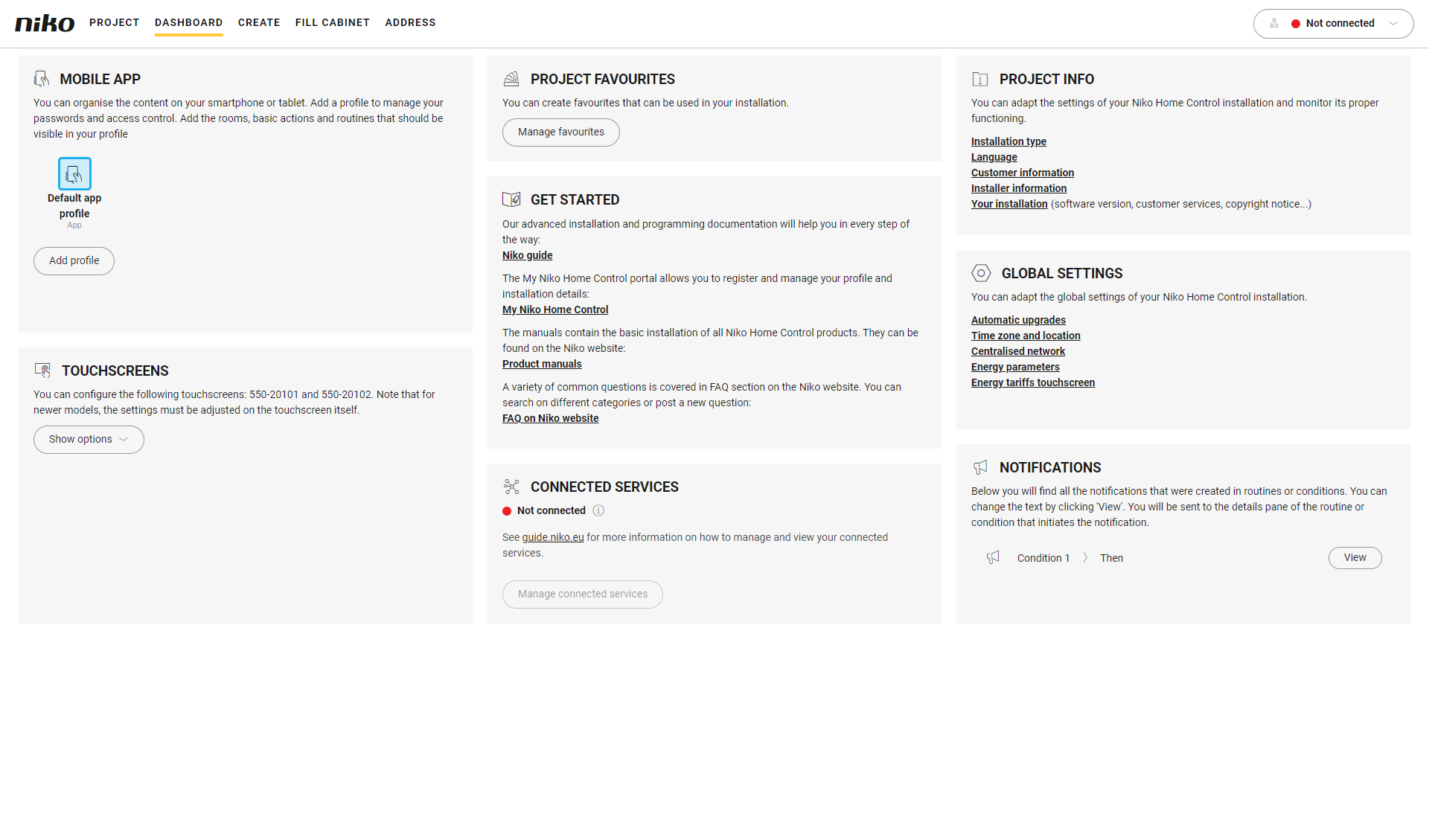
Du er i menuen Oversigt.
Fremgangsmåde
-
I ruden til højre skal du klikke på knappen Vis ved siden af den notifikationsmeddelelse, der skal redigeres.
Resultat:
Vinduet med det korresponderende scenarie eller programmering.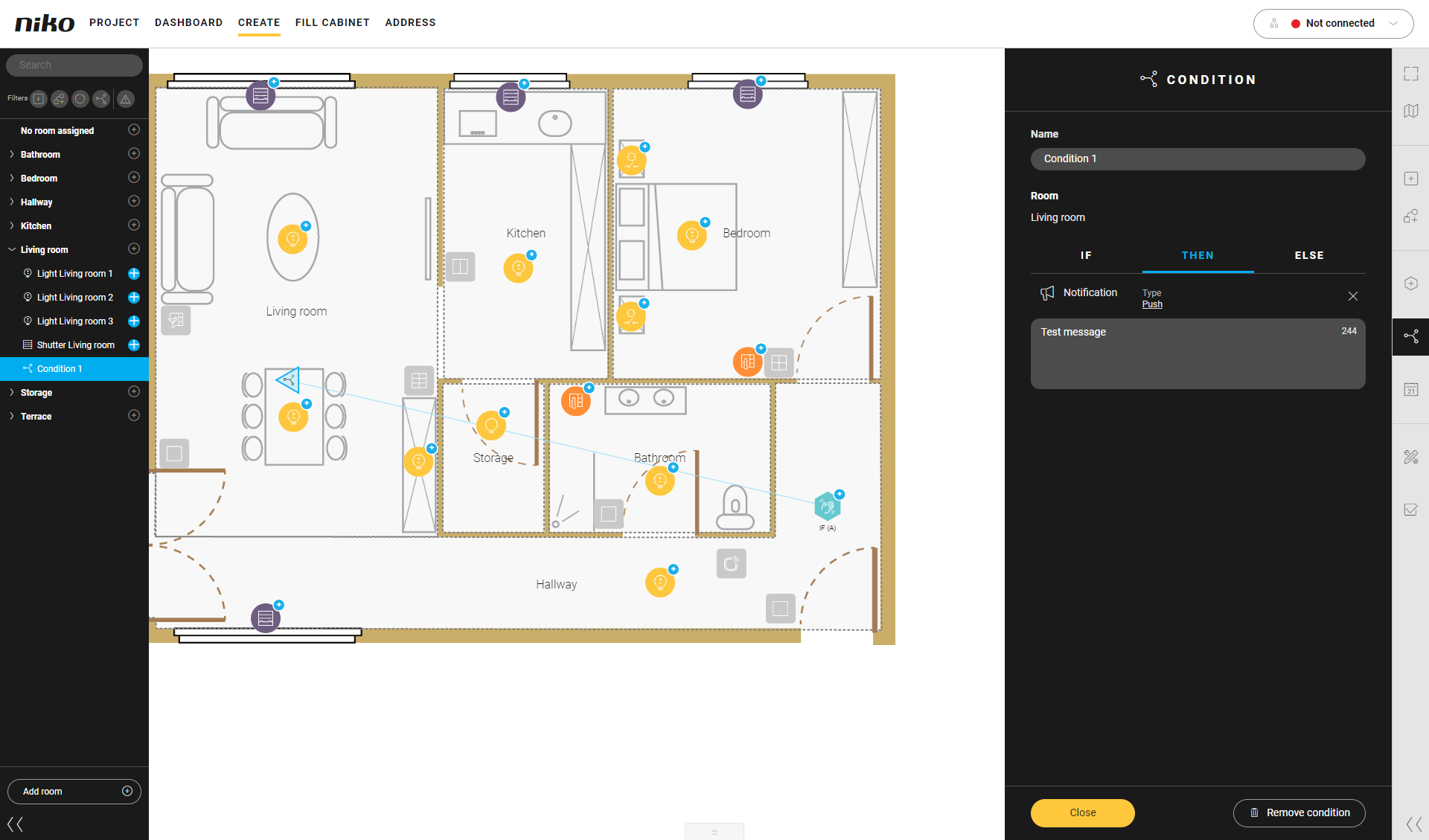
-
Rediger notifikationsmeddelelse.
-
Klik på knappen Luk for at gå tilbage til oversigtsvinduet Oversigt.
Du kan også redigere notifikationsteksten ved at klikke på programmeringen i tegneområdet.