Niko Home Control is evolving into MOTIV Building Control. MOTIV is a new brand for intelligent building automation. Built on the trusted foundation of Niko Home Control, MOTIV solutions are designed to make buildings work more naturally for the people inside them. MOTIV helps professionals create smarter, more comfortable buildings. With technology that works quietly in the background. All existing Niko Home Control solutions remain fully compatible with MOTIV. Over time, the full portfolio will move to the MOTIV brand. During this transition, you will see both Niko Home Control (NHC) and MOTIV Building Control (MBC) appear in this documentation. Discover MOTIV at niko.eu/MOTIV
Software Manual
2.28.1 2.27.1 English Danish Dutch French German Slovak Swedish

Ændring af en tavle

Udgangspunkt

  • Du har oprettet en tavle.

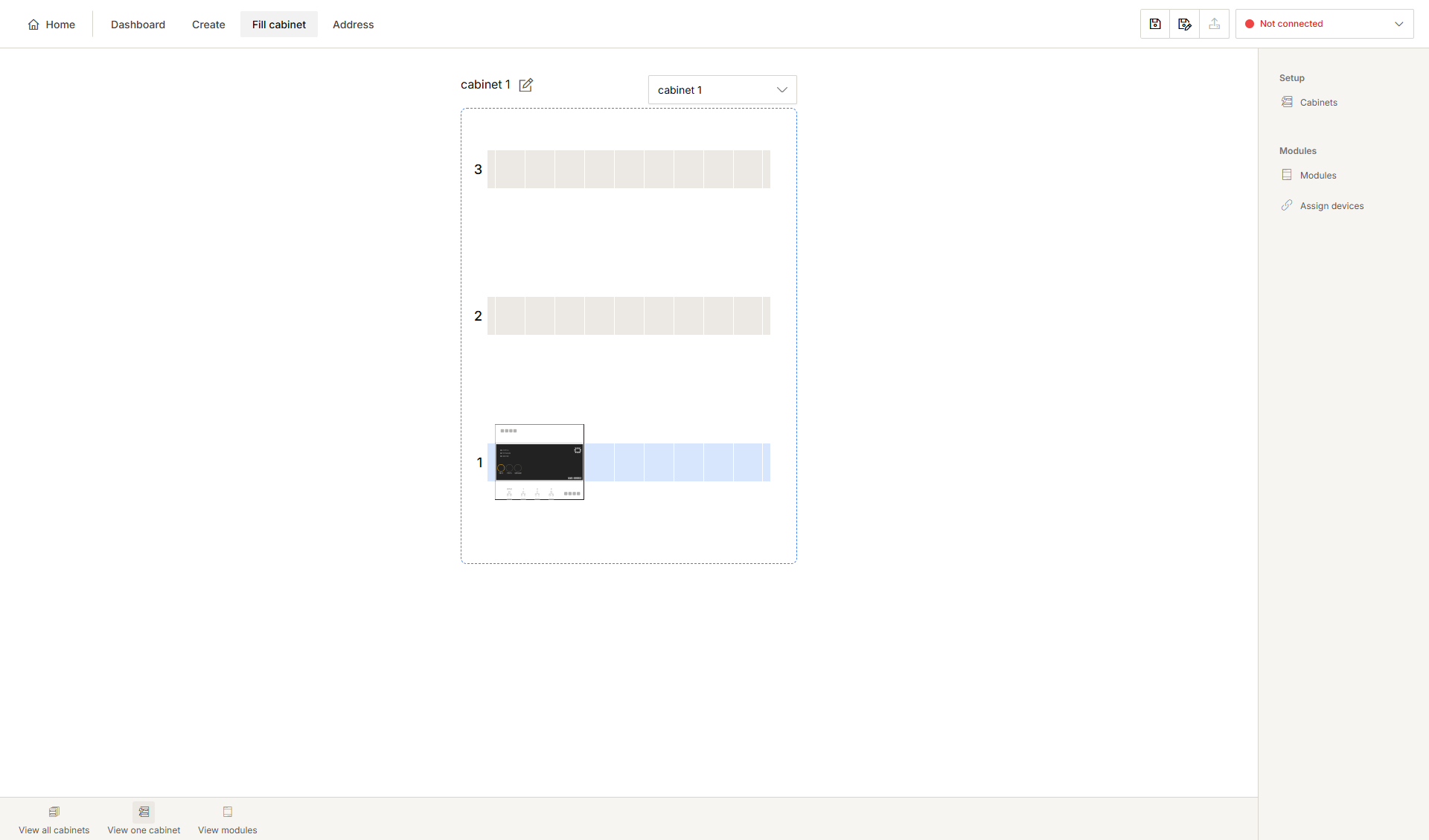
  • Du er i oversigtsvinduet Tavleopbygning.
    Alt text
  1. Fremgangsmåde

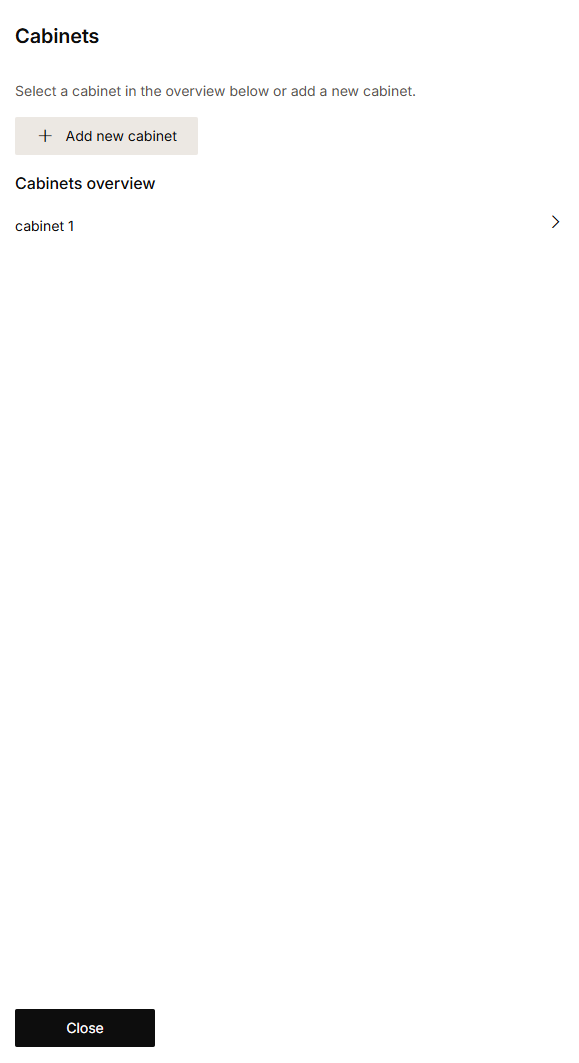
    1. I højre bjælke klik på knappen Tavler.
      Resultat:
      Vinduet Tavler vises, og viser tavleinformationen.
      Alt text
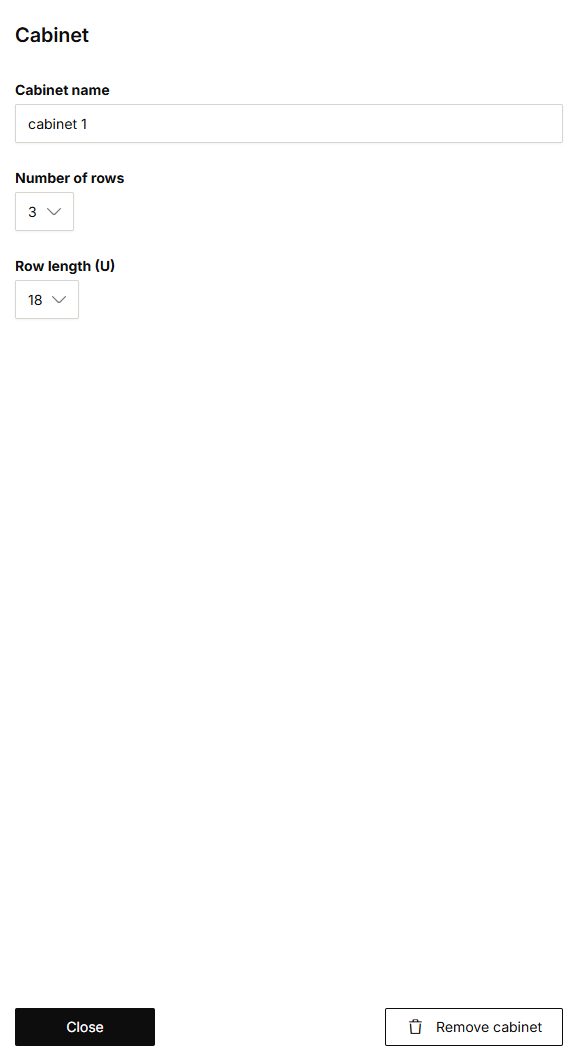
    2. Klik i listen Oversigt over tavler på den tavle, der skal ændres.
      Resultat:
      Vinduet Tavle vises.
    Alt text

    Klik på pennen ved siden af tavlen i tegneområdet. Vinduet Tavle vises.

  2. Du kan gøre følgende:

    • Ændre tavlens navn

    • Ændre antal rækker

    • Ændre rækkernes længde

  3. Klik Luk for at gå tilbage til vinduet Tavler.

  4. Klik Luk for at gå tilbage til oversigtsvinduet Tavle.