
Sending push notifications
The table below shows the notifications you can send in the routines.
|
Routine |
A push notification is sent when ... |
|---|---|
|
The alert cannot be activated. The system will activate it automatically once the problem is solved. |
|
|
The problem with the detector/contact has been solved. |
|
|
The alert is activated. |
|
|
The heating cannot be switched on. |
|
|
The cooling cannot be switched on. |
Starting point
-
You have created notifications in a condition or in one of the following routines:
-
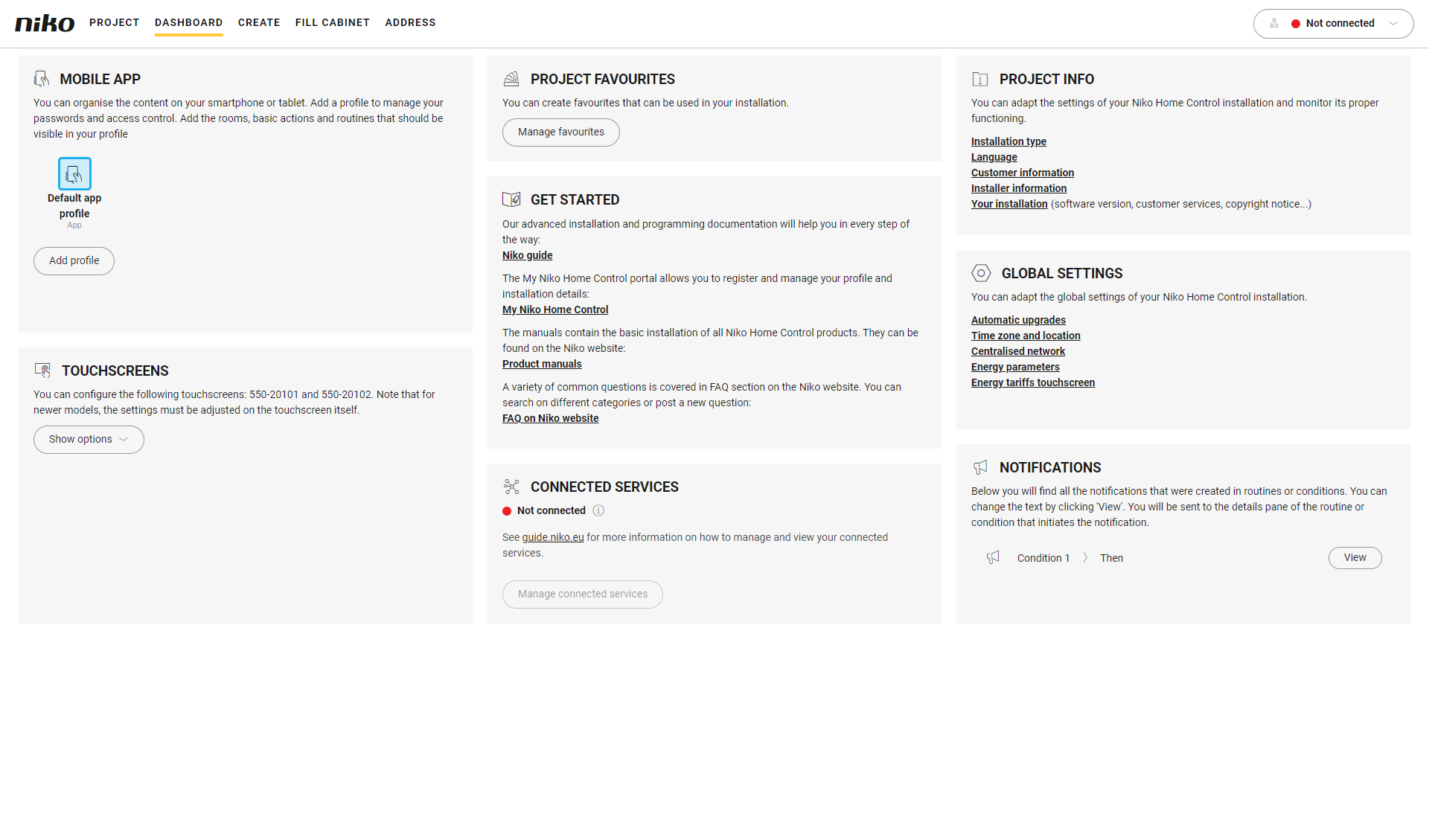
You are in the Dashboard menu.
Procedure
-
In the right-hand pane, click on the View button next to the notification message you wish to edit.
Result:
The pane of the corresponding routine or condition appears.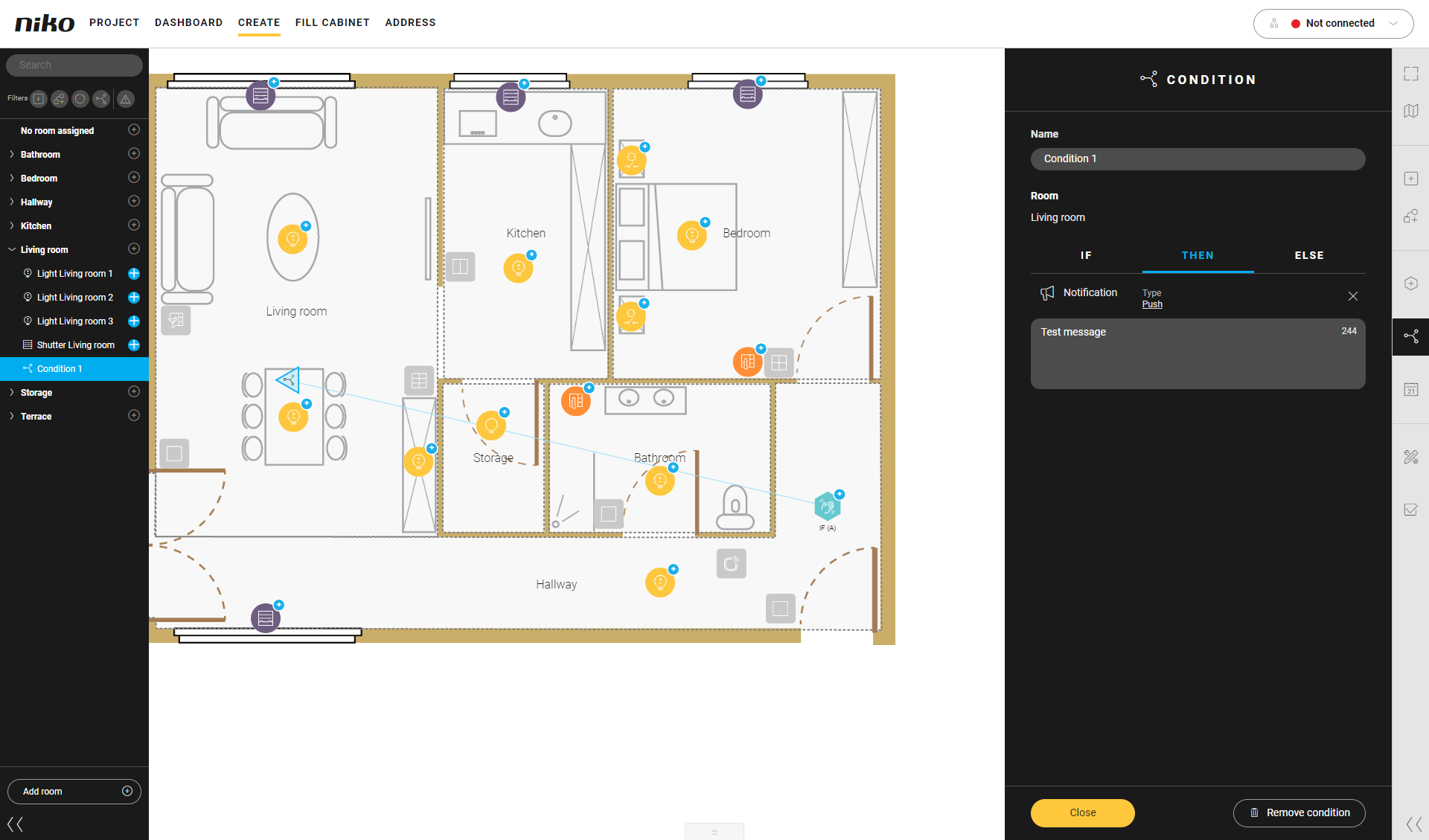
-
Edit the notification message.
-
Click the Close button to return to the Dashboard overview window.
You can also edit the notification text by clicking on the action in the drawing area.