Starting point
-
Your project comprises controls and devices.
-
You are creating a basic action, a routine or a condition.
-
You want to add several controls and devices to this action at the same time.
-
You are in the Create overview window.
Procedure
-
Press and hold the Shift button on your keyboard.
Result:
The cursor turns into a cross. -
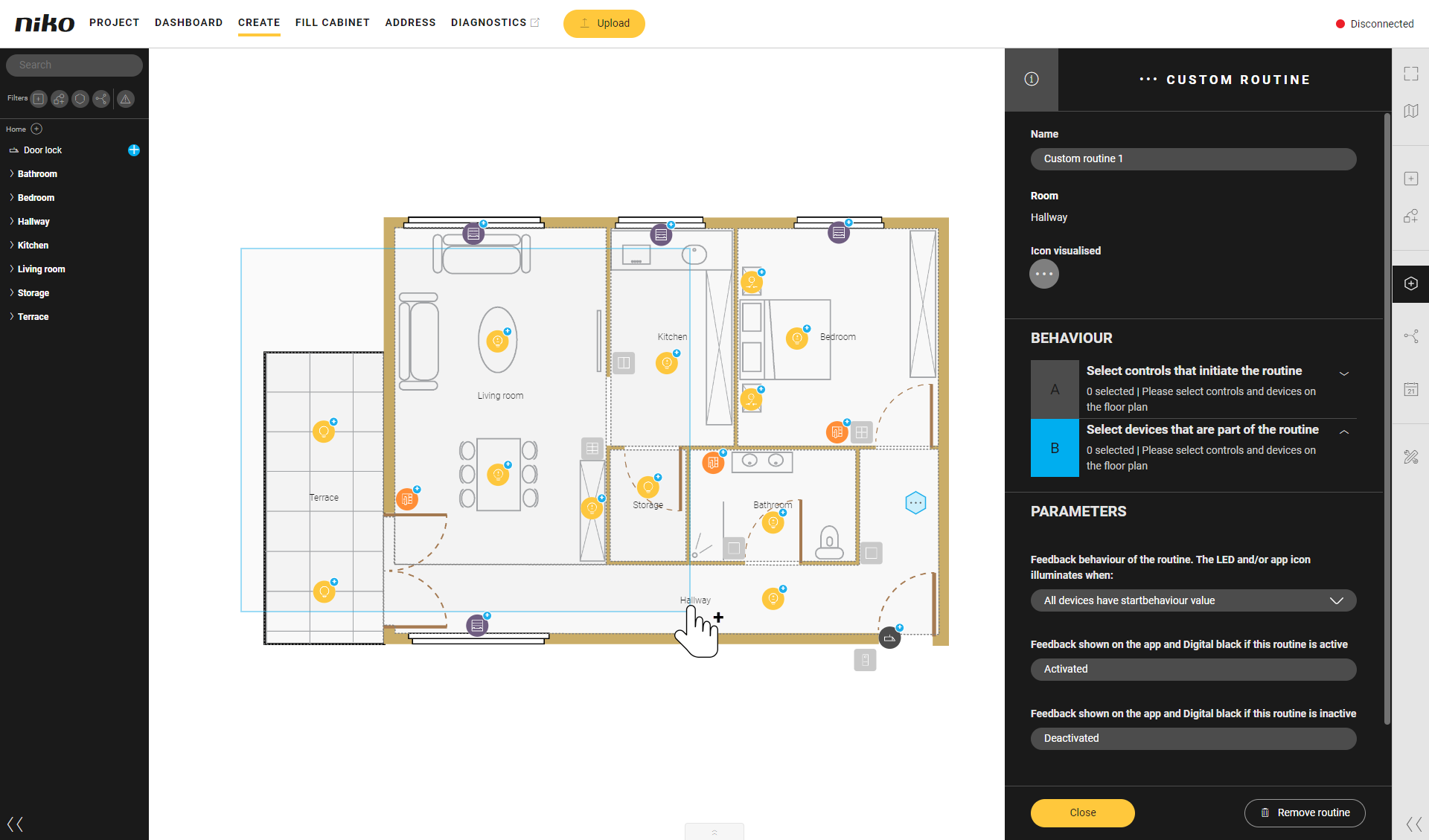
Drag the cursor across (part of) the drawing area.
Result:
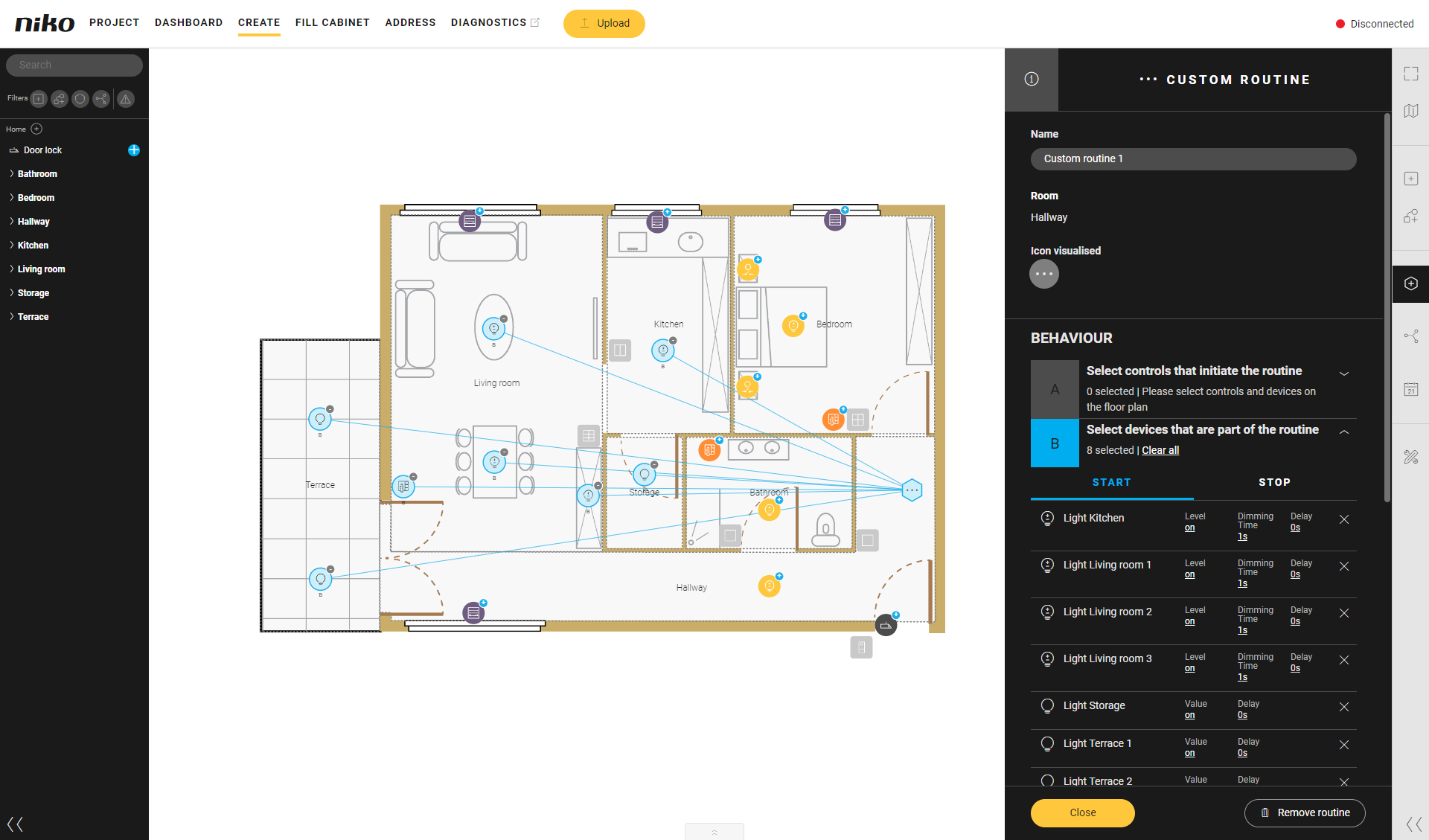
All controls and devices within this area which can be added to the action will be added.