
Starting point
-
Your project comprises controls, devices, basic actions, routines or conditions.
-
You are in the Create overview window.
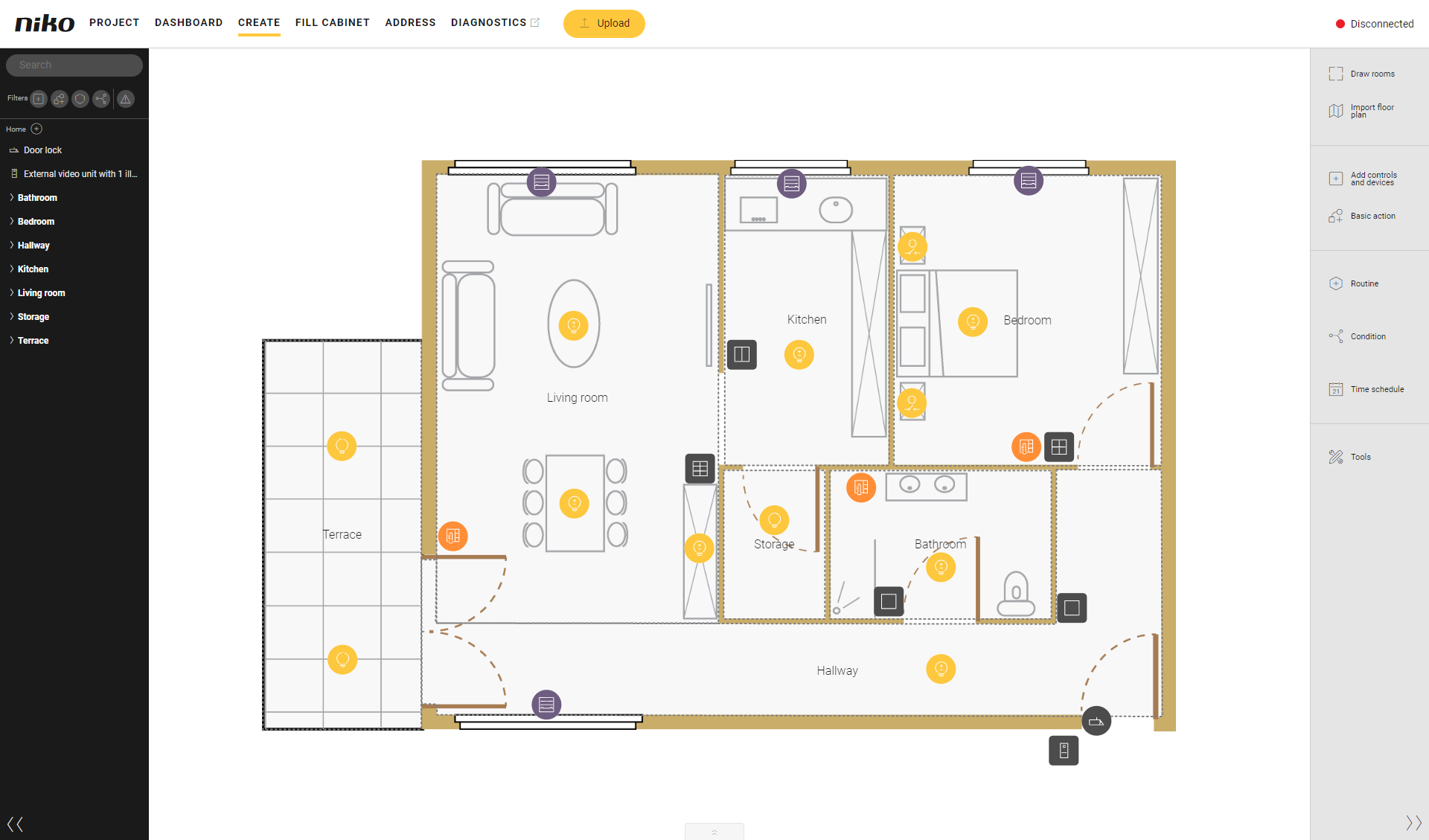
Procedure
-
In the left sidebar in the Search box, type (part of) the name of the control, device, basic action, routine or condition you are looking for.
Result:
The search results appear in the sidebar below the search box and are shown in the drawing area.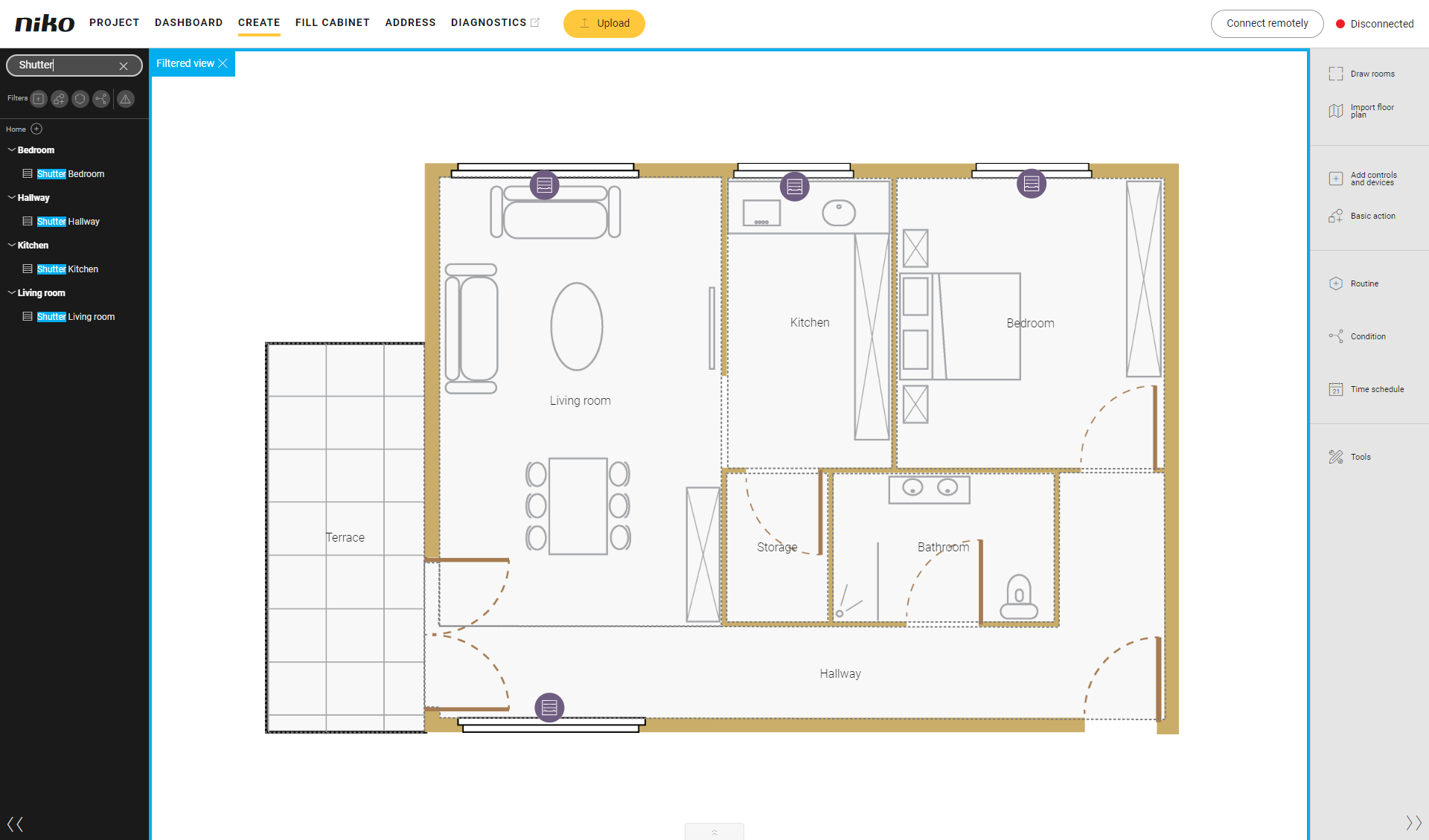
-
In the search results, click on the control, device, basic action, routine or condition you are looking for.
Result:
The control, device, basic action, routine or condition is marked in the drawing area and the pane with more details appears.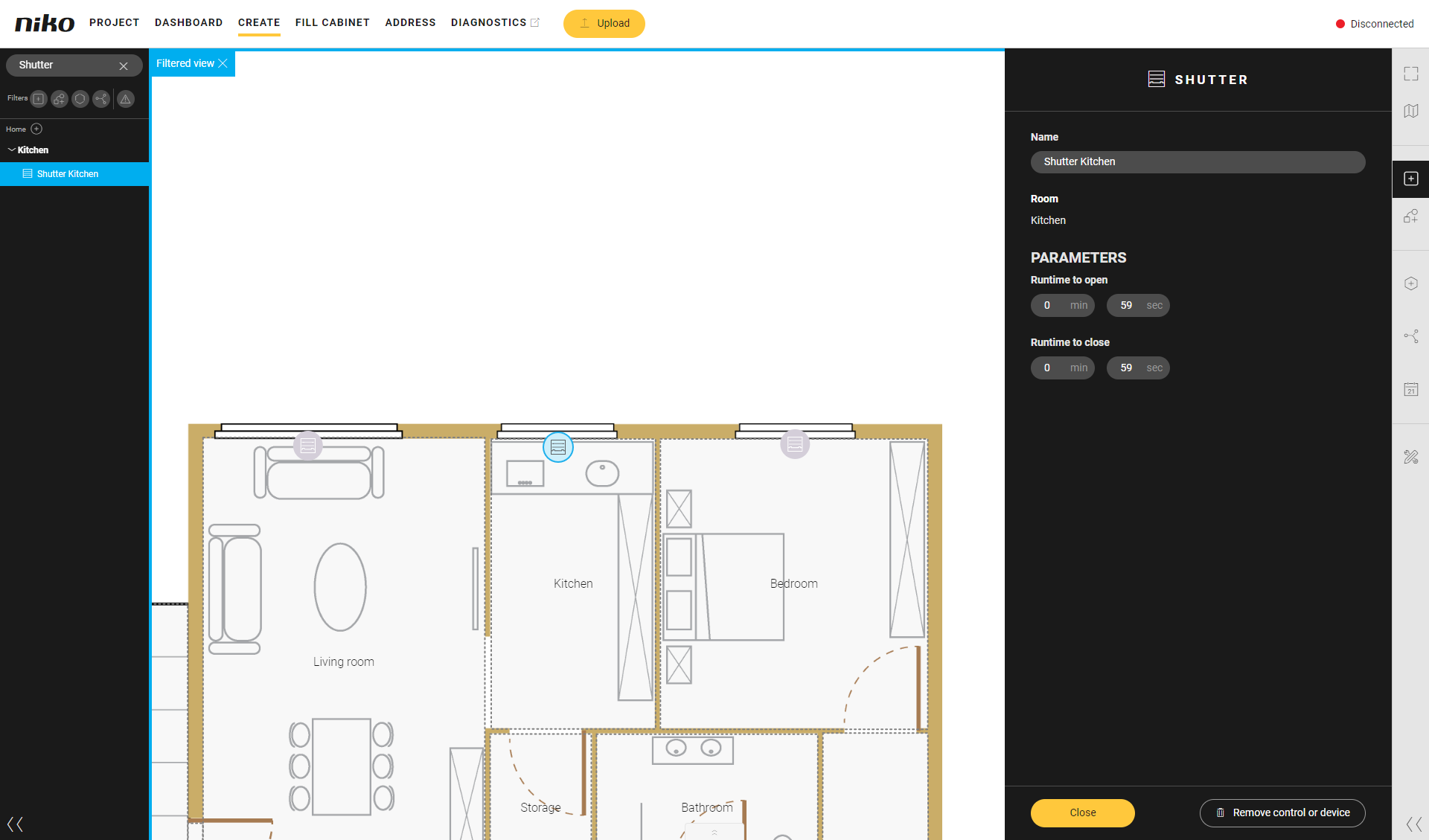
You can combine the search and filter function.