
Point de départ
-
(Facultatif) Vous avez créé une ou plusieurs conditions qui utilisent l'horaire.
-
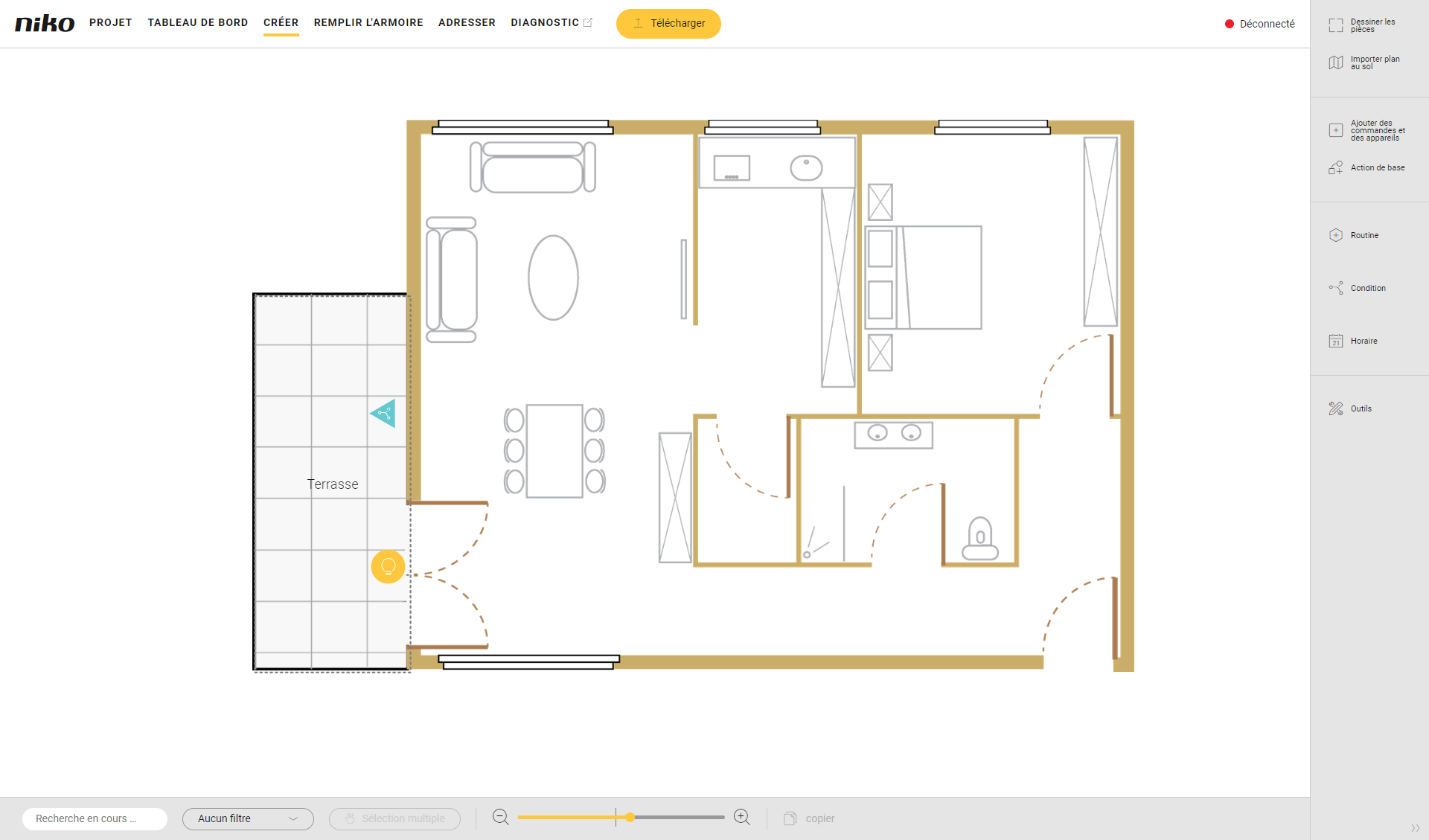
Vous êtes dans la fenêtre d'aperçu Créer.
Procédure
-
Dans la barre de boutons à droite, cliquez sur le bouton Horaire.
Résultat :
Le volet Horaire s'affiche. Vous obtenez une vue d'ensemble de tous les horaires créés.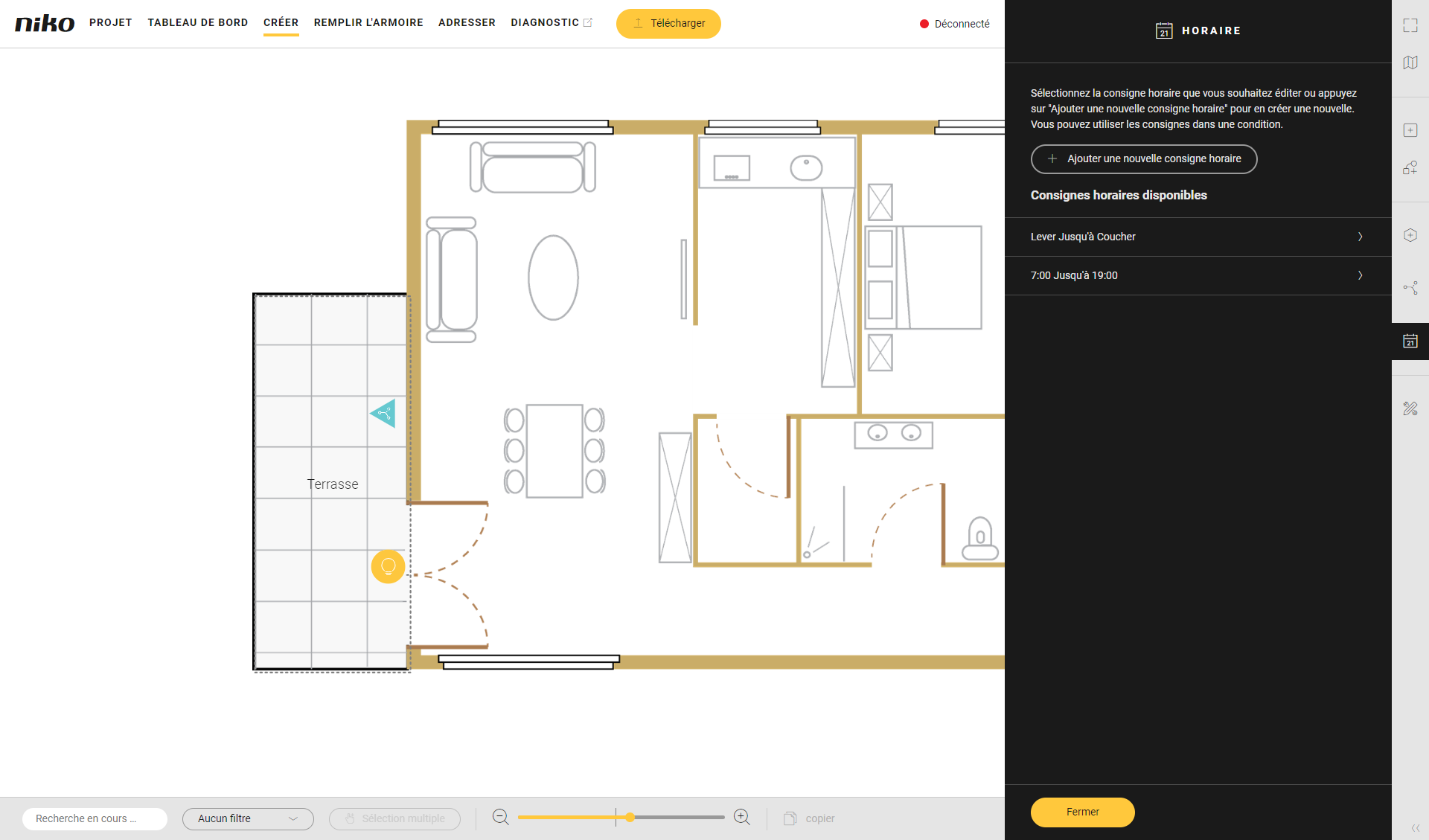
-
Cliquez sur l'horaire que vous souhaitez modifier.
-
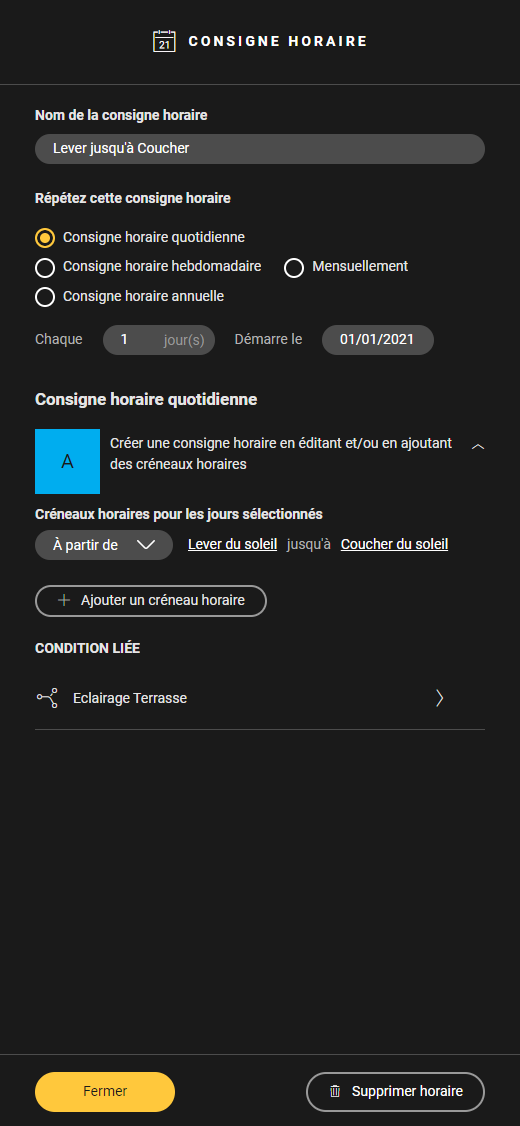
Effectuez les modifications nécessaires.
-
Cliquez sur Fermer pour fermer le volet Horaire.
-
Pour modifier les informations d'un horaire, vous suivez la même procédure que pour créer un horaire.
-
Dans la section Conditions liées du volet Horaire, vous trouverez la liste des conditions qui utilisent l'horaire. Cliquez sur le nom d'une condition pour ouvrir le volet Condition correspondant.
-
Si vous modifiez le schéma répétitif de l'horaire, les plages horaires existantes seront supprimées. Vous recevrez d'abord un avertissement.