
Udgangspunkt
-
Din computer har forbindelse til internettet.
-
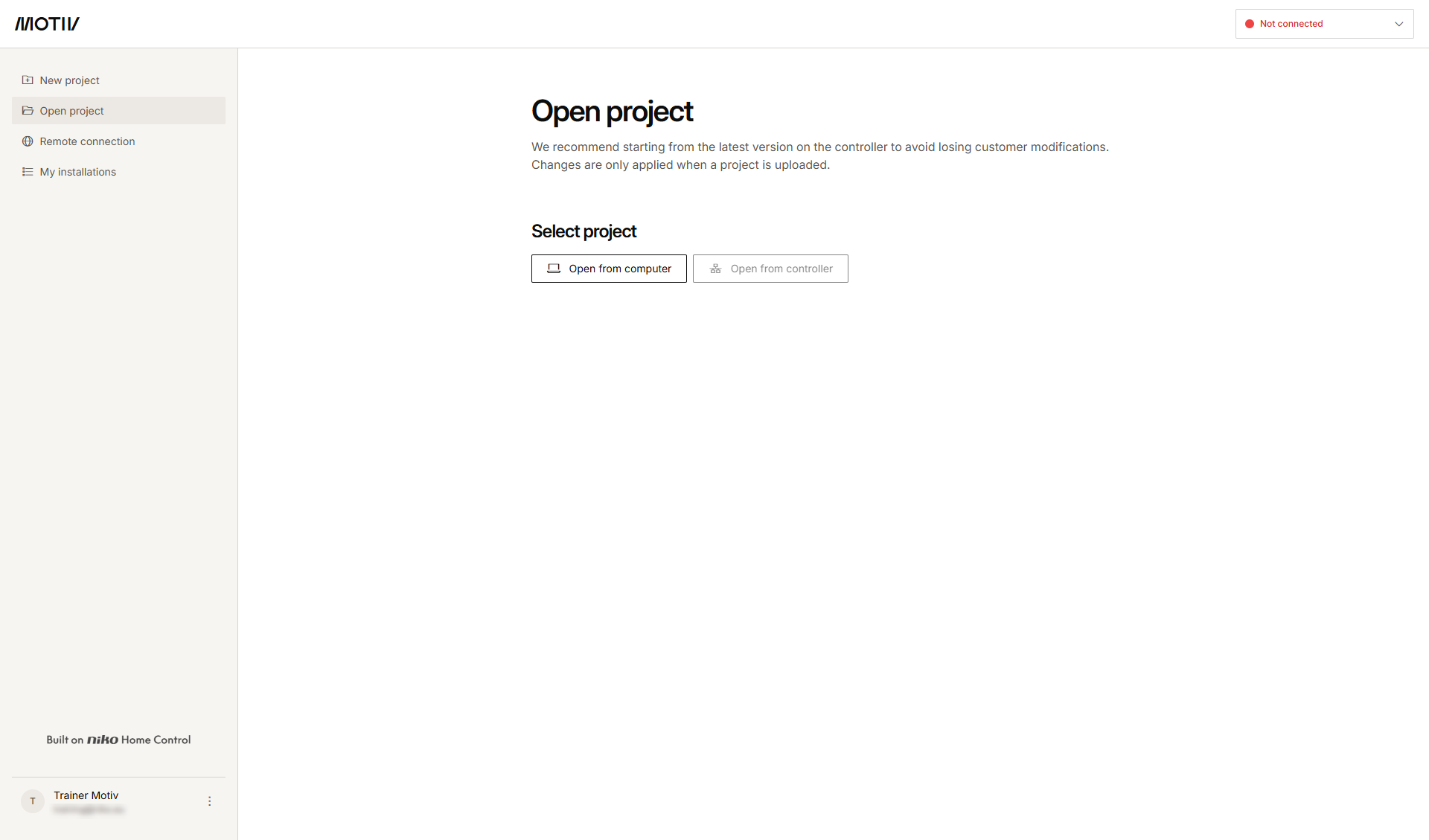
Du har åbnet og logget ind i MOTIV Building Control programmeringssoftwaren,
eller du har klikket på Hjem, mens et projekt var åbent. -
Du har registreret installationen.
-
Du er administrator for installationen.
Fremgangsmåde
-
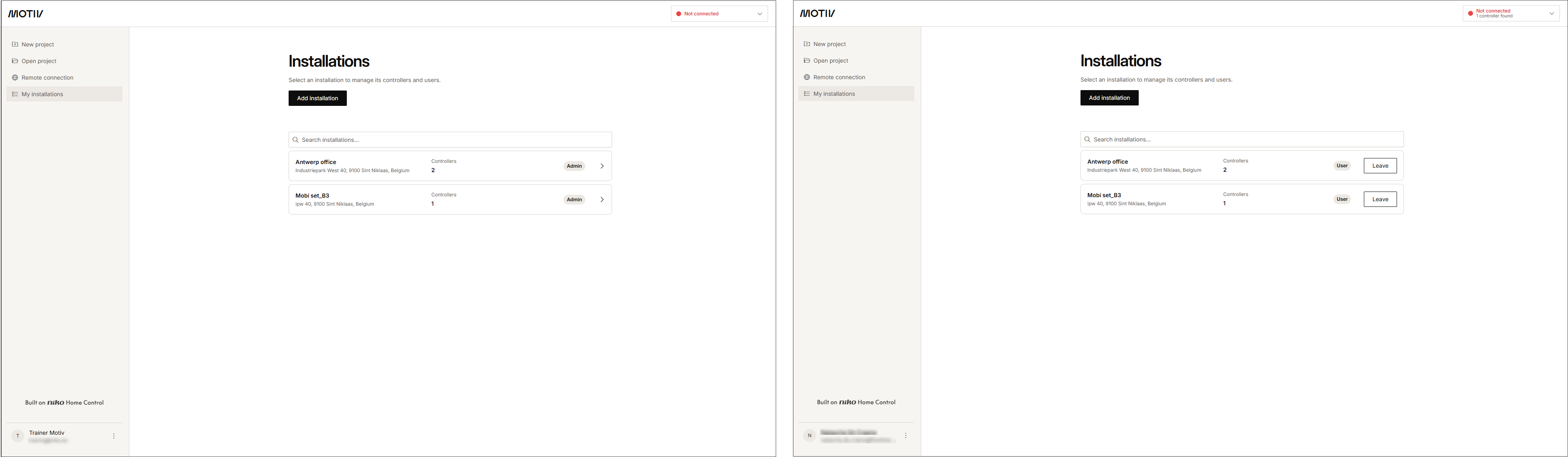
Klik på Mine installationer i menuen til venstre.
-
Klik på pilen ud for den installation, hvor du vil tilføje en ny bruger.
Resultat: Listen over controllere i installationen og deres status vises.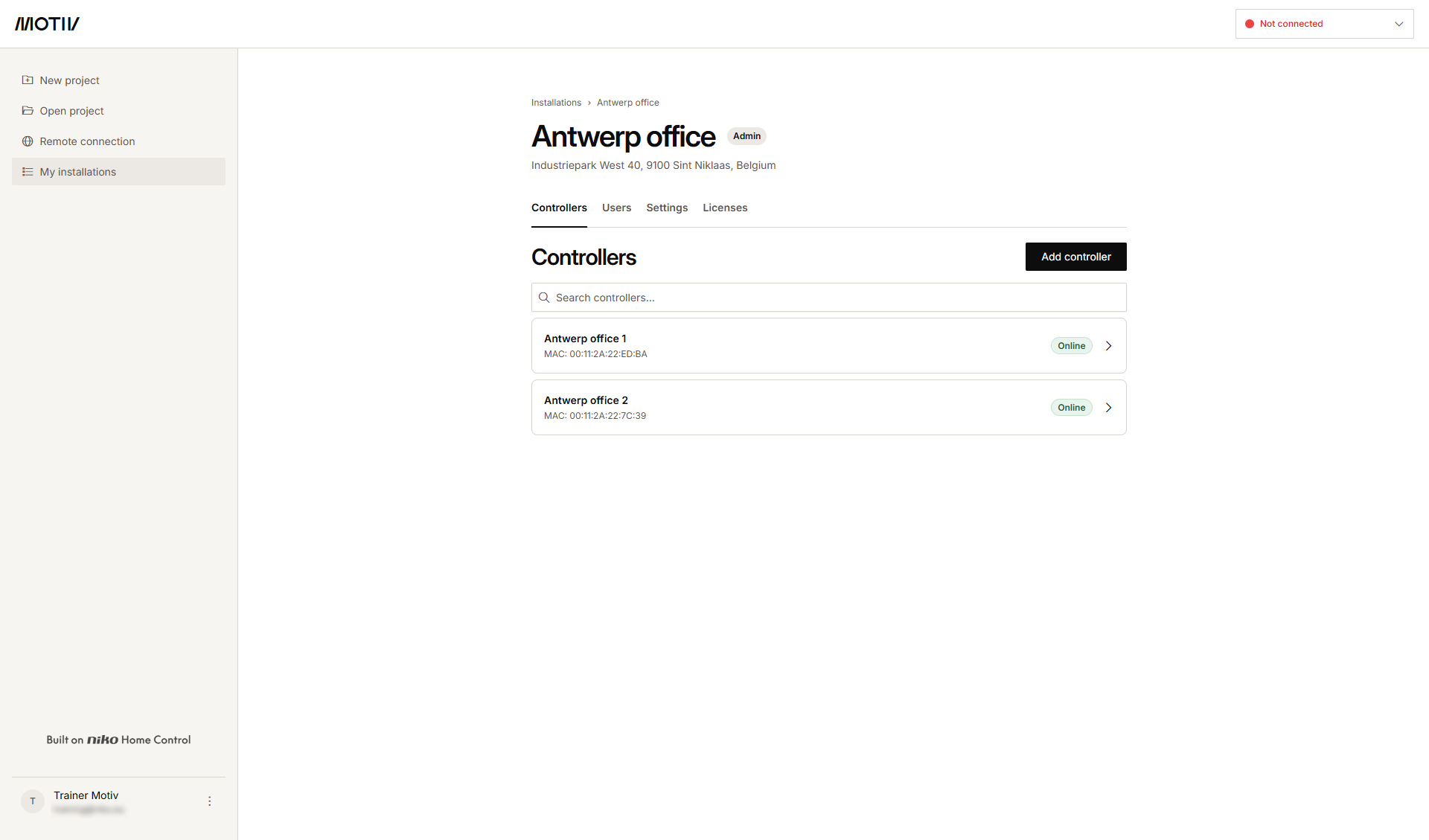
-
Klik på fanebladet Brugere.
Resultat: Listen over brugere, der allerede har adgang, eller som er blevet inviteret, vises.
-
Klik på Inviter bruger.
-
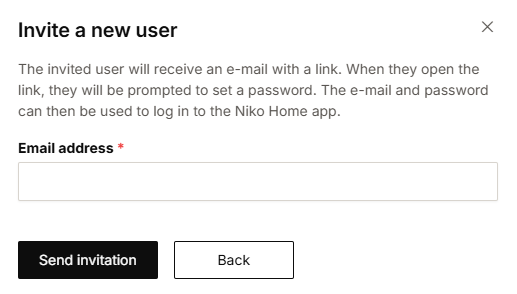
Skriv den nye brugers e-mailadresse, og klik på Send invitation.
Resultat: Den inviterede bruger modtager en e-mail med et link til at oprette en adgangskode. -
Den inviterede bruger accepterer invitationen. E-mailadressen og den oprettede adgnagskode kan bruges til at logge ind i Niko Home appen og MOTIV Building Control programmeringssoftwaren.
Resultat: Brugeren er tilføjet i oversigten.