
You can use right-click in the tree view or in the drawing area to configure your installation.
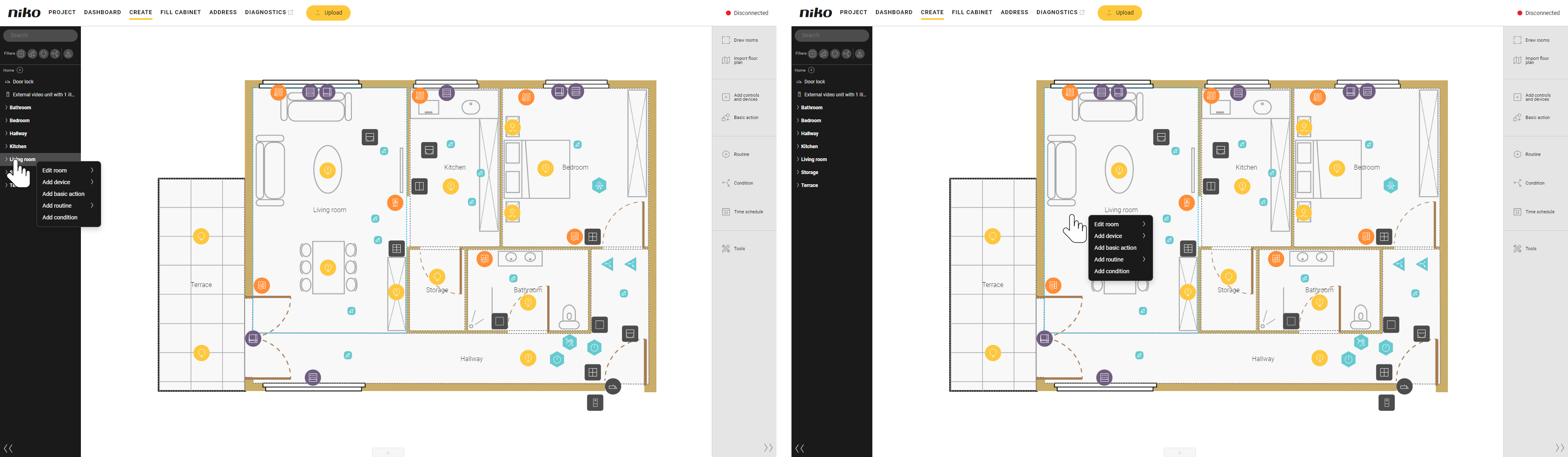
|
Actions |
From the tree view |
From the drawing area |
|---|---|---|
|
Draw a room. |
|
|
|
Rename, copy or remove a room. |
|
|
|
Create a control or device, a basic action, a routine or a condition. |
|
|
|
You can also select a recently used control or device, or routine. |
||
|
Rename, edit or remove a control or device, a basic action, a routine or a condition. |
|
|
|
Assign a device to a module. |
|
|