Niko Home Control is evolving into MOTIV Building Control. MOTIV is a new brand for intelligent building automation. Built on the trusted foundation of Niko Home Control, MOTIV solutions are designed to make buildings work more naturally for the people inside them. MOTIV helps professionals create smarter, more comfortable buildings. With technology that works quietly in the background. All existing Niko Home Control solutions remain fully compatible with MOTIV. Over time, the full portfolio will move to the MOTIV brand. During this transition, you will see both Niko Home Control (NHC) and MOTIV Building Control (MBC) appear in this documentation. Discover MOTIV at niko.eu/MOTIV
Software Manual
2.28.1 2.27.1 English Danish Dutch French German Slovak Swedish

Enregistrer un projet

Point de départ

Procédure

  1. Exécutez l'une des opérations suivantes :

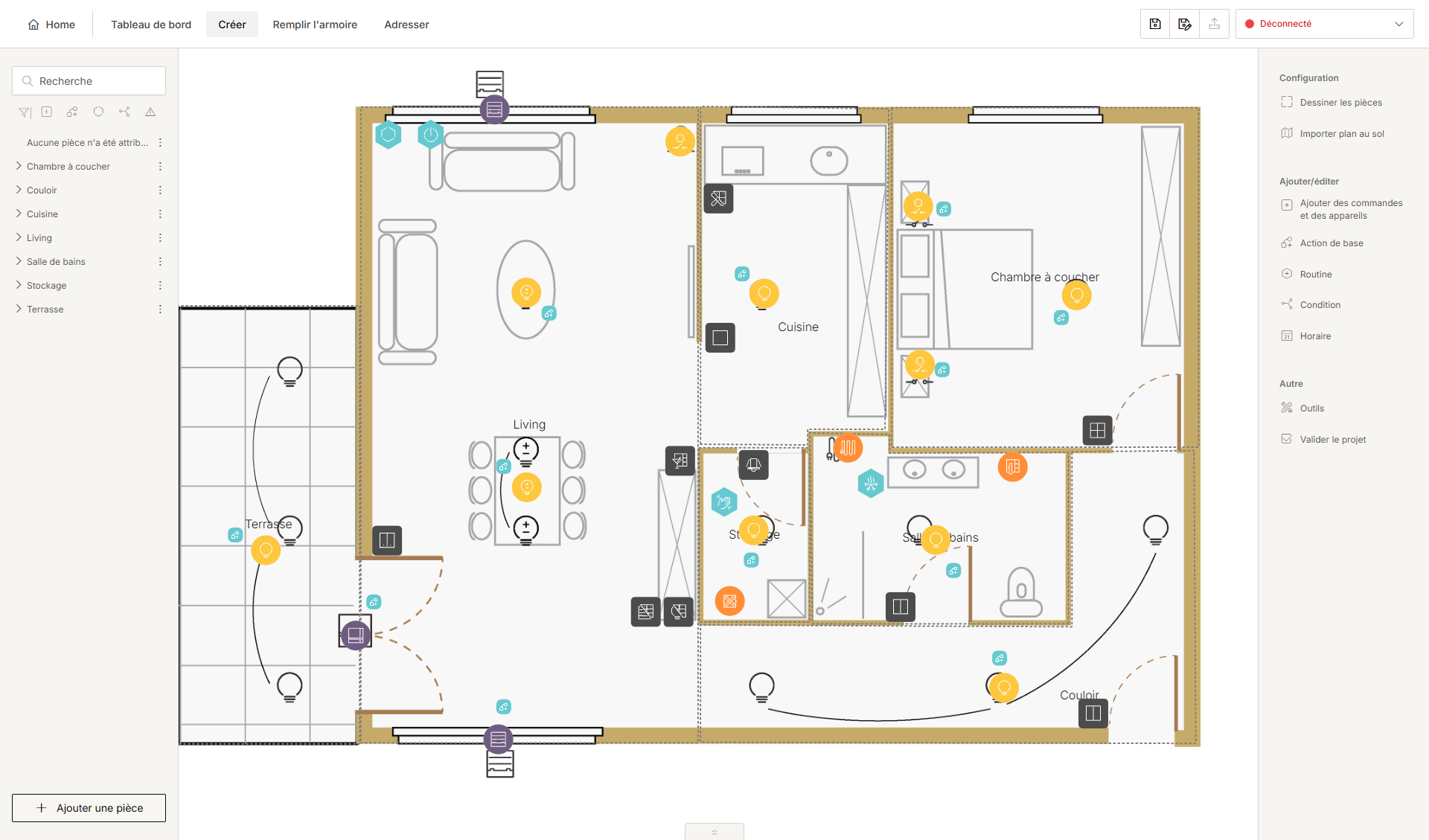
    • Cliquez sur l'icône Enregistrer sur la barre supérieure :

      • si votre projet a déjà été enregistré, et vous voulez l'enregistrer dans le même dossier et sous le même nom, ou

      • si votre projet n'a pas encore été enregistré, naviguez jusqu'au dossier souhaité et donnez un nom au projet.

    • Cliquez sur l'icône Enregistrer sous sur la barre supérieure, si vous voulez enregistrer le projet dans un autre dossier et/ou sous un autre nom.

  2. Cliquez sur le bouton Enregistrer.