
Starting point
-
All components you want to address are in place and connected to the installation.
-
Your computer is connected to the installation.
-
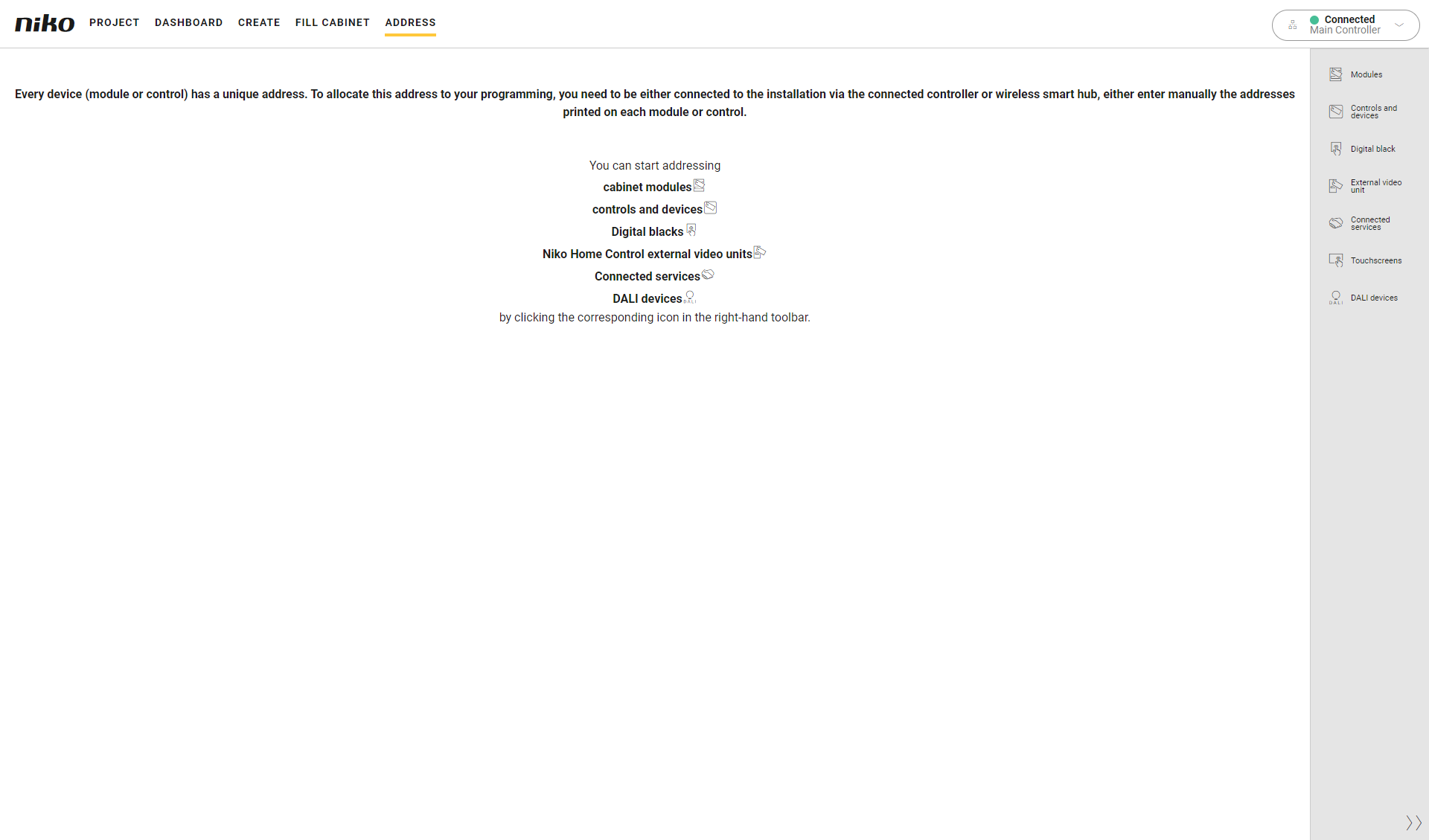
You are in the Address overview window.
Procedure
-
In the right-hand button bar, click on the button Modules.
Result:-
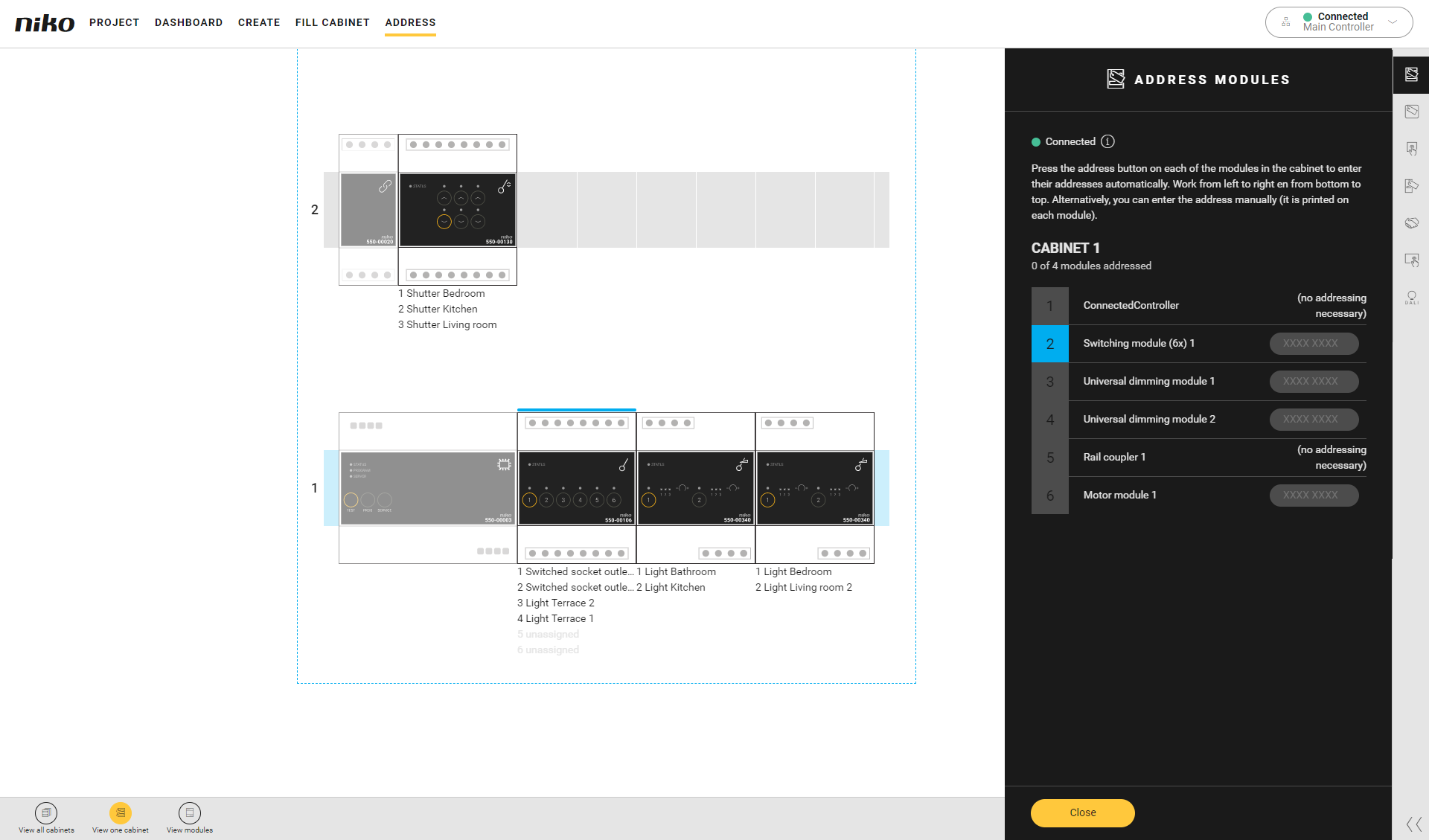
The Address modules pane appears and shows an overview of all modules in the electric cabinet(s).
-
The text box next to the unaddressed modules is empty.
-
In the drawing area a blue line appears above the module for which the address is expected.
-
In the overview the number appears in blue.
-
-
Press the address button of the module in the cabinet to enter the unique address in the programming software. Follow the order in the programming software.
Result:
The address appears in the text box next to the module.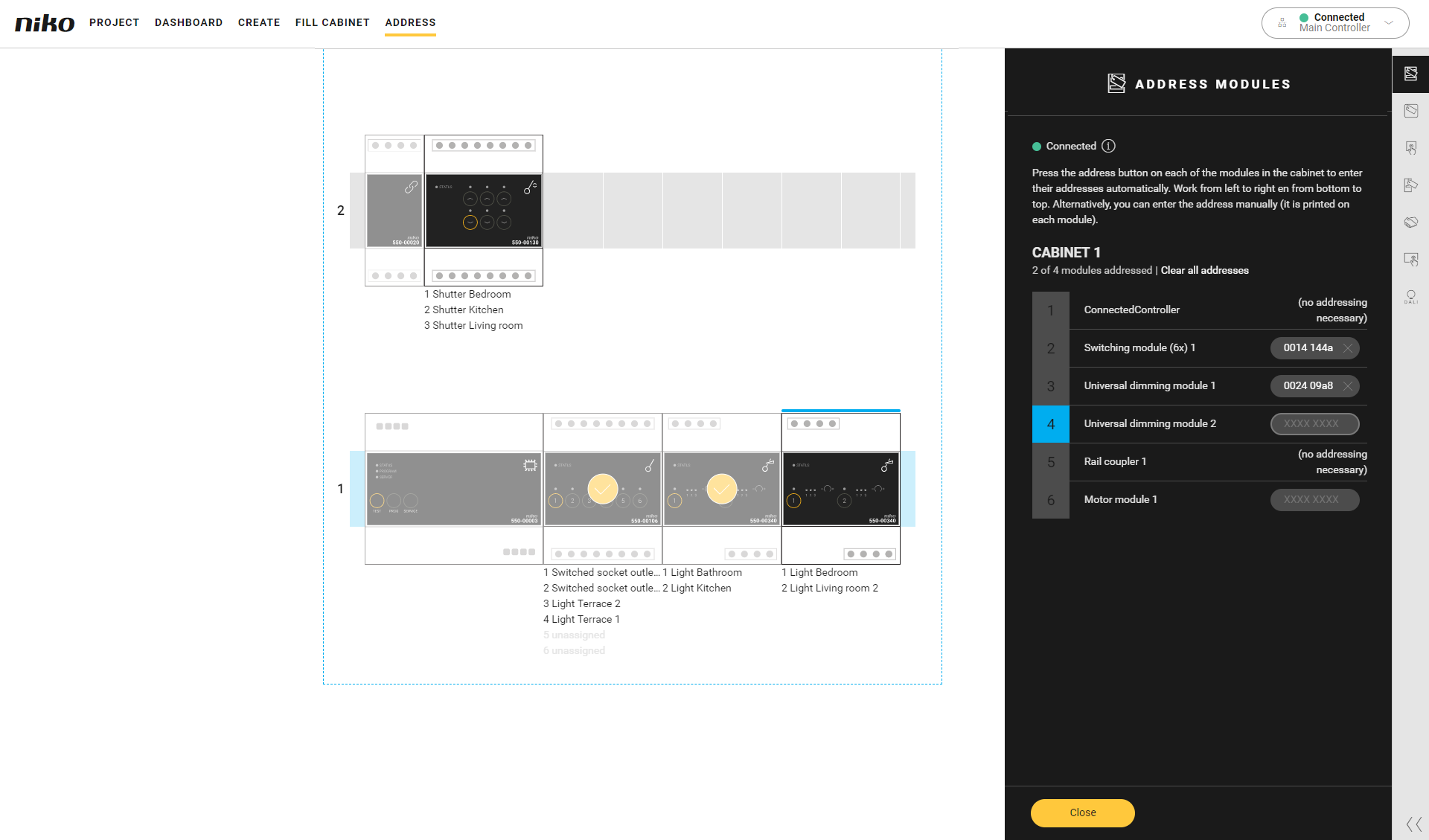
If you want to change the order or skip a module, select the desired module in the cabinet overview and then press the ADDRESS button of the module.
You can also enter the addresses manually. The address is indicated on the module.
-
Click the Close button to return to the Address overview window.