Niko Home Control is evolving into MOTIV Building Control. MOTIV is a new brand for intelligent building automation. Built on the trusted foundation of Niko Home Control, MOTIV solutions are designed to make buildings work more naturally for the people inside them. MOTIV helps professionals create smarter, more comfortable buildings. With technology that works quietly in the background. All existing Niko Home Control solutions remain fully compatible with MOTIV. Over time, the full portfolio will move to the MOTIV brand. During this transition, you will see both Niko Home Control (NHC) and MOTIV Building Control (MBC) appear in this documentation. Discover MOTIV at niko.eu/MOTIV
Software Manual
2.28.1 2.27.1 English Danish Dutch French German Slovak Swedish

Öffnen eines Projekts

Ausgangspunkt

  • Sie haben ein Projekt auf Ihrem Computer gespeichert oder ein Projekt auf einen Controller hochgeladen.

  • Sie haben die MOTIV Building Control-Programmiersoftware
    geöffnet, oder Sie haben auf Home geklickt, während ein Projekt geöffnet war.
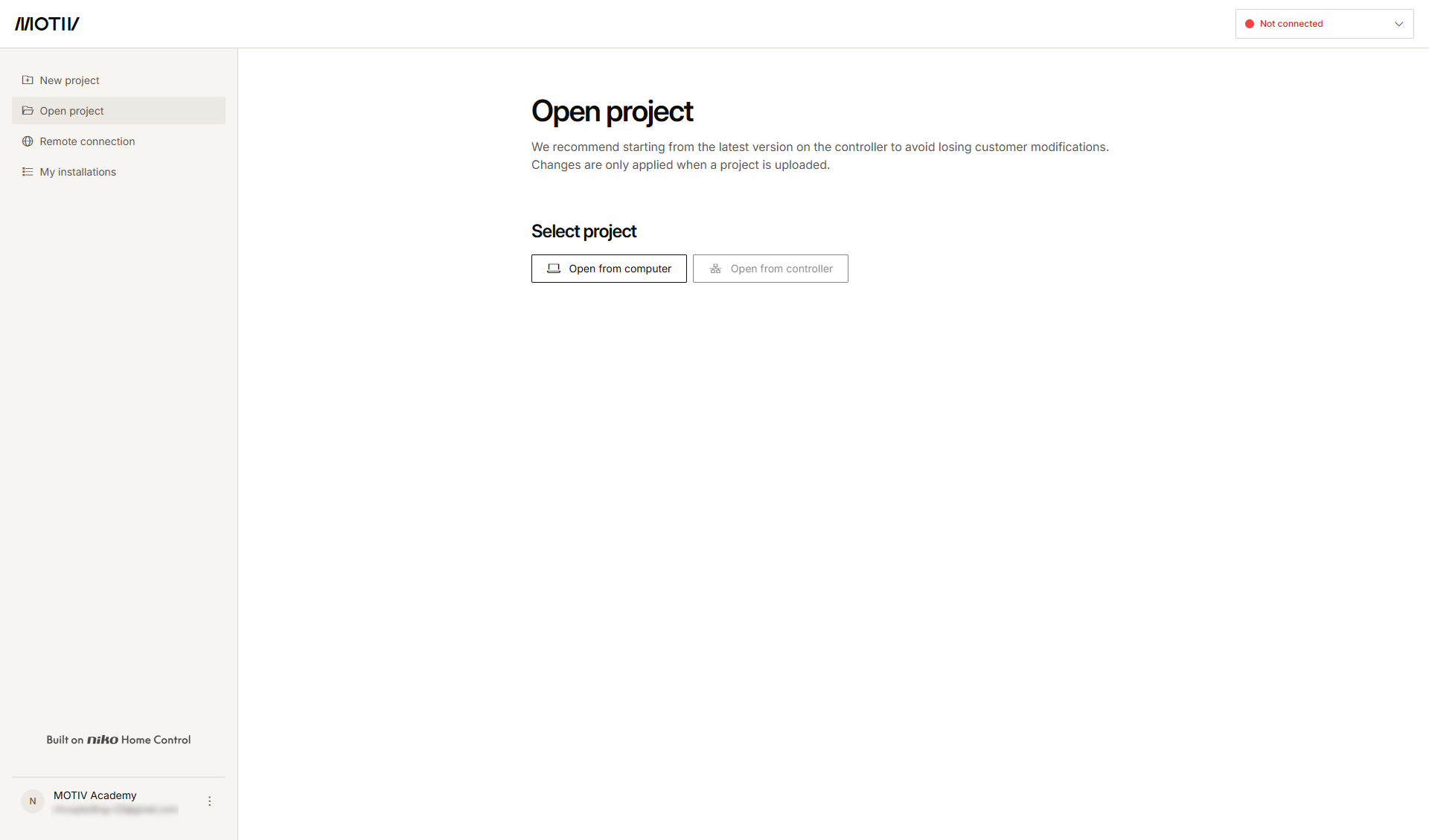
    s02_02_00_228_001

Vorgehen

  1. Führen Sie einen der folgenden Schritte aus: wenn Sie Folgendes tun möchten:

    1. Öffnen Sie die aktive Version des Projekts über einen Controller, stellen Sie eine Verbindung zum Controller her und klicken Sie anschließend auf Vom Controller öffnen.

    2. Öffnen Sie eine gespeicherte Version von Ihrem Computer aus, indem Sie auf Vom Computer öffnen klicken. Navigieren Sie zu dem Ordner auf Ihrem Computer, in dem Ihre Konfigurationsdatei (.mbc oder .nhc2) gespeichert wurde, und klicken Sie auf Öffnen.
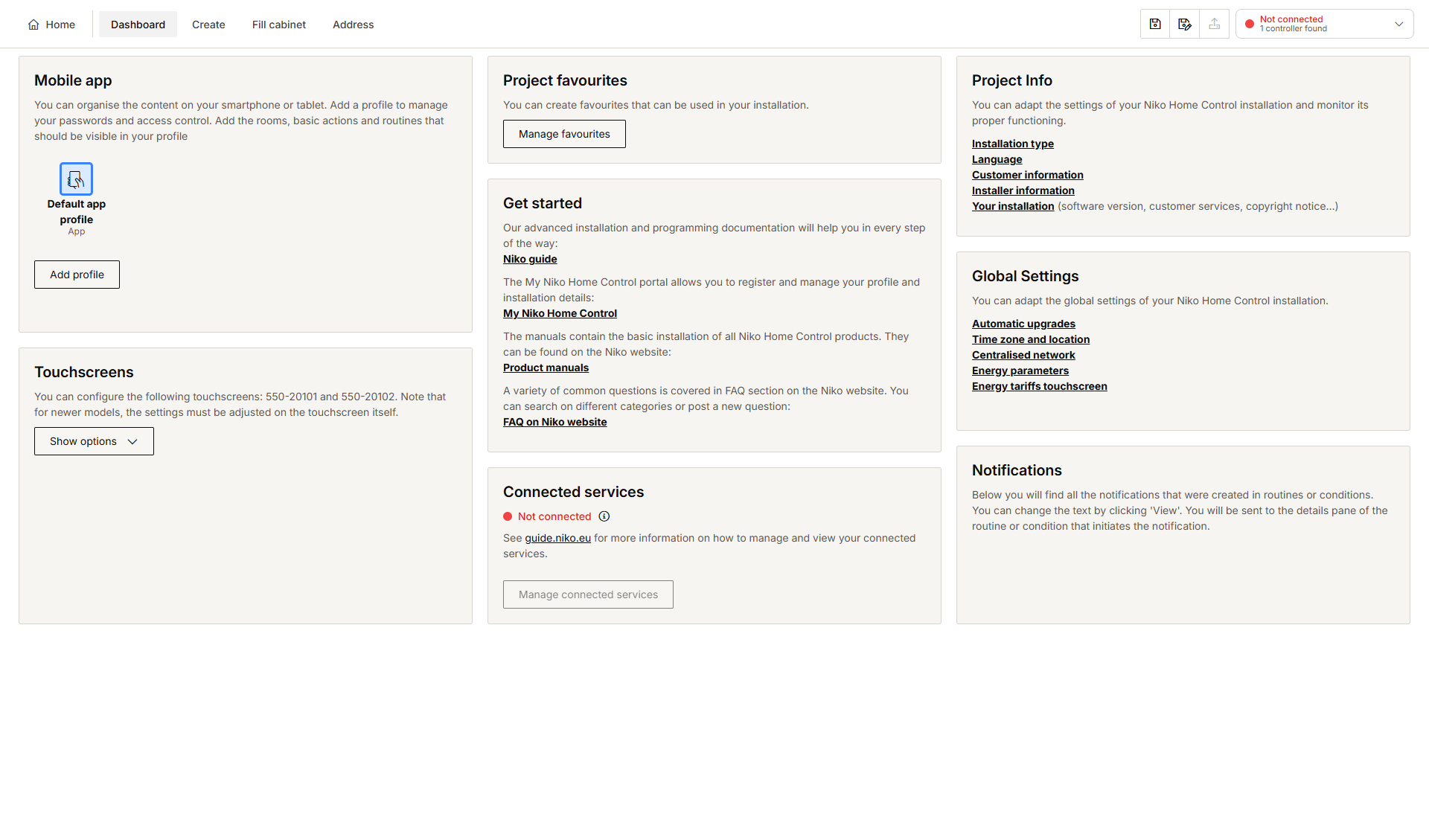
      Ergebnis:Das Dashboard-Übersichtsfenster wird angezeigt.
      Alt text