
Starting point
-
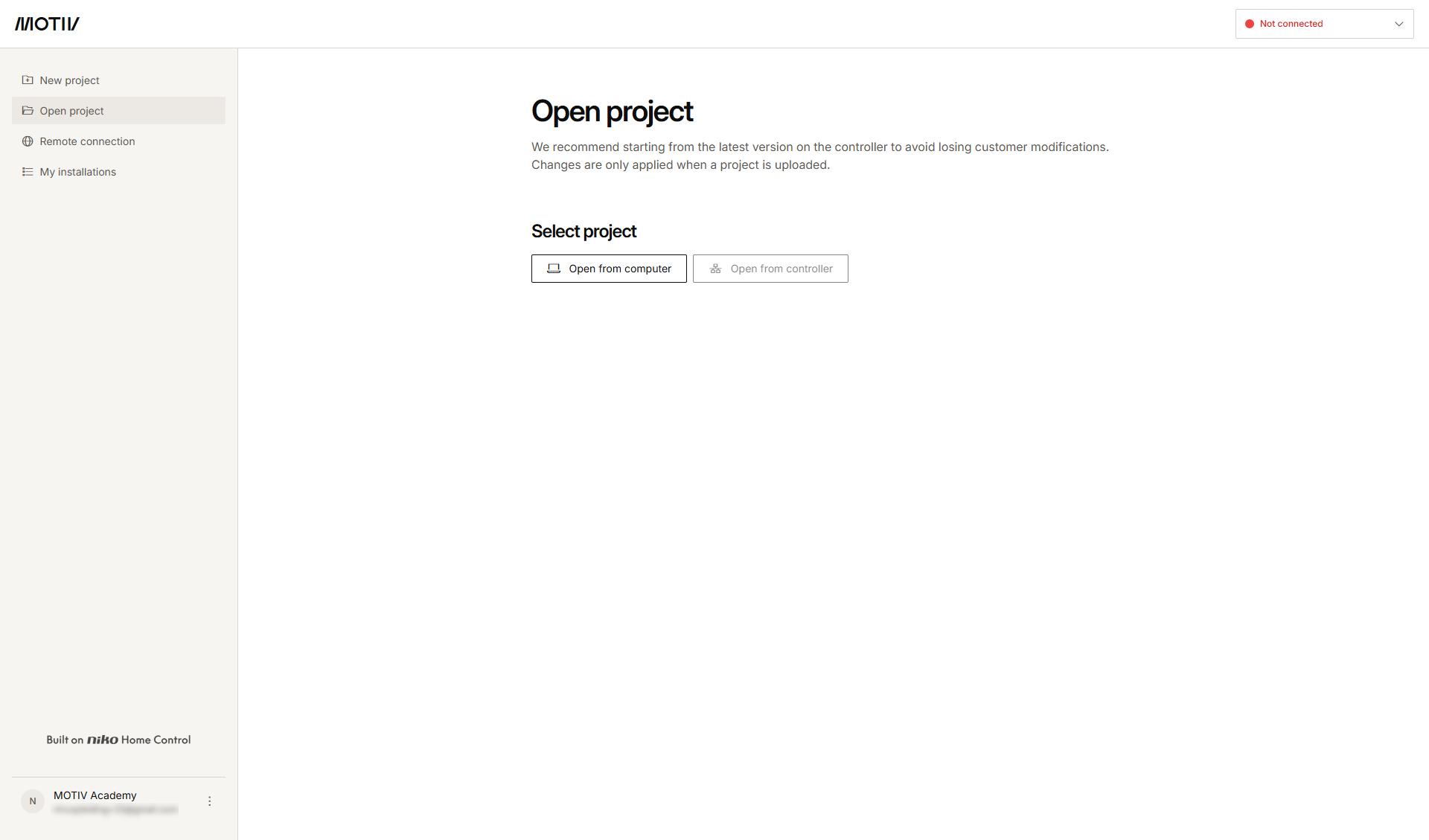
You are logged in into the MOTIV Building Control programming software.
-
You do not have a project open, or you have clicked Home when a project was open.
Procedure
-
In the bottom-left corner of the screen, click the three-dot menu next to your account name/e-mail address.
-
Select Manage account.
-
Make the necessary changes in the tabs:
Description of the tabs
Personal details tab
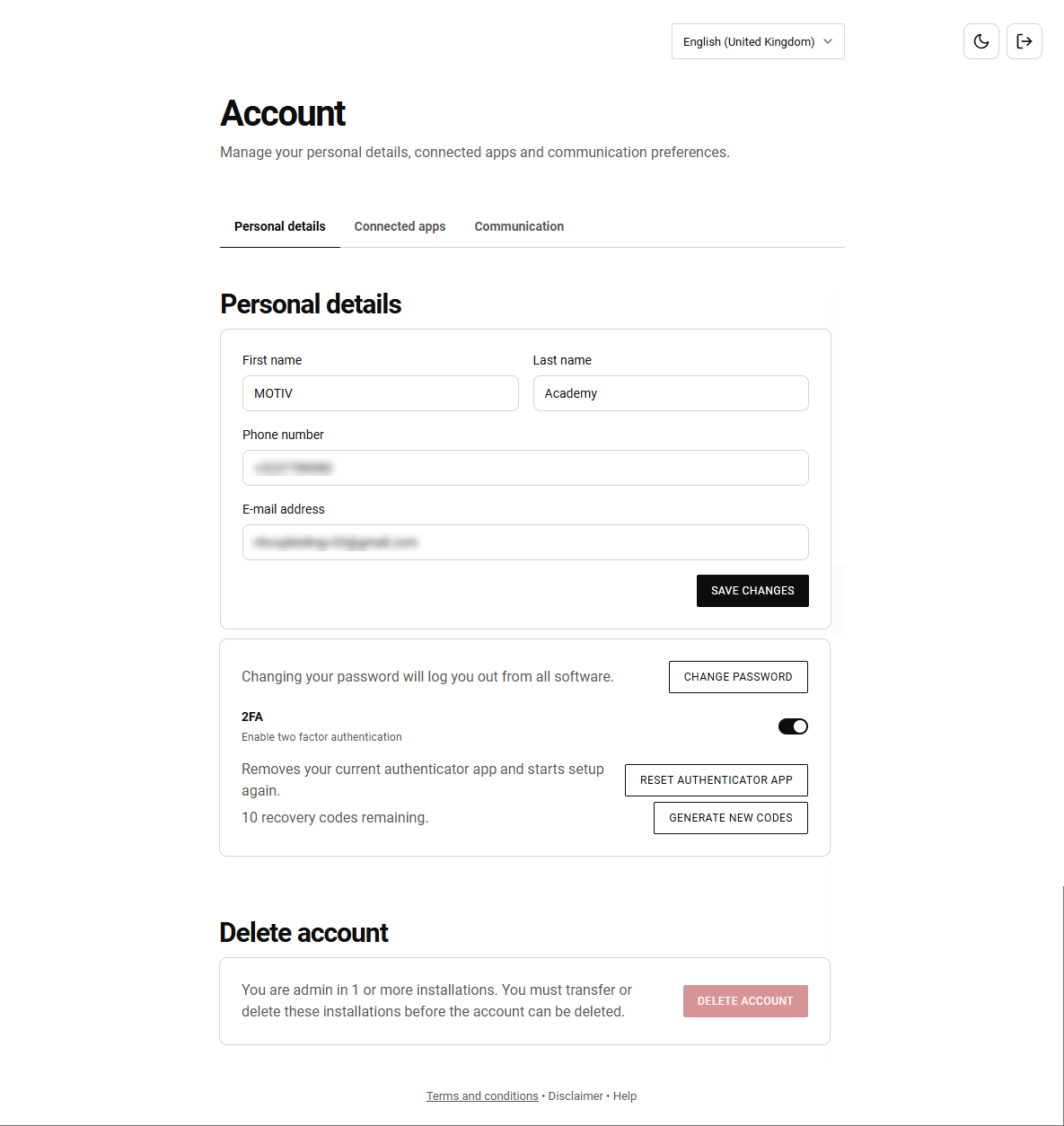
In this tab (see figure above) you can do the following:
-
Edit your personal details (e.g. address, phone number)
-
Change the password of your MOTIV account
-
For two factor authentication (2FA):
-
Enable/disable 2FA
-
When 2FA is enabled, reset your authenticator app (e.g. when you have a new mobile phone, you have a suspicion that your account is compromised,...)
-
When 2FA is enabled, generate new codes (e.g. you can use a recovery code only once)
-
-
Delete your account. This action is permanent and cannot be undone. If you are admin in one or more installations, you must transfer the ownership or delete these installations before you can delete your account.
Connected apps tab
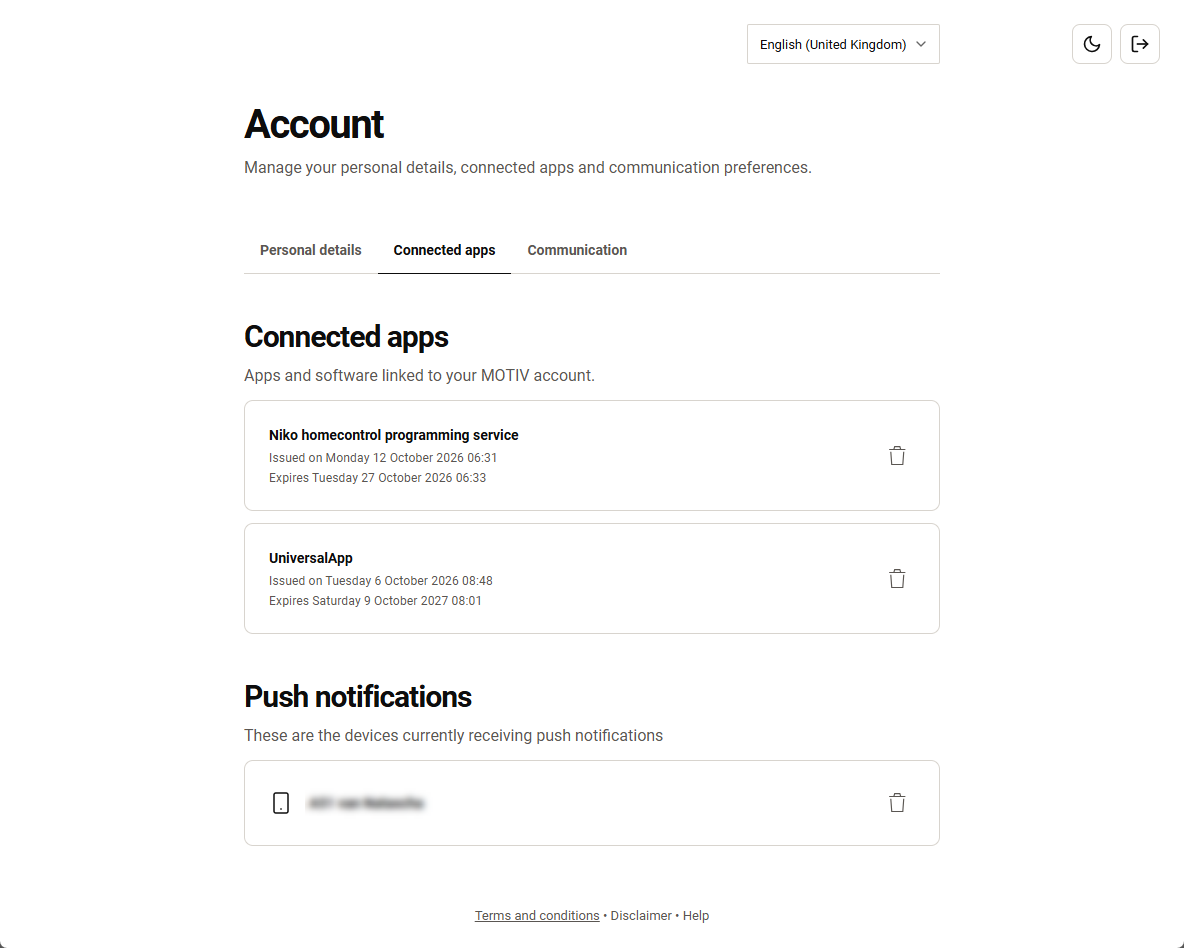
This tab shows a list of:
-
All the apps and software (overall connected devices) which are linked to your MOTIV account.
-
All the devices which currently receive push notifications.
Click on the thrash can icon next to an app or a device to revoke access to the installation.
Communication tab
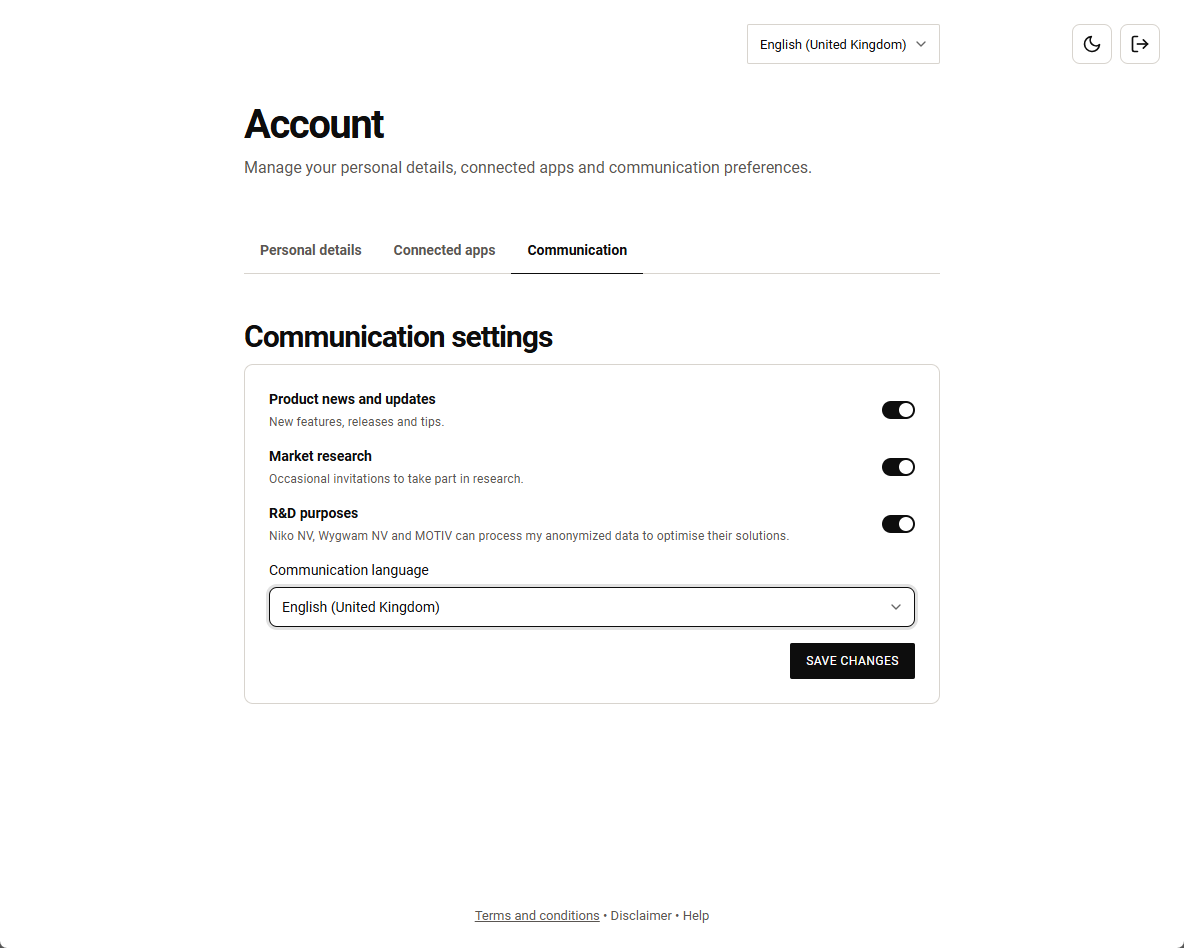
In this tab you can set:
-
your communication settings preferences,
-
your preferred communication language.