
On the right-hand side of the top bar, you always find the Connection centre button with the connectivity status of your controller.
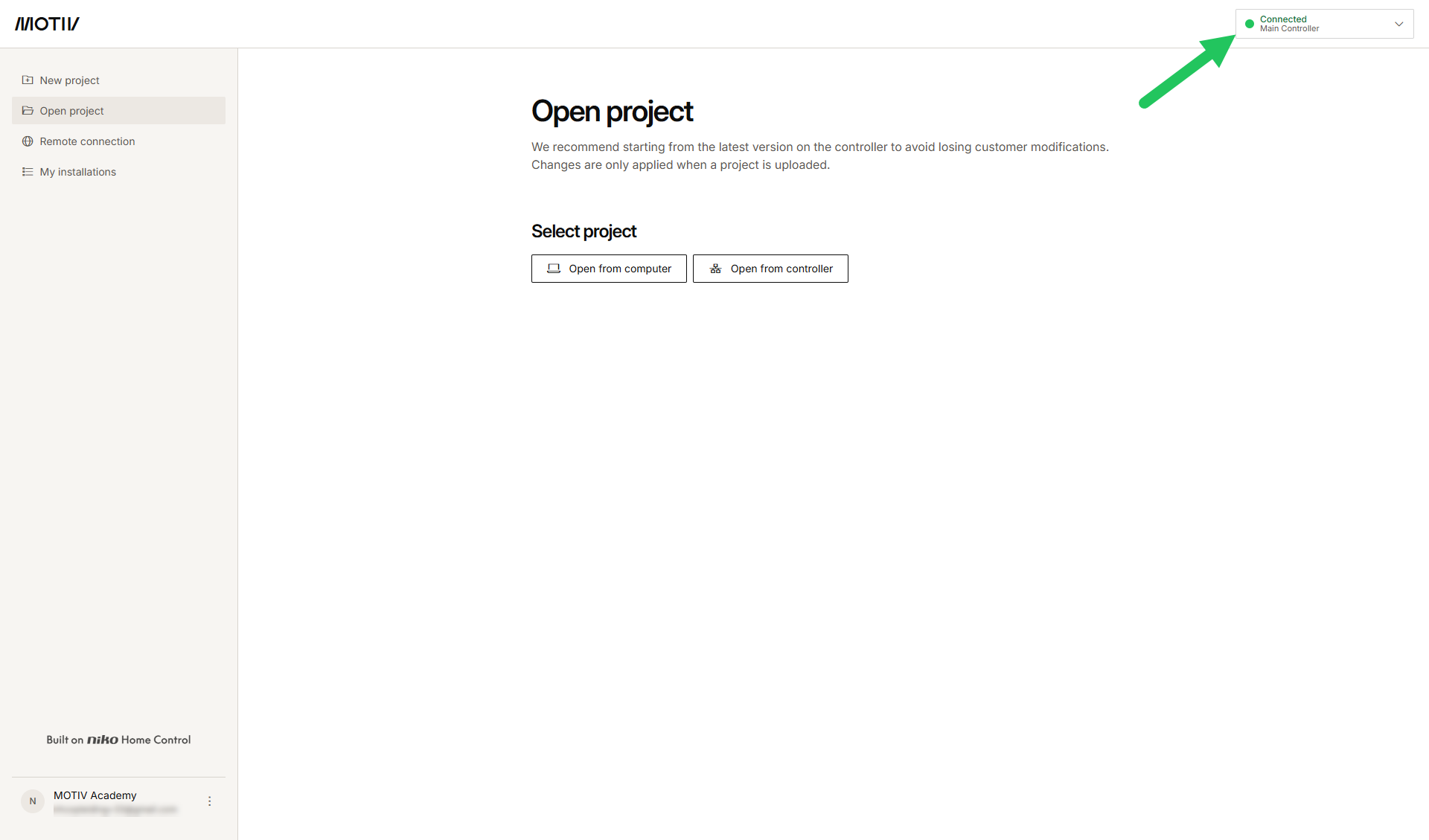
Connection status
|
|
Controller type |
|
|---|---|---|
|
connected controller |
wireless smart hub |
|
|
Disconnected |
|
|
|
Connected |
|
|
When your computer is connected to the same network as your installation and you open the MOTIV Building Control programming software, you are not automatically connected to a connected controller or wireless smart hub.