
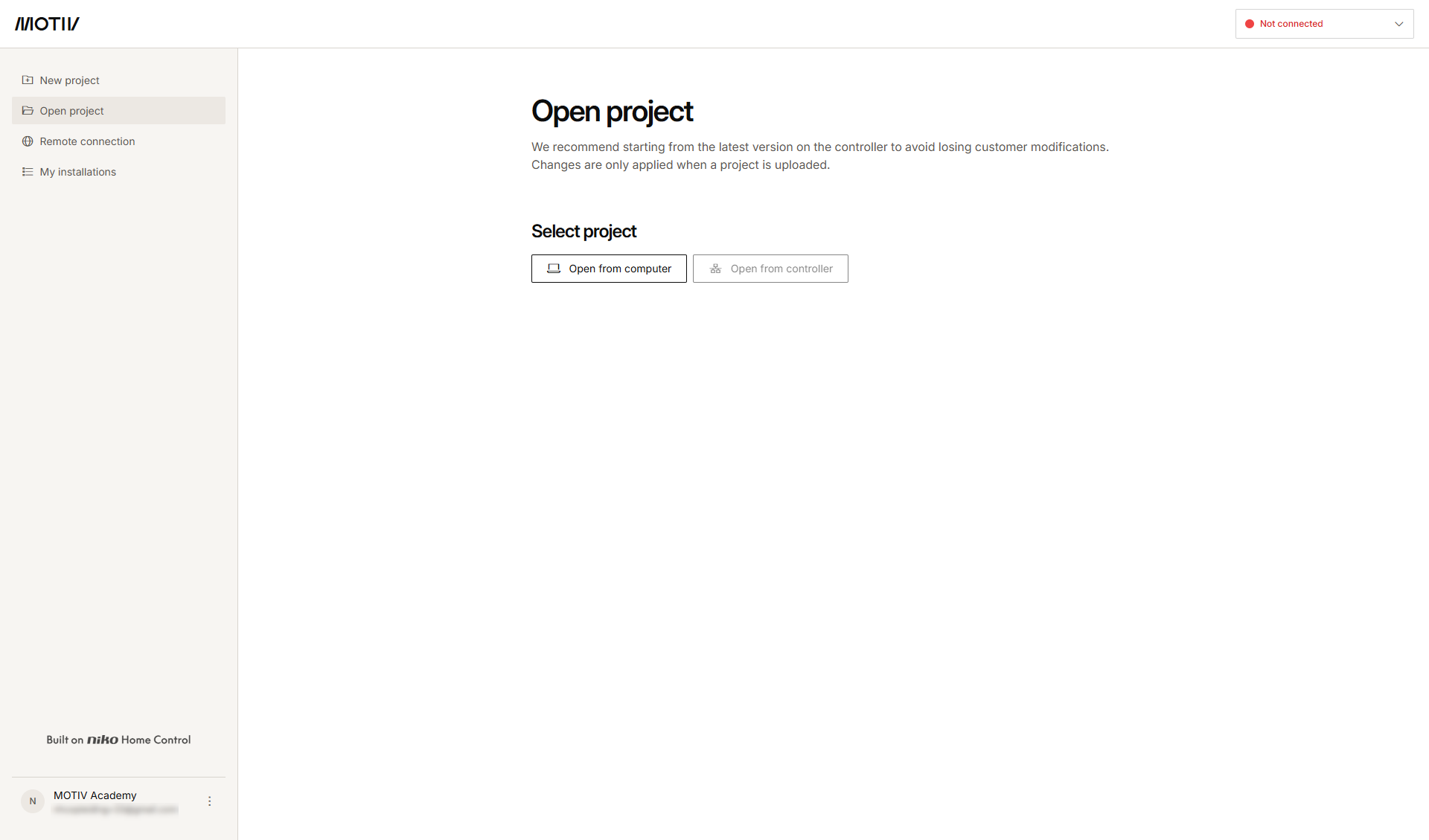
When your computer is connected to the same network as the installation, and you open the MOTIV Building Control programming software, you are not automatically connected to a controller.
When you open the MOTIV Building Control programming software on this computer for the first time while connected to the controller, for security reasons, you have to prove that you have both a digital and a physical connection to the MOTIV Building Control installation (see procedure below).
Starting point
-
Your computer is connected to the same network as your controller.
-
You have opened the MOTIV Building Control programming software.
Procedure
-
On the right-hand side of the top bar, click the Connection centre button.
Result:
The Connection centre opens and the local network is automatically scanned for connected controllers and wireless smart hubs.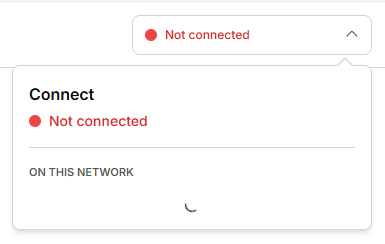
-
If controllers are detected on the network:
-
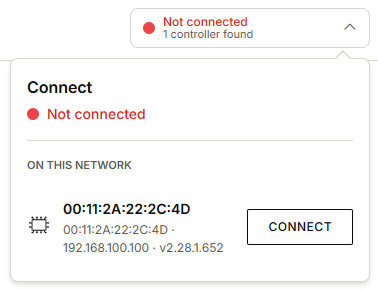
If one controller is found, click Connect.
-
If more than one controller is found, a list is displayed. Click Connect next to the desired controller.
-
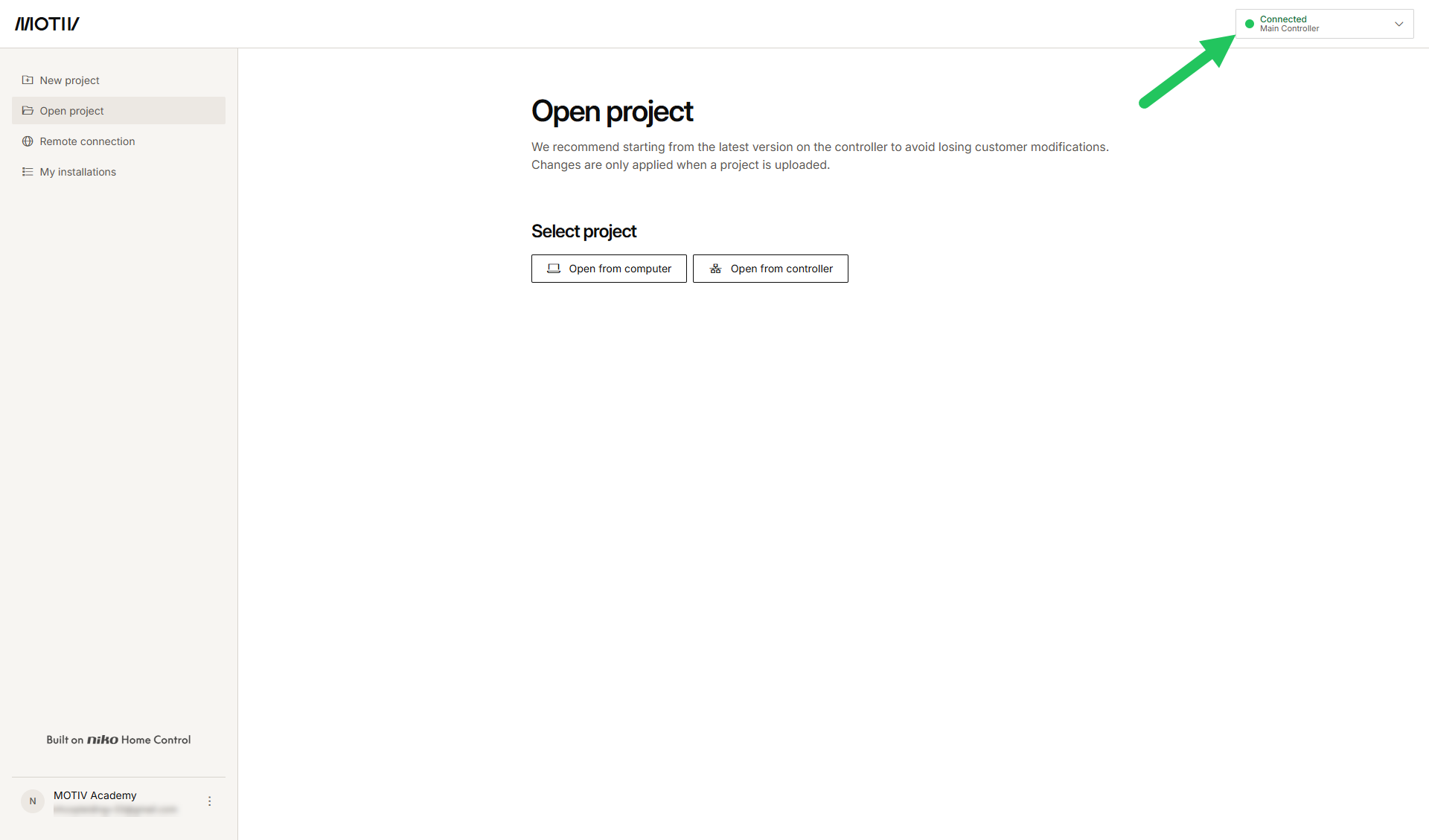
Result:
Your computer is connected to the controller.
-
Once your computer is connected to a controller, the controller is automatically added to the quick access list in the Connection centre. This allows you to easily switch between controllers within the same installation.
-
To disconnect your computer from the controller, click the Connection centre button (Connected) and click Disconnect.
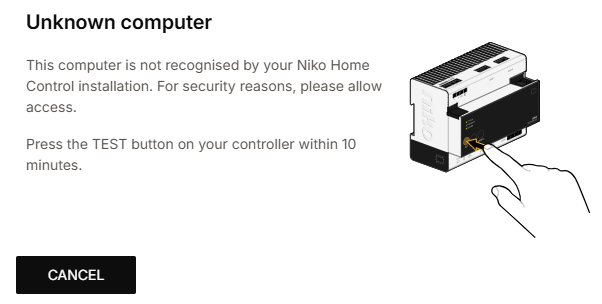
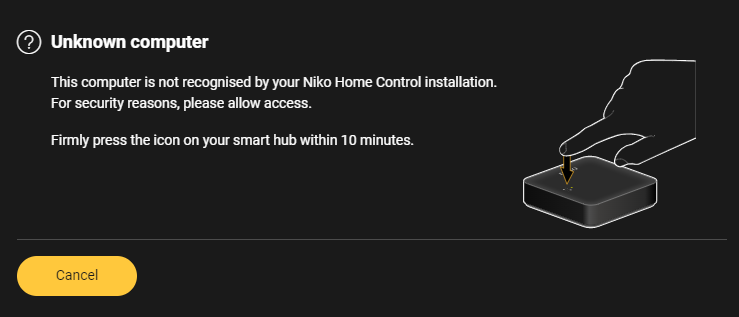
When you open the MOTIV Building Control programming software on this computer for the first time while connected to the controller, you are prompted to press a button on the controller.
|
Connected controller |
Wireless smart hub |
|---|---|
|
|
|
Press the TEST button on your connected controller within 10 minutes. |
Firmly press the icon on your wireless smart hub within 10 minutes. |