
Starting point
-
Your computer is connected to a controller.
-
Your installation has already been programmed at least once.
-
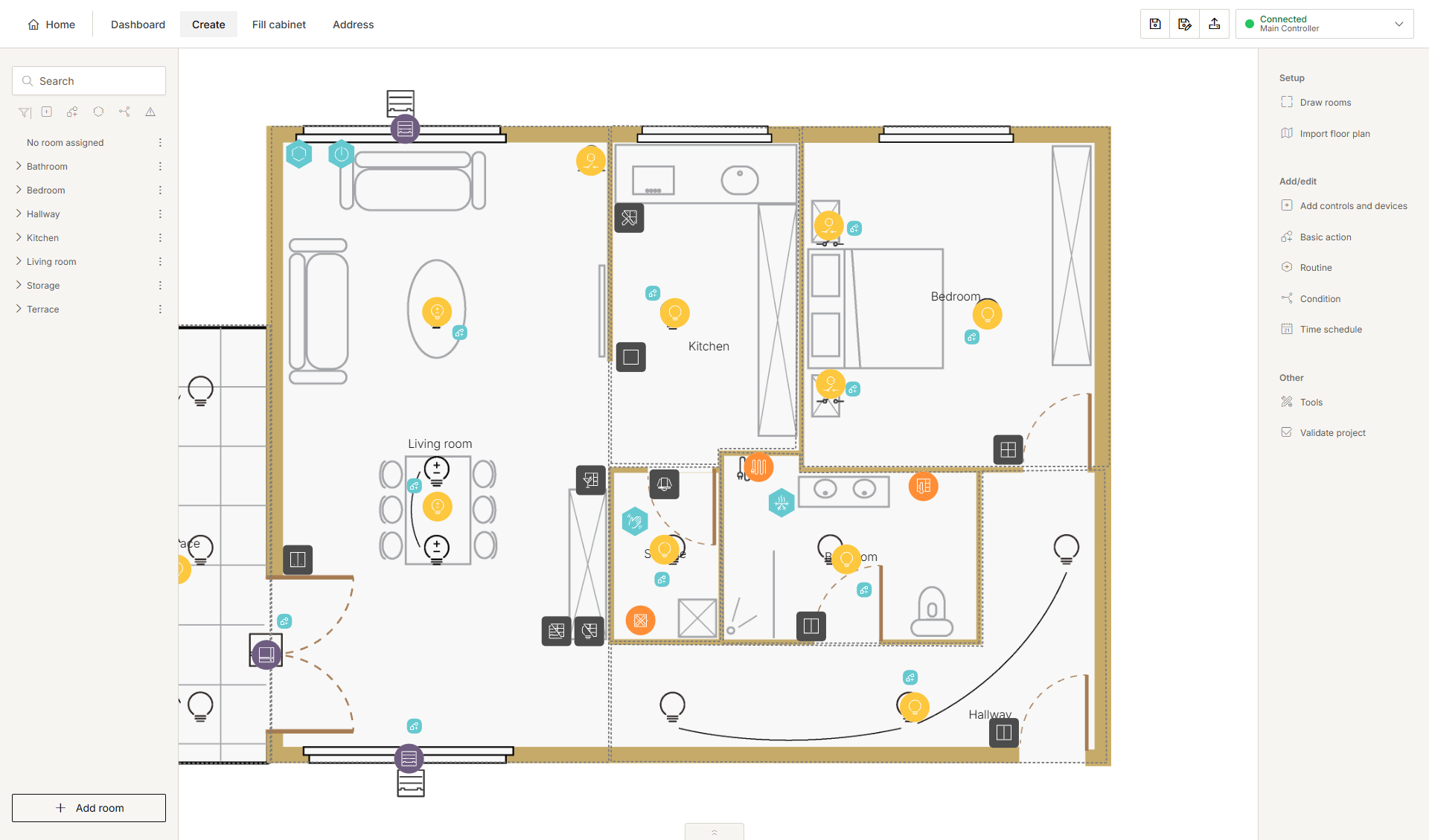
You have opened the MOTIV Building Control programming software (any menu or Home tab).
Procedure
-
On the right-hand side of the top bar, click the Connection centre button.
Result:
The Connection centre opens.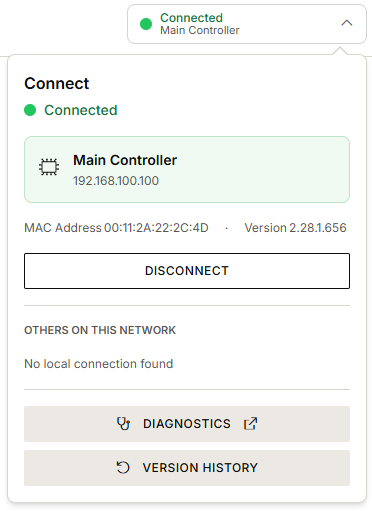
-
Click Version history.
Result:
Your previously uploaded versions appear in the overview.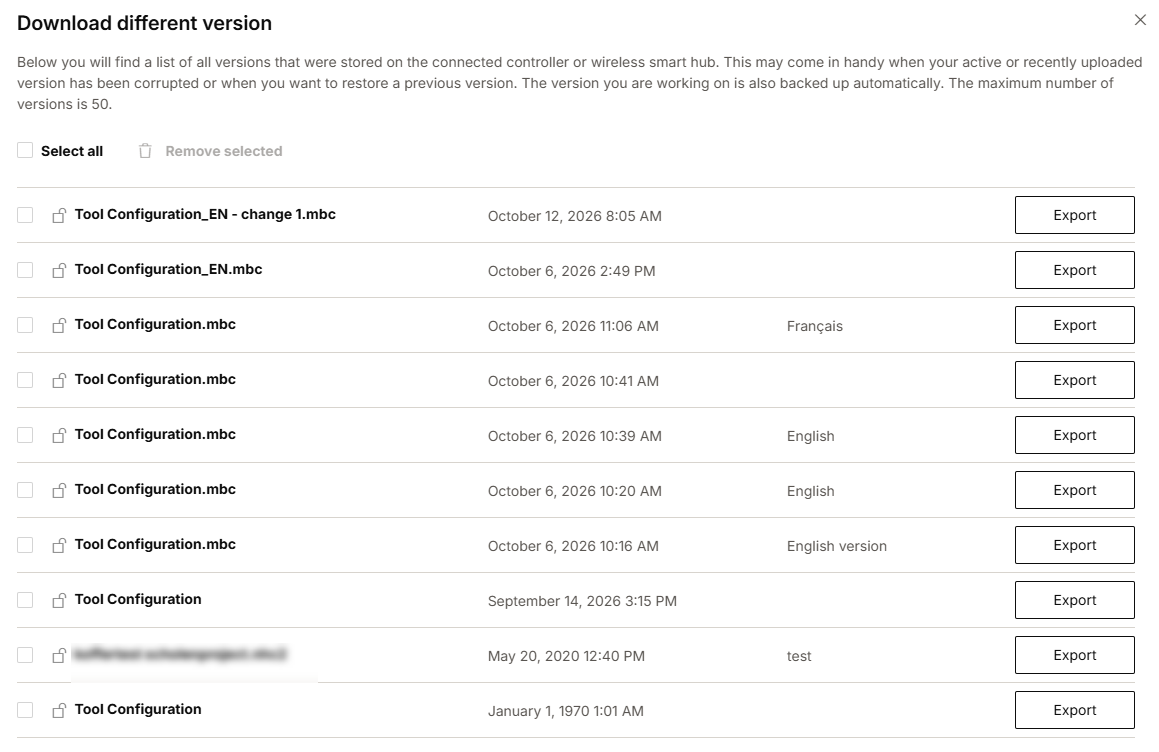
-
Select a project.
-
Click Export to save the project as an .mbc file on your computer.
-
Choose a folder and a name.
-
Click Save.
-
You can store a maximum of 50 projects on your installation.
-
You can delete a single project by selecting it and clicking Remove selected. To delete multiple or all projects, check the desired boxes or check Select all and click Remove selected.
-
Click the padlock to lock a project, so it cannot be removed by accident.