
Startpunt
-
Alle componenten die je wilt adresseren zijn aanwezig en aangesloten in de installatie.
-
Je computer is verbonden met de installatie.
-
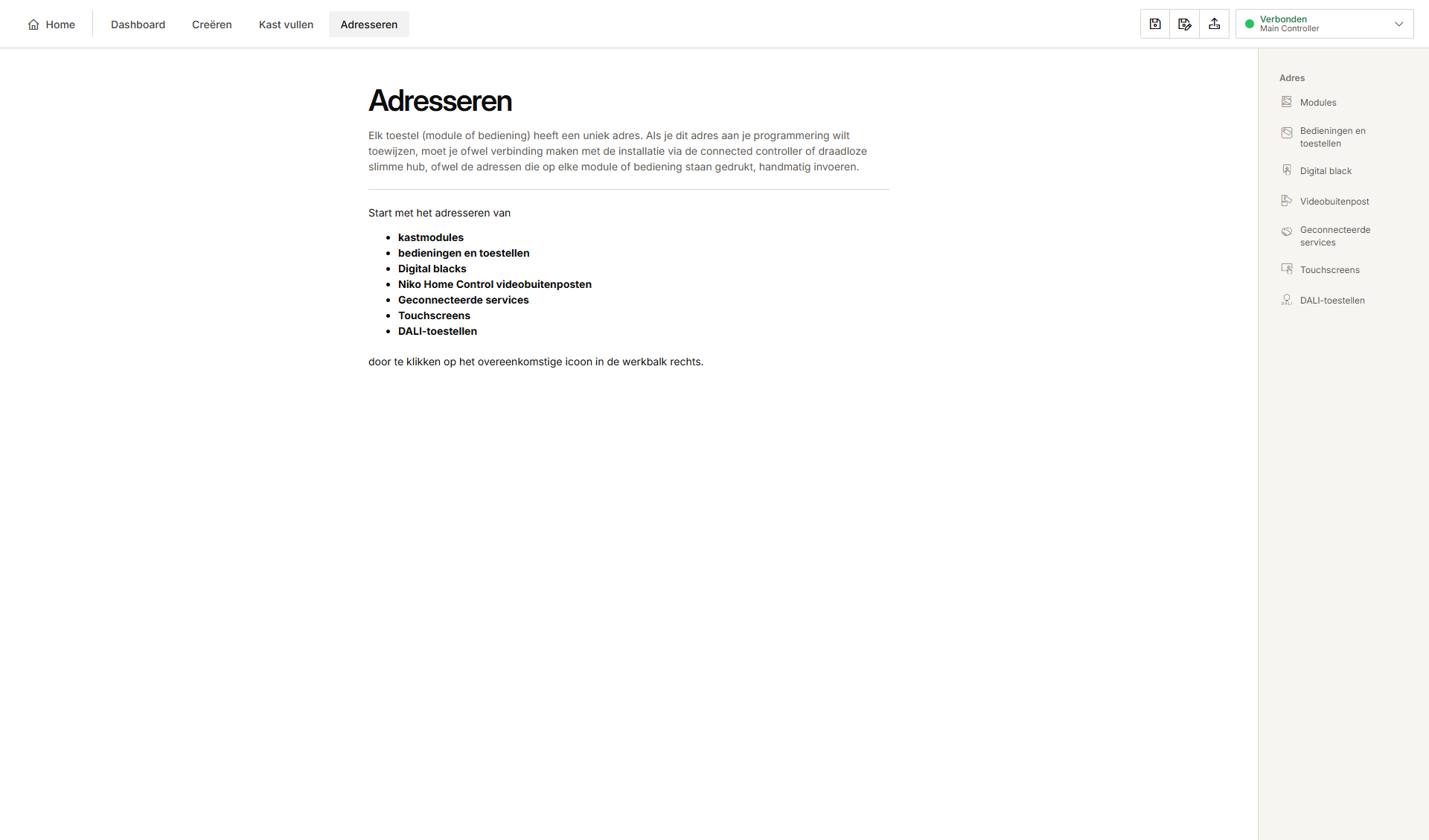
Je bevindt je in het overzichtsvenster Adresseren.
Procedure
-
Klik in de rechterknoppenbalk op Modules.
Resultaat:-
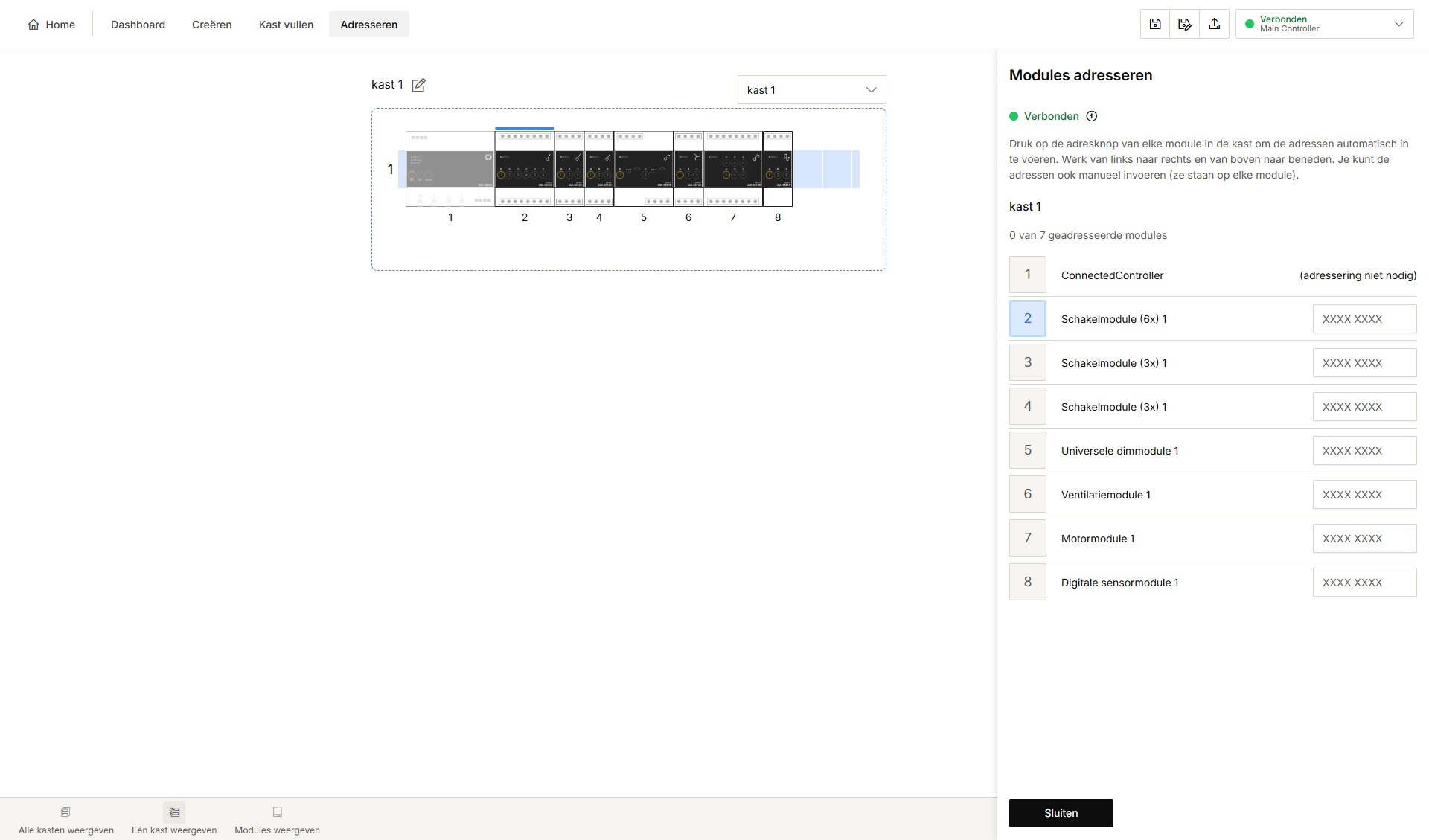
Het deelvenster Modules adresseren verschijnt en toont een overzicht van alle modules in de verdeelkast(en).
-
Het tekstvak naast de niet-geadresseerde modules is leeg.
-
Op het tekenvlak staat boven de module waarvan het adres wordt verwacht een blauwe lijn.
-
In het overzicht is het cijfer blauw.
-
-
Druk op de adresknop van de module in de kast om het unieke adres door te geven aan de programmeersoftware. Hou de volgorde in de programmeersoftware aan.
Resultaat:
Het adres verschijnt in het tekstvak naast de module.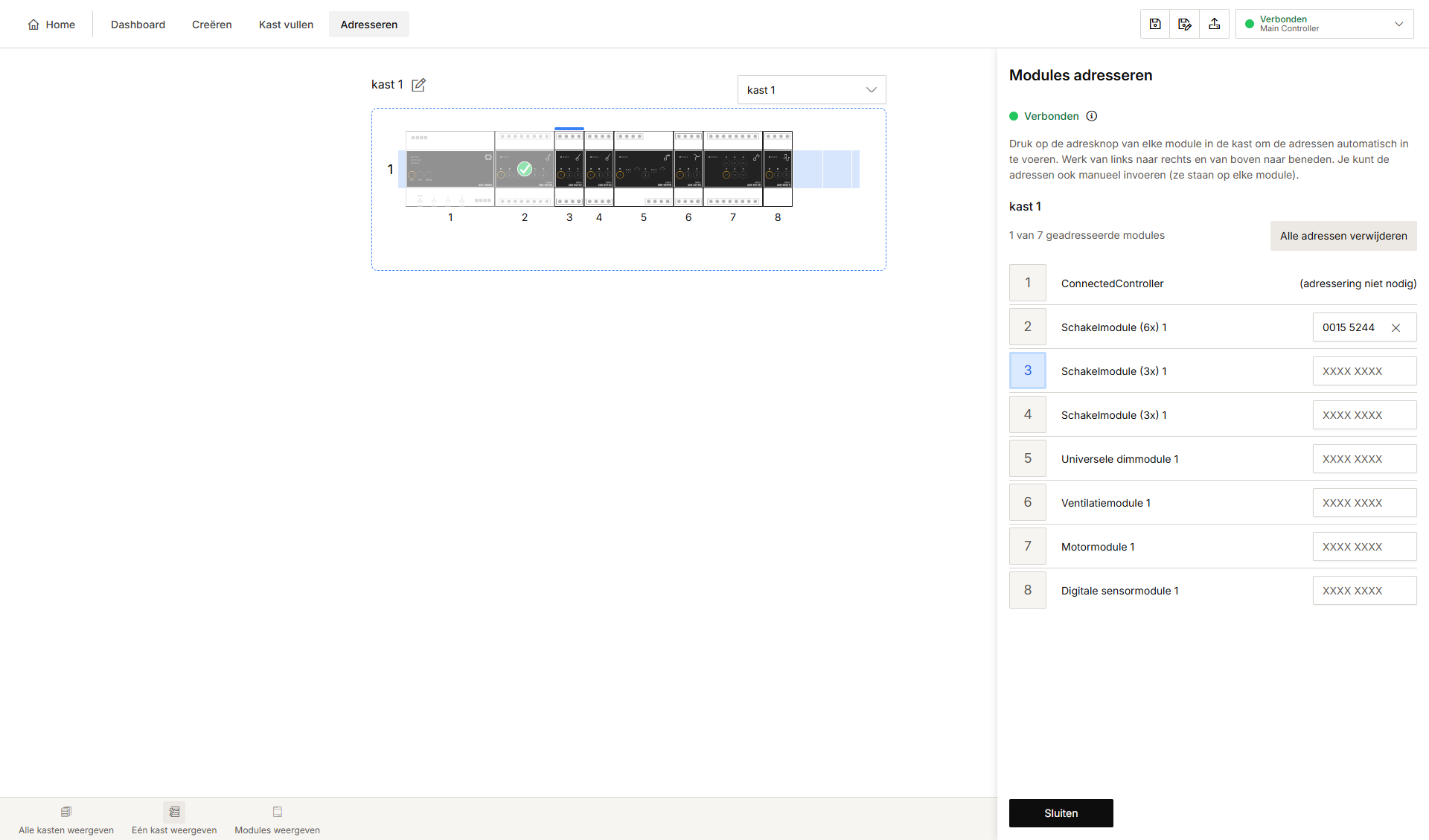
-
Druk op Sluiten om terug te keren naar het overzichtsvenster Adresseren.
Wens je de volgorde te wijzigen of een module over te slaan, selecteer de gewenste module in het kastoverzicht en druk vervolgens op de ADDRESS-knop van de module.
Je kunt de adressen ook manueel invoeren. Het adres staat op de module.