
Sie können den Digital black auch mit der Niko Home App anlernen (adressieren).
Ausgangspunkt
-
Sie haben den Digital black (24 V - 230 V) physisch installiert.
-
Der Digital black ist mit demselben Netzwerk verbunden wie Ihre Installation (24 V - 230 V).
-
Ihr Computer ist mit der Installation verbunden.
-
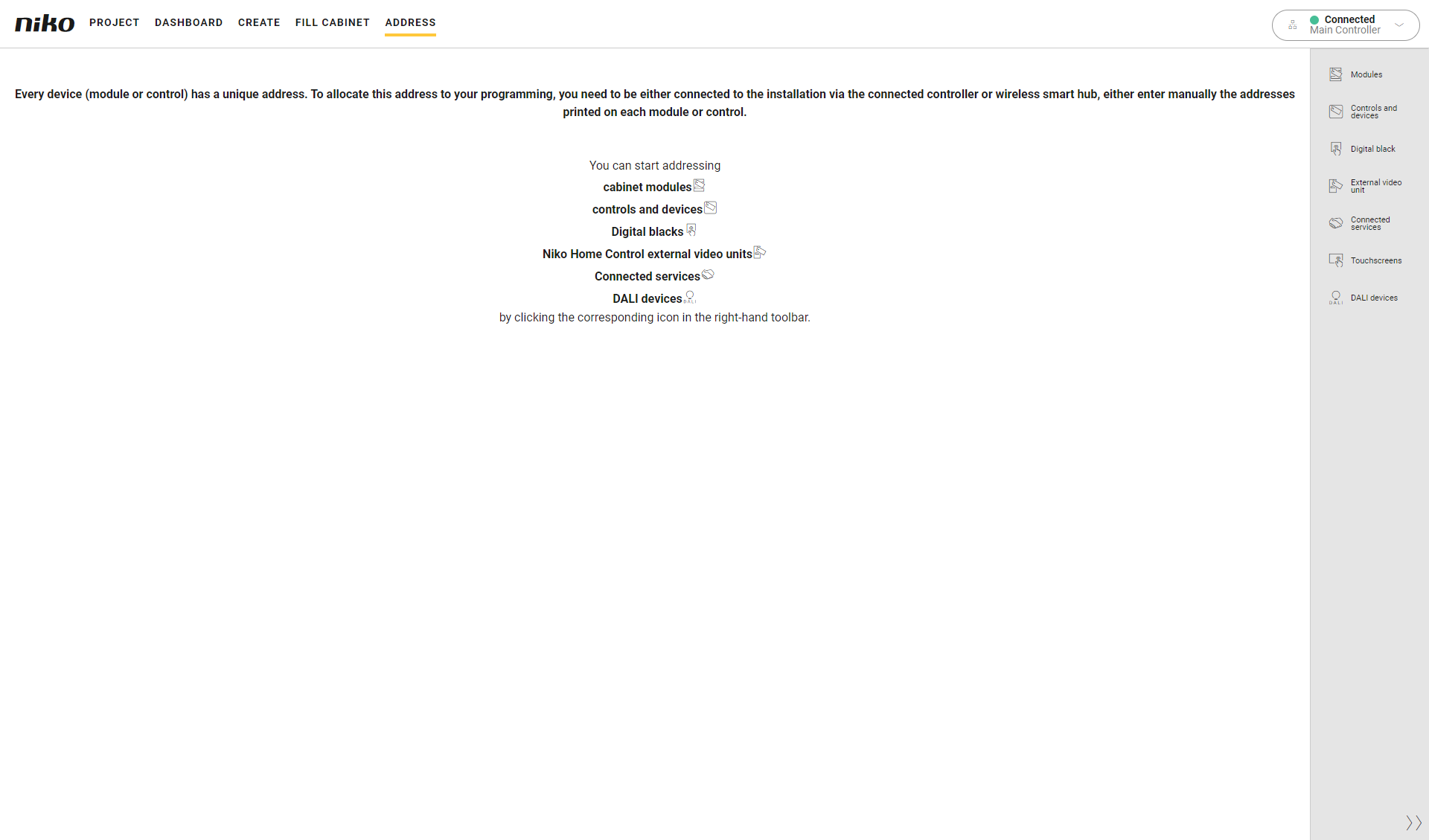
Sie befinden sich im Übersichtsfenster Adresse.
Vorgehen
-
Klicken Sie in der rechten Symbolleiste auf die Schaltfläche Digital black.
Ergebnis:-
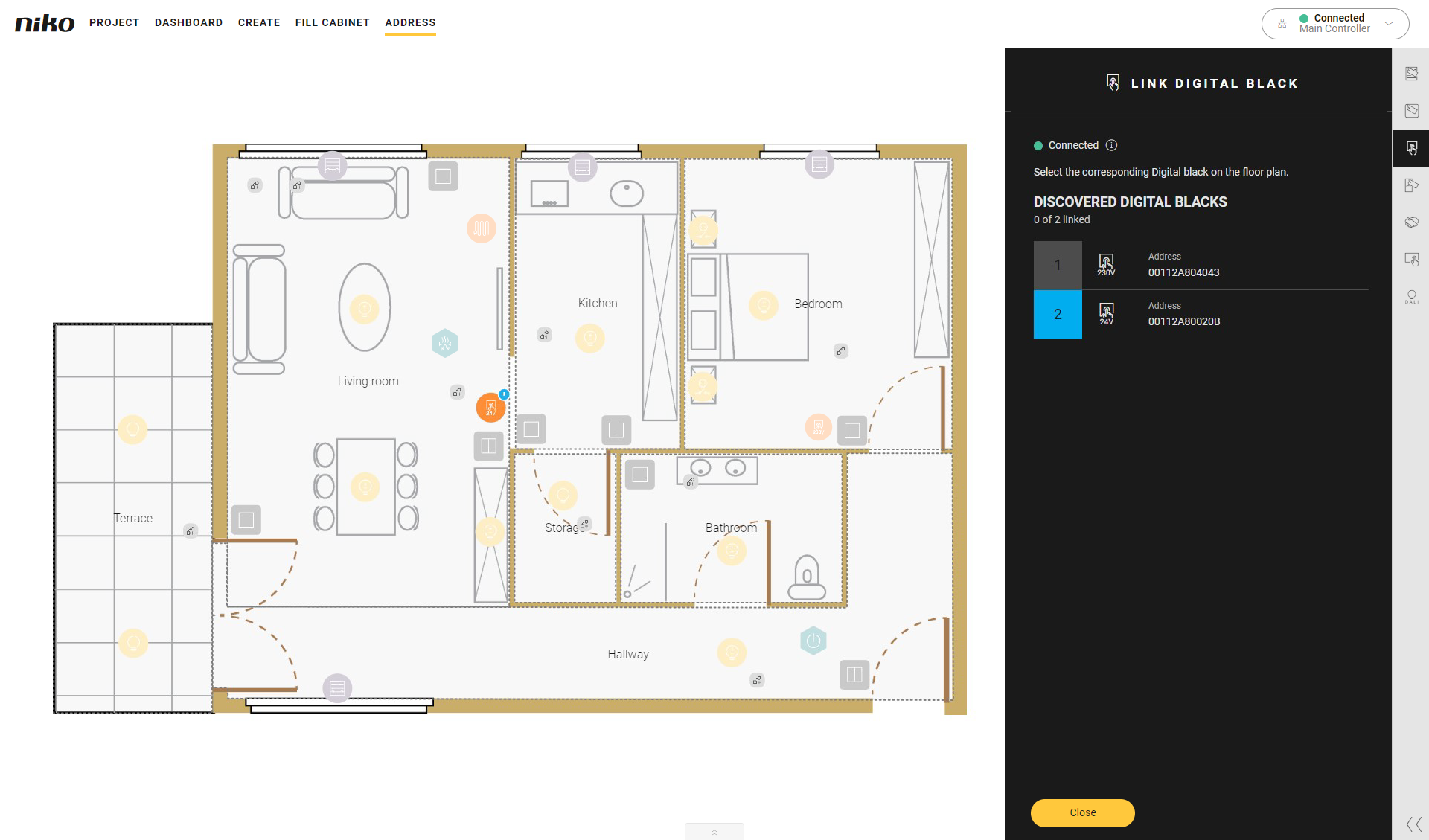
Das Unterfenster Link Digital black (Digital black verknüpfen) erscheint und zeigt die im Heimnetzwerk gefundenen Digital blacks, 24 V/230 V, mit der entsprechenden MAC-Adresse an. Diese MAC-Adresse wird auch auf dem Digital black angezeigt.
-
Im Zeichenbereich werden die Digital blacks angezeigt.
-
-
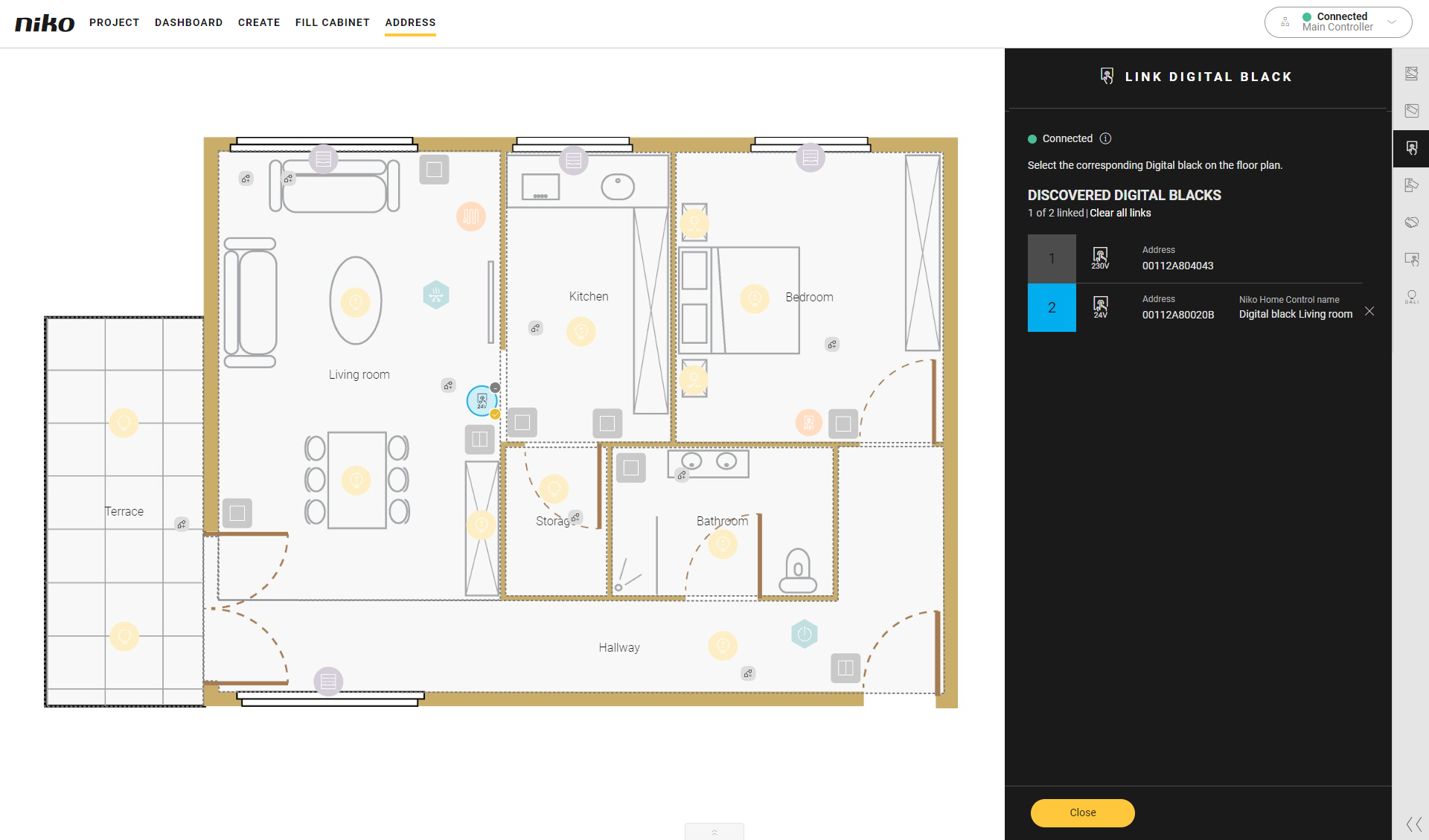
Klicken Sie auf die Pluszeichen des Digital black auf dem Grundriss, um sie zu verknüpfen.
-
Klicken Sie auf den Schließen-Button, um zum Übersichtsfenster Adressieren zurückzukehren.