
Ausgangspunkt
-
Ihr Computer ist mit dem Internet verbunden.
-
Sie haben die Installation registriert.
-
Sie sind der Administrator der Installation.
-
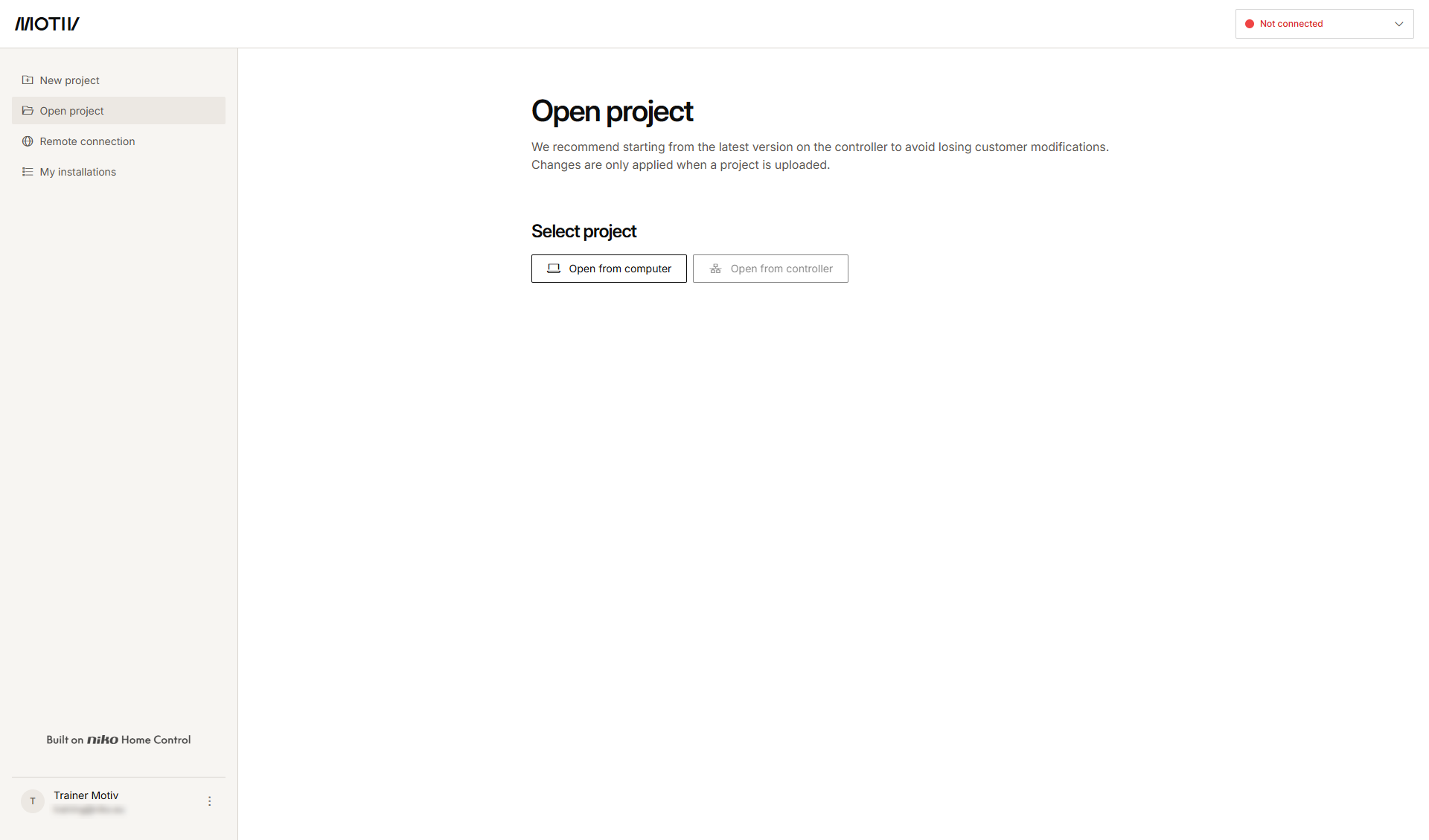
Sie haben die MOTIV Building Control-Programmiersoftware
geöffnet und sich dort angemeldet, oder Sie haben auf Home geklickt, während ein Projekt geöffnet war.
Vorgehen
-
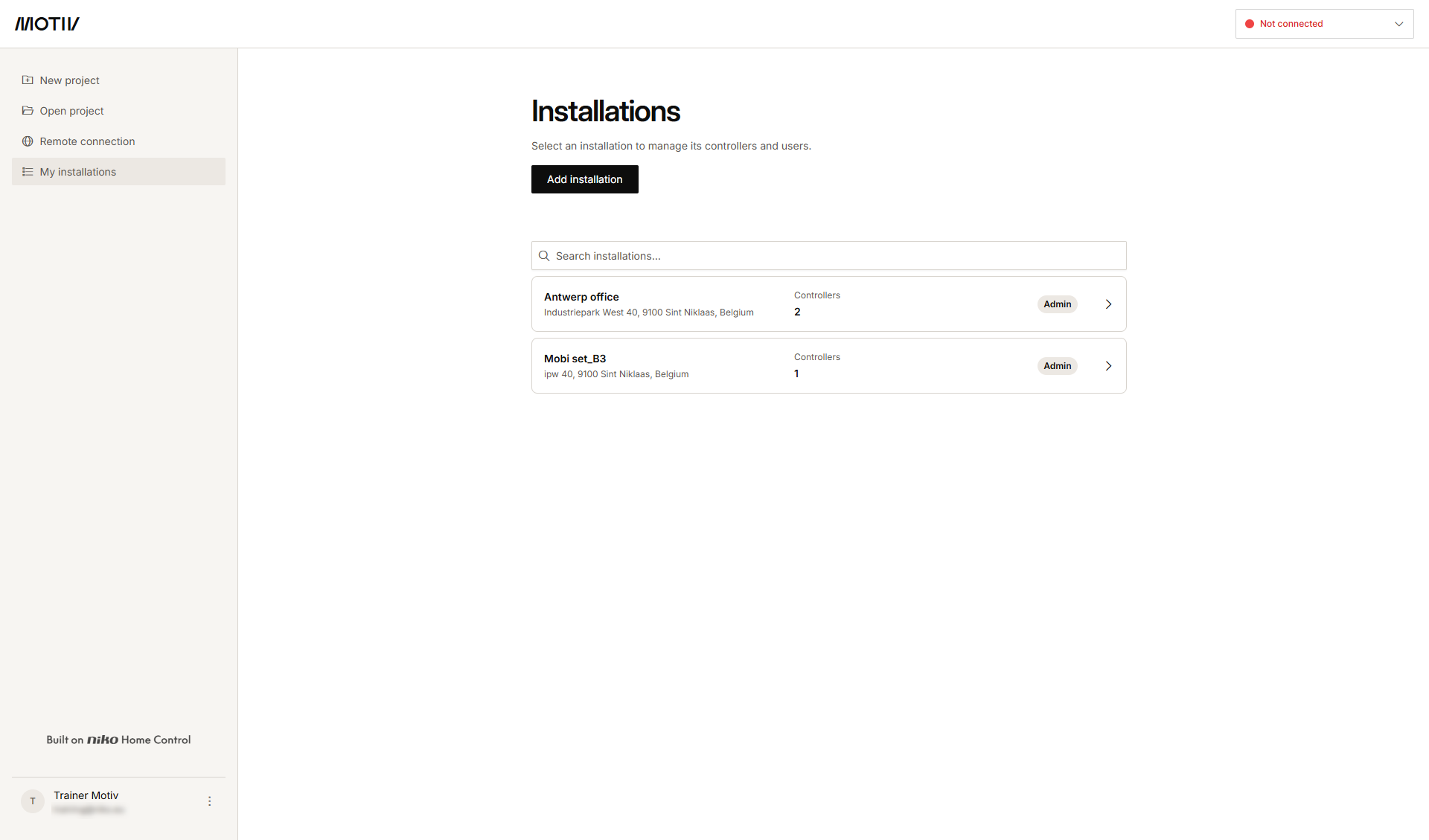
Klicken Sie im Menü auf der linken Seite auf Meine Installationen.
-
Klicken Sie auf den Pfeil neben der Installation, aus der Sie einen Controller entfernen möchten.
Ergebnis: Die Liste der Controller in der Installation wird mit ihrem Status werden angezeigt.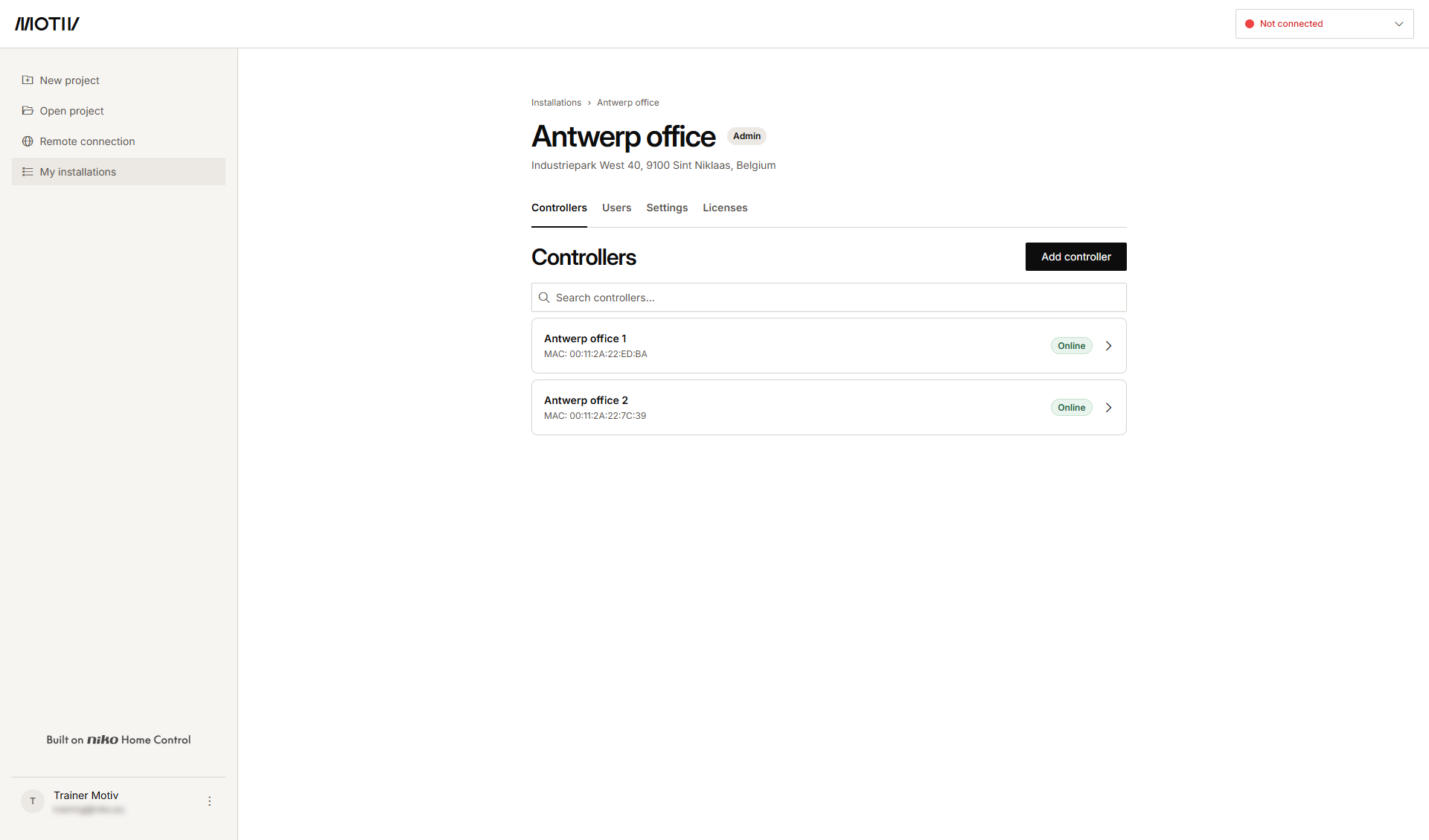
-
Klicken Sie auf den Pfeil neben dem Controller, den Sie entfernen möchten.
-
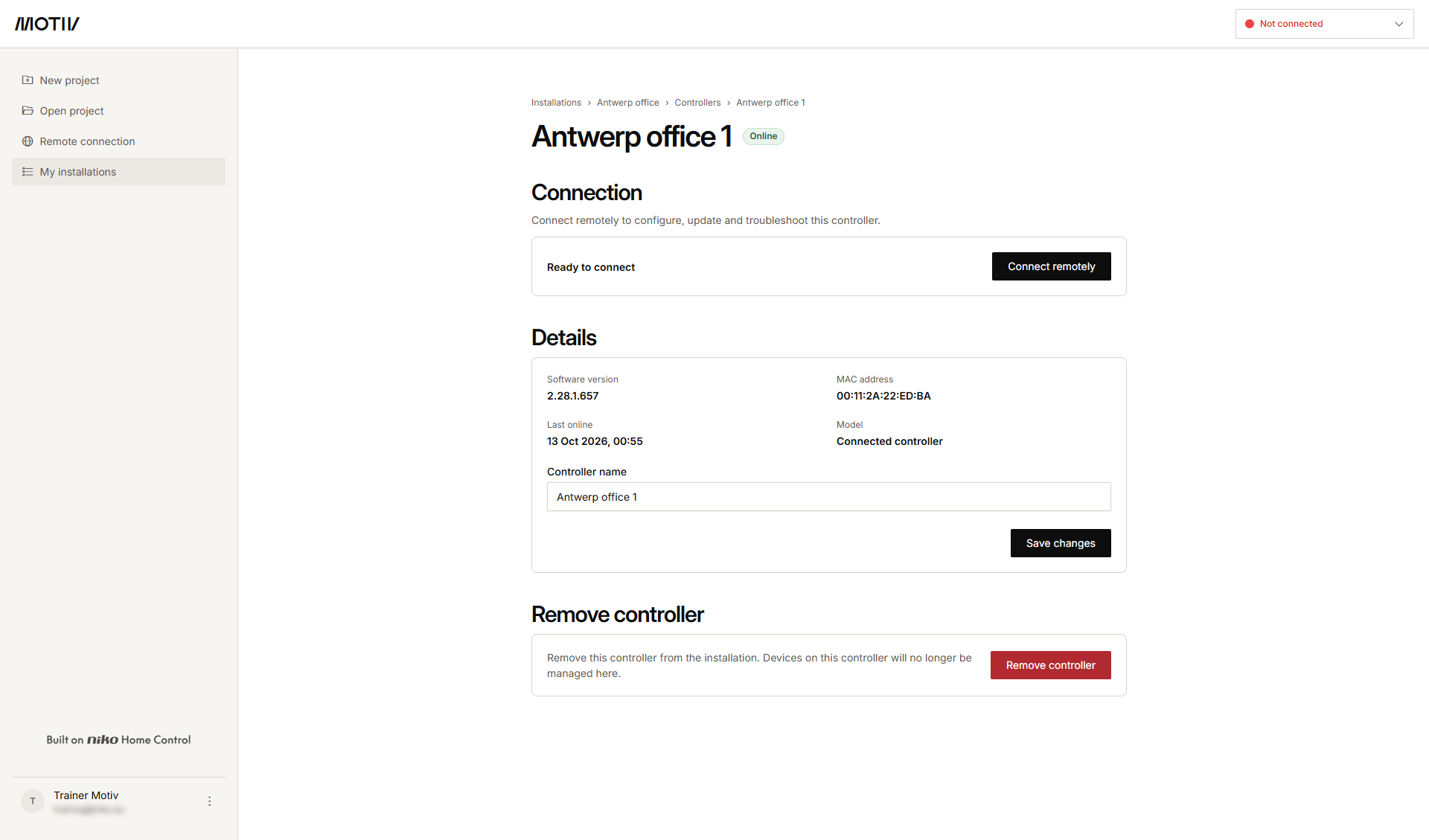
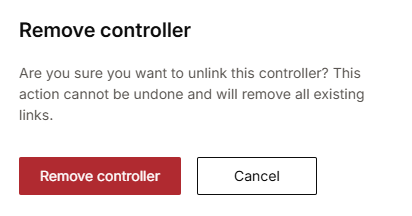
Klicken Sie auf Controller entfernen.
-
Klicken Sie auf entfernen.
-
Wenn Sie einen Controller aus einer Installation entfernen, kann dieser Vorgang nicht rückgängig gemacht werden, und alle vorhandenen Verknüpfungen werden gelöscht.
-
Der letzte Controller kann nicht aus einer Installation entfernt werden. Um diesen Controller zu entfernen, müssen Sie die gesamte Installation entfernen.