
What is electrical heating?
With the routine Electrical heating you can connect a thermostat (550-13053), a push button with LED(s) and comfort sensors, a MOTIV Sense3 or a Digital black 24 V to an electrical heating system.
The Digital black 230V cannot be used as a thermostat.
Starting point
-
You have created the following:
-
a thermostat (550-13053), a push button with LED(s) and comfort sensors, a MOTIV Sense3 or a Digital black 24V
-
electrical heating or a connected socket outlet, Zigbee®
-
-
You are in the Create overview window.
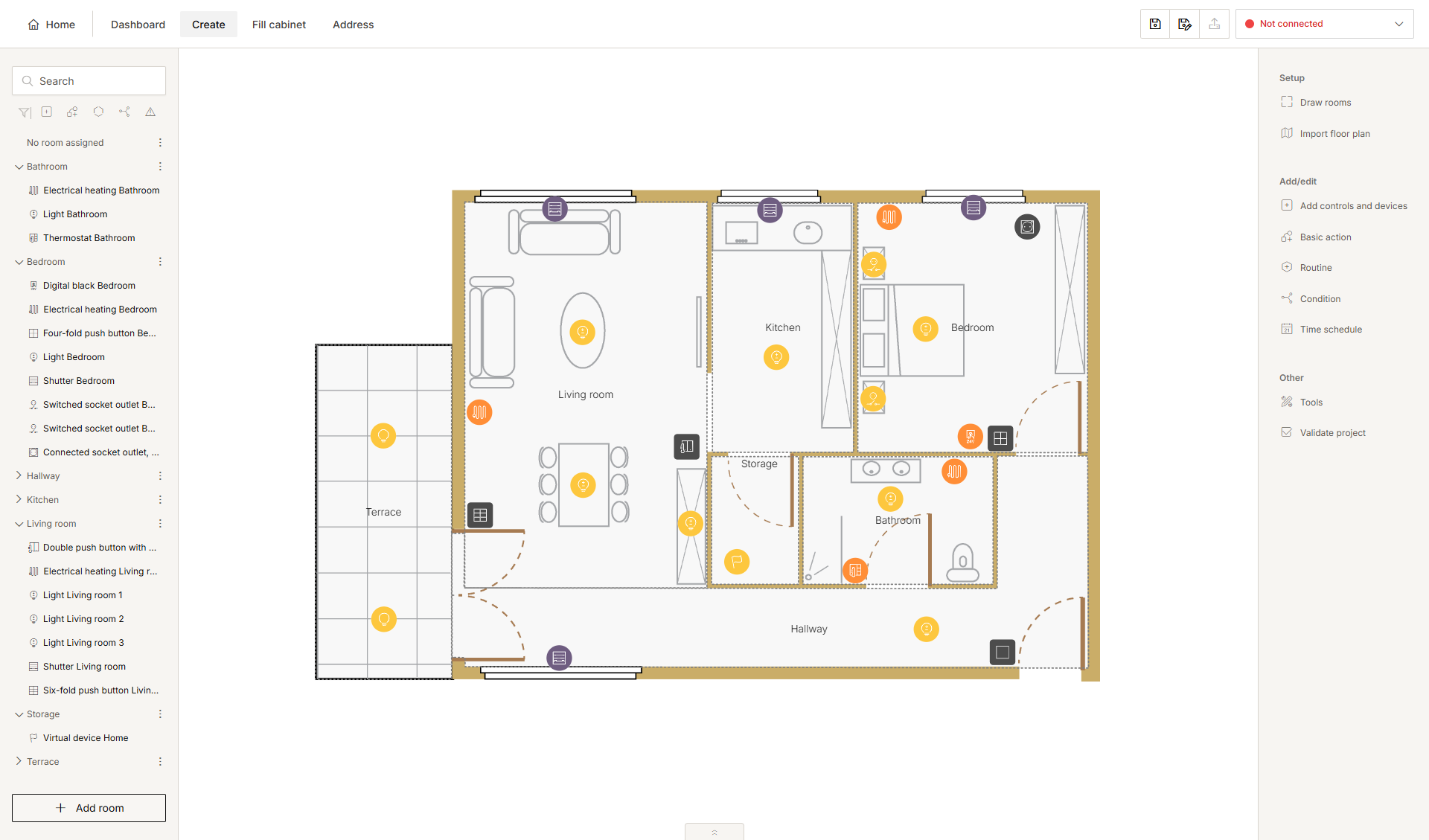
Procedure
-
In the right-hand button bar, click Routine.
Result:
The Routine pane appears.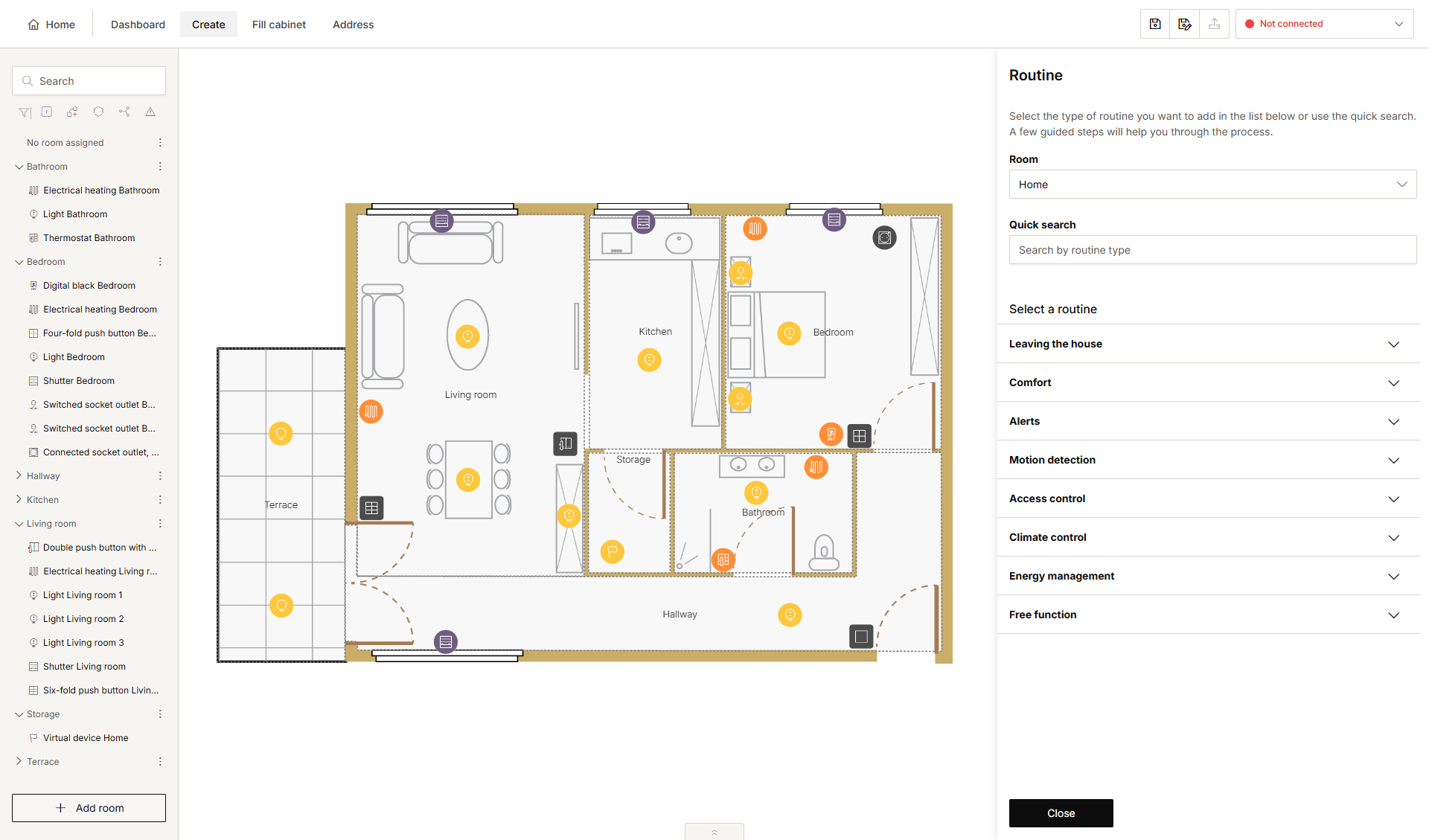
-
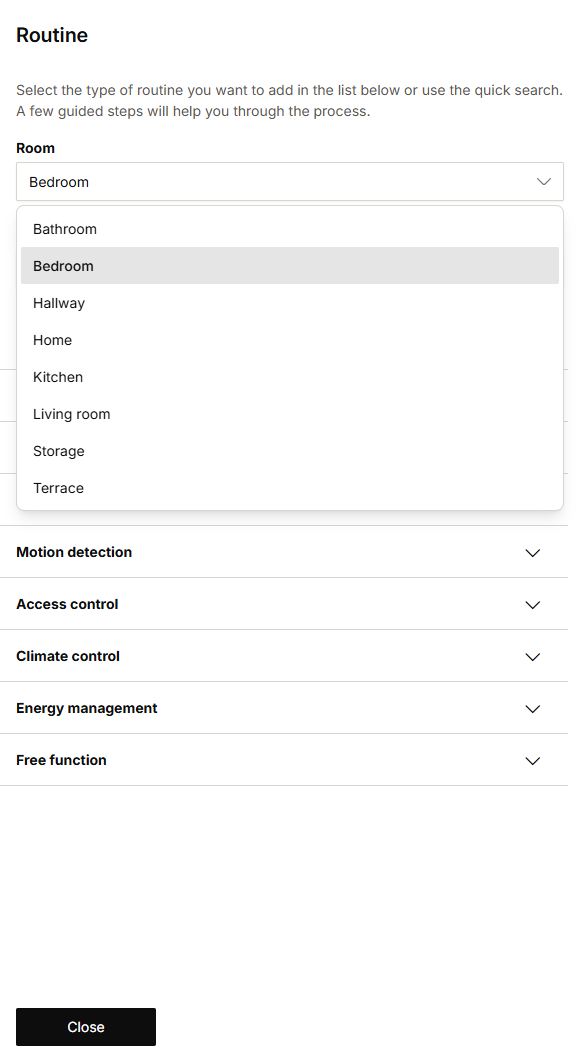
Choose the room as follows:
-
Choose Room from the drop-down list.
-
Click on the room in the drawing area.
-
-
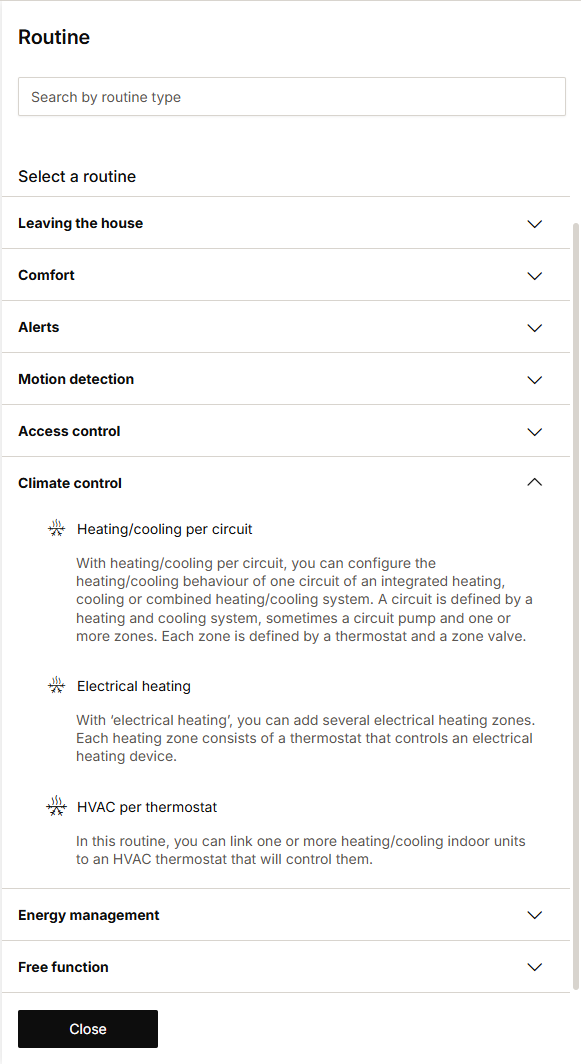
Click on the arrow next to the category Climate control.
-
Click on Electrical heating.
-
Give the routine a name.
-
Set the behaviour as follows:
Behaviour
What?
How?
A
Choose the thermostat, the push button with LED(s) and comfort sensors, the MOTIV Sense3 or the Digital black 24 V which will control the electrical heating in a certain area.
1 Click on the symbol of the control.
2 Click on the electrical heating device or the connected socket outlet you want to control with this control.
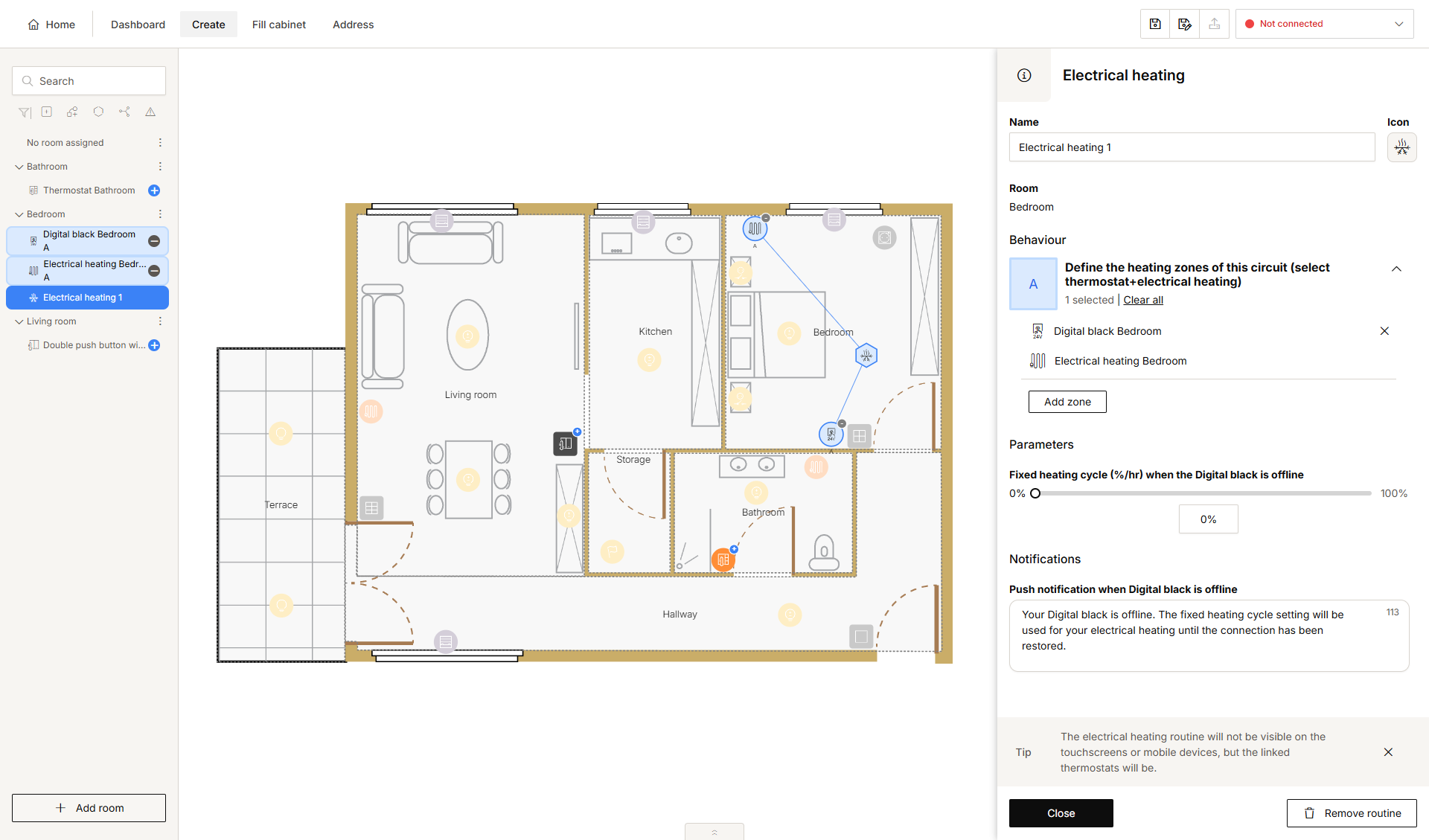
The selected control and electrical heating together form an area.
At least one device is required for behaviour A. If you do not add this device, the routine symbol will show a warning. Underneath the behaviour, the following message will be displayed: you have to add at least one device to complete the area.
-
Repeat the steps above to create electrical heating areas for other rooms as desired. Each time, click on the control first and then on the corresponding electrical heating.
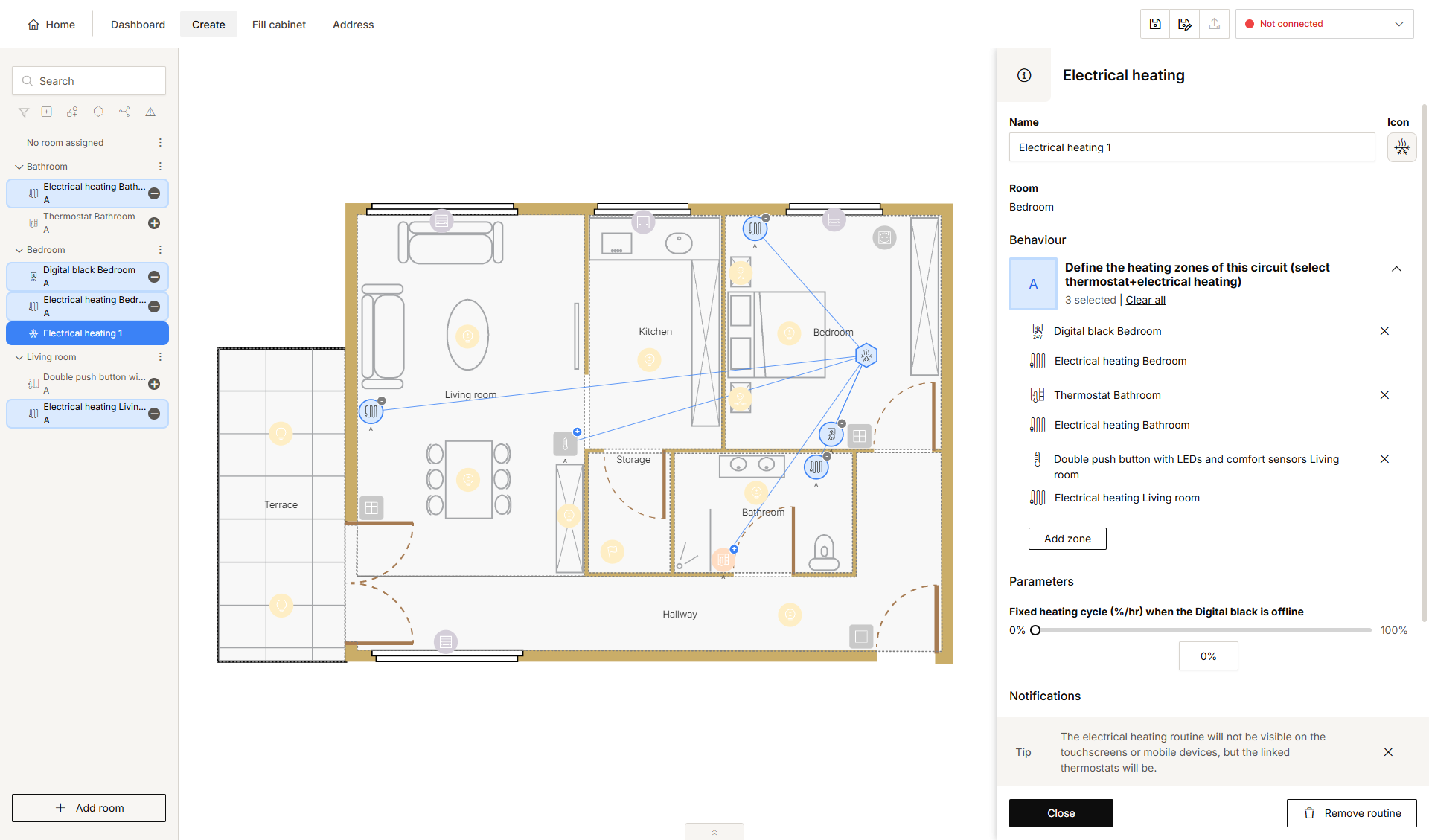
-
Under Parameters, set the following:
Parameter
Choice
Description
Example
(when a Digital black is used) Fixed heating cycle (%/hr) when the Digital black is offline
0 - 100 %
Standard: 0%
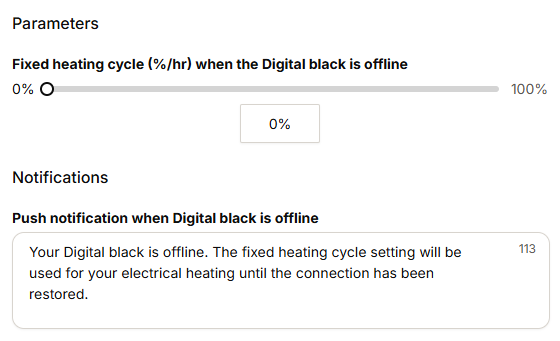
(when a Digital black is used) Push notification that is sent when Digital black is offline
Text
This text is sent when the installation lost its connection to the Digital black.