
Starting point
-
Your MOTIV Building Control installation has been registered (see Register your installation).
-
You have met the necessary requirements for both MOTIV Building Control installation and the partner system.
-
The system you want to link has been installed and is ready to use.
-
Your MOTIV Building Control installation and in some cases, the connected service you want to link are online.
-
You are in the Dashboard overview window.
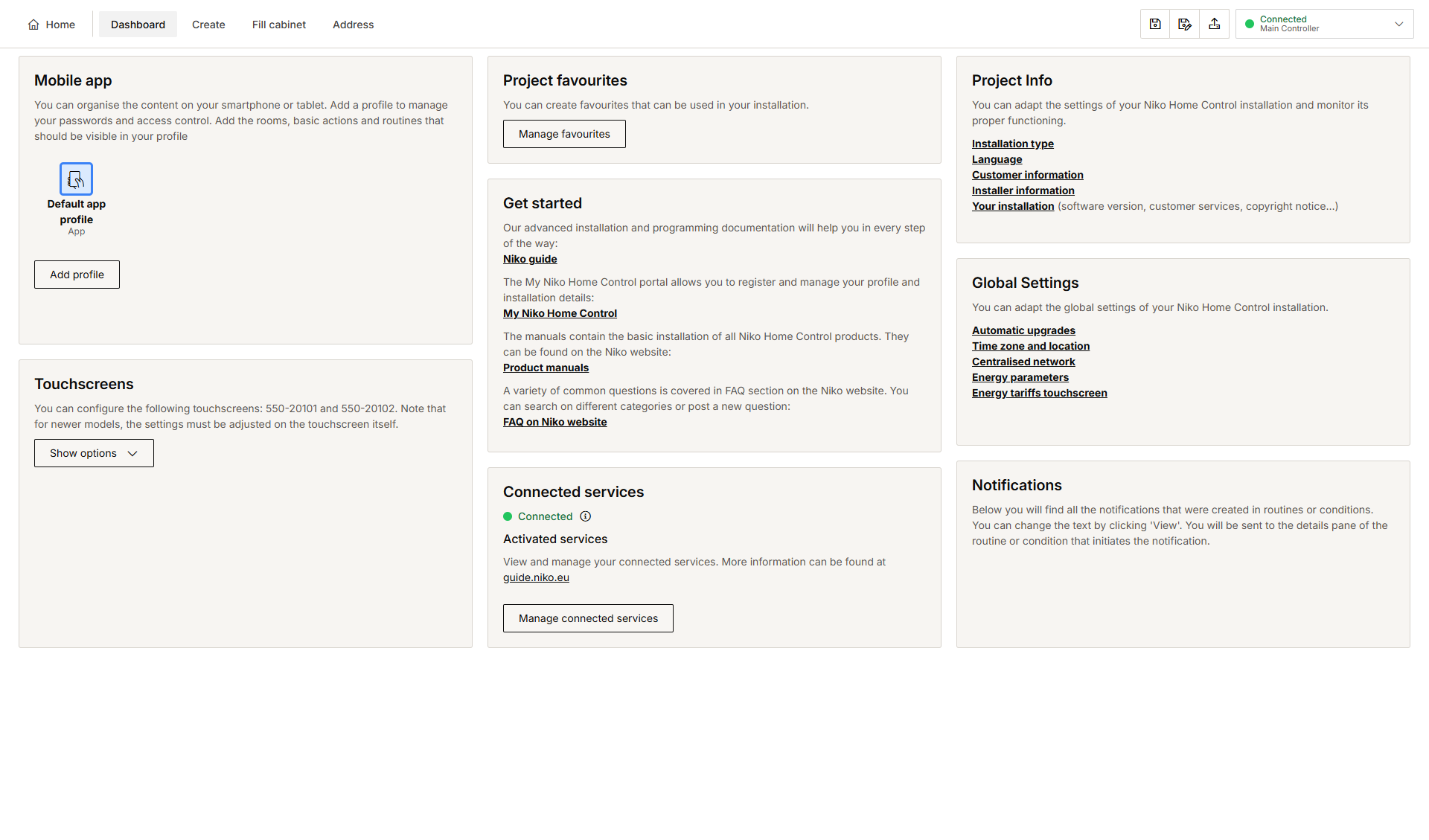
Procedure
-
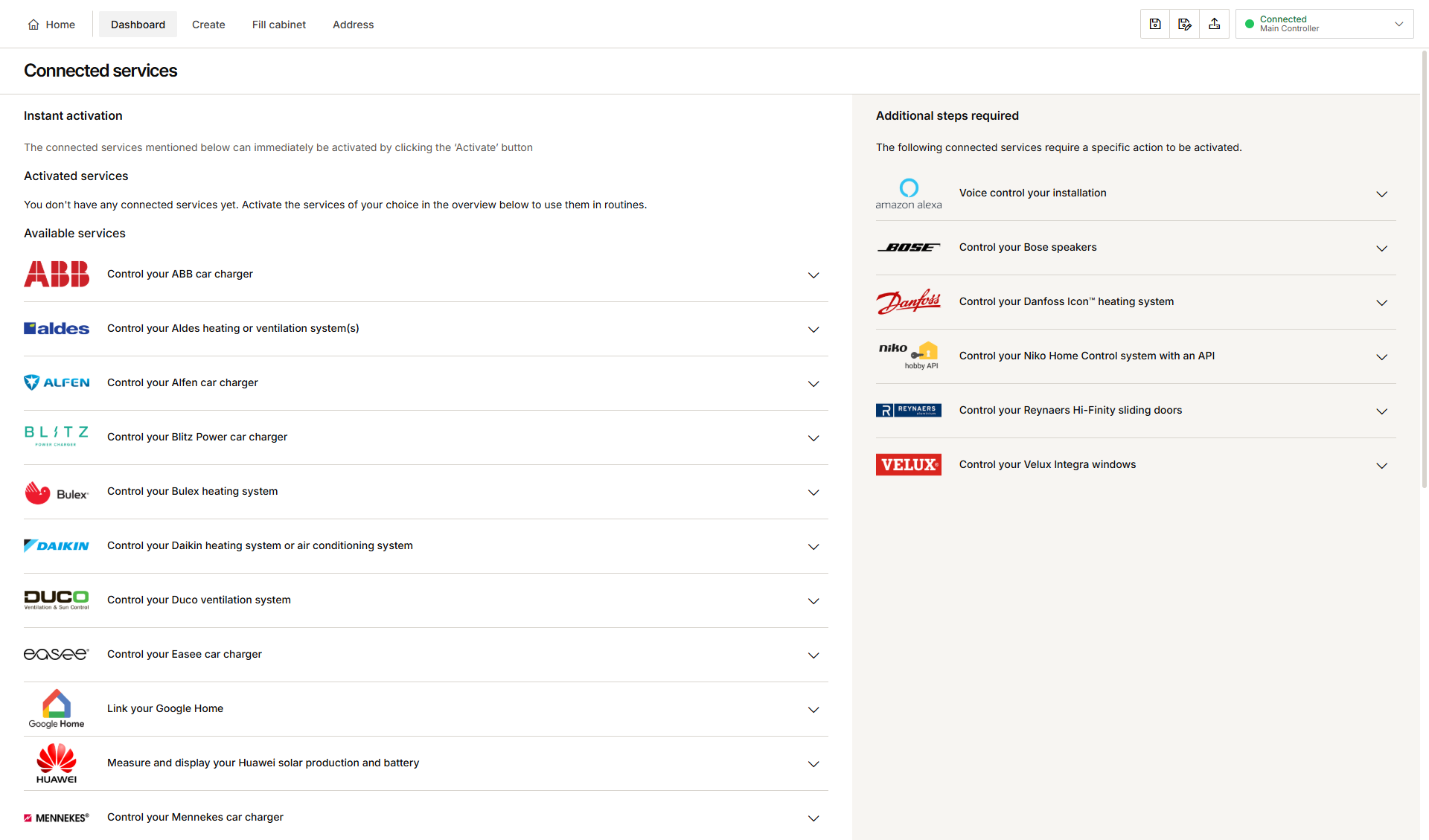
Click on Manage connected services. This is where you manage all the services linked to your installation.
-
In the Available services section, click the arrow next to the connected service you want to link to your installation.
-
Depending on the connected service you select:
-
The service can be activated by clicking the Activate button.
-
The service requires a specific action to be activated.
-
-
Follow the activation procedure. This will vary from partner to partner.
Result: The partner brand appears on your app and/or touchscreen within a few minutes. If the connected service is to be used within a routine, it needs to be added as a device in the Create menu of the MOTIV Building Control programming software.
The partner logo is added to the Activated services section of the Dashboard menu.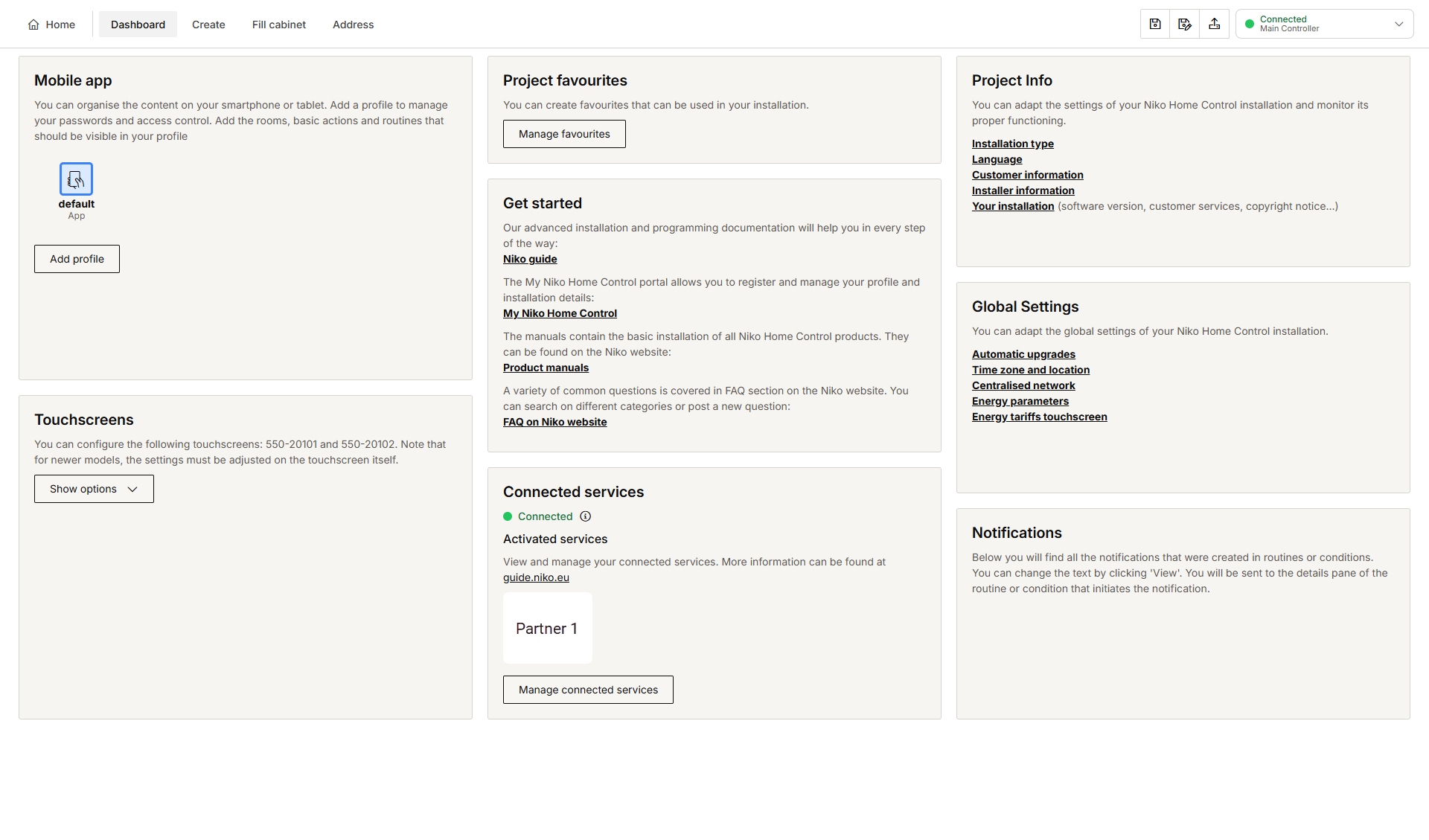
-
Extra programming and, for some partners, extra addressing will be needed in the MOTIV Building Control programming software if you want to link the partner brand's functions to your installation.
Examples:-
When you press the Standard 'all-off' button, the ventilation boost of your DucoBox is activated to freshen up the indoor air.
-
With the routine Solar mode you can boost the domestic hot water when sufficient solar energy is available.
-
-
If the activation procedure should fail, the partner logo is added to the Activated services section, but a red line or circle next to the logo indicates the failure.
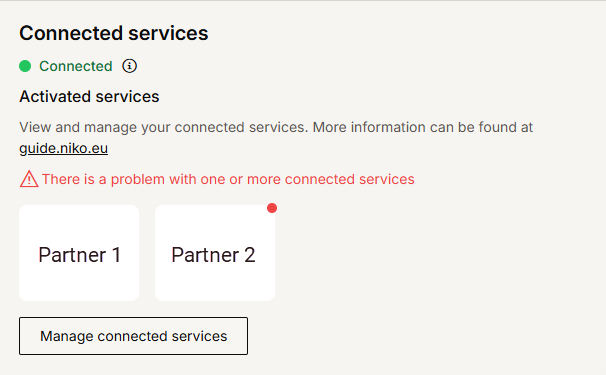
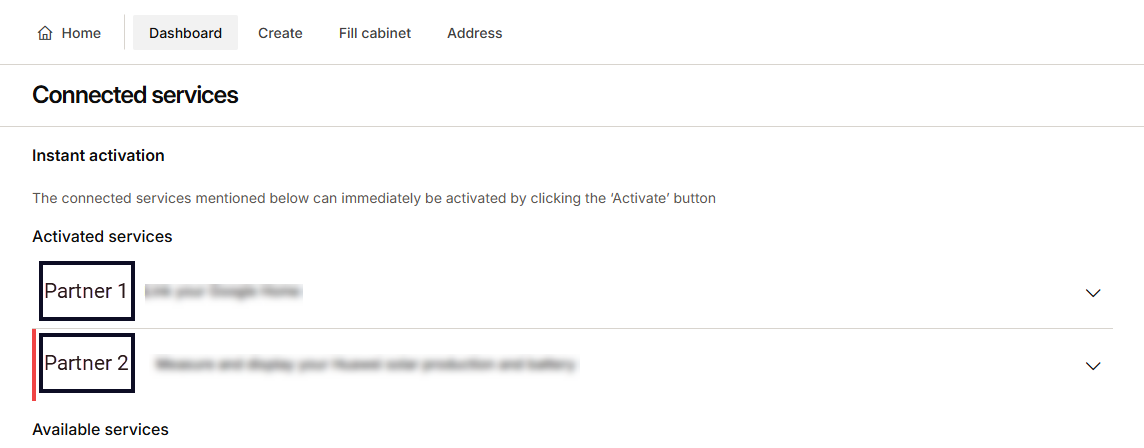
-
Some virus scanners or firewalls may block the port used to activate the connected service. Open port 8081 on your virus scanner or firewall.
Requirements for each MOTIV partner
Click the brand logo to find out the requirements of both the partner and MOTIV Building Control.
|
Partners |
|||

|

|

|

|

|

|

|

|

|

|

|

|

|

|

|

|

|

|

|
|
|
EV charging partners |
|||

|

|

|

|

|

|

|
|
|
Open API |
|||

|
|
|
|
|
Consumer ecosystems |
|||

|

|
|
|