
What is the hobby API?
By using the hobby API you can link smart solutions to your MOTIV Building Control installation yourself as well. You, as an advanced code-savvy-user, can make MOTIV Building Control work together with your own application or with solutions such as Node-RED, openHAB or Home Assistant.
Niko or your professional installer do not support applications or solutions you build with the hobby API. For support, MOTIV refers to the communities listed above.
What can you do with MOTIV Building Control?
For an overview, see Connections to third-party systems > Hobby API.
What do you need?
Before proceeding with activation, please consult the requirements (general, MOTIV, and Hobby API); see Connections to third-party systems > Hobby API.
How do you get access to the hobby API (documentation and authentication)?
-
Make sure you have everything you need (see above).
-
Click on Dashboard.
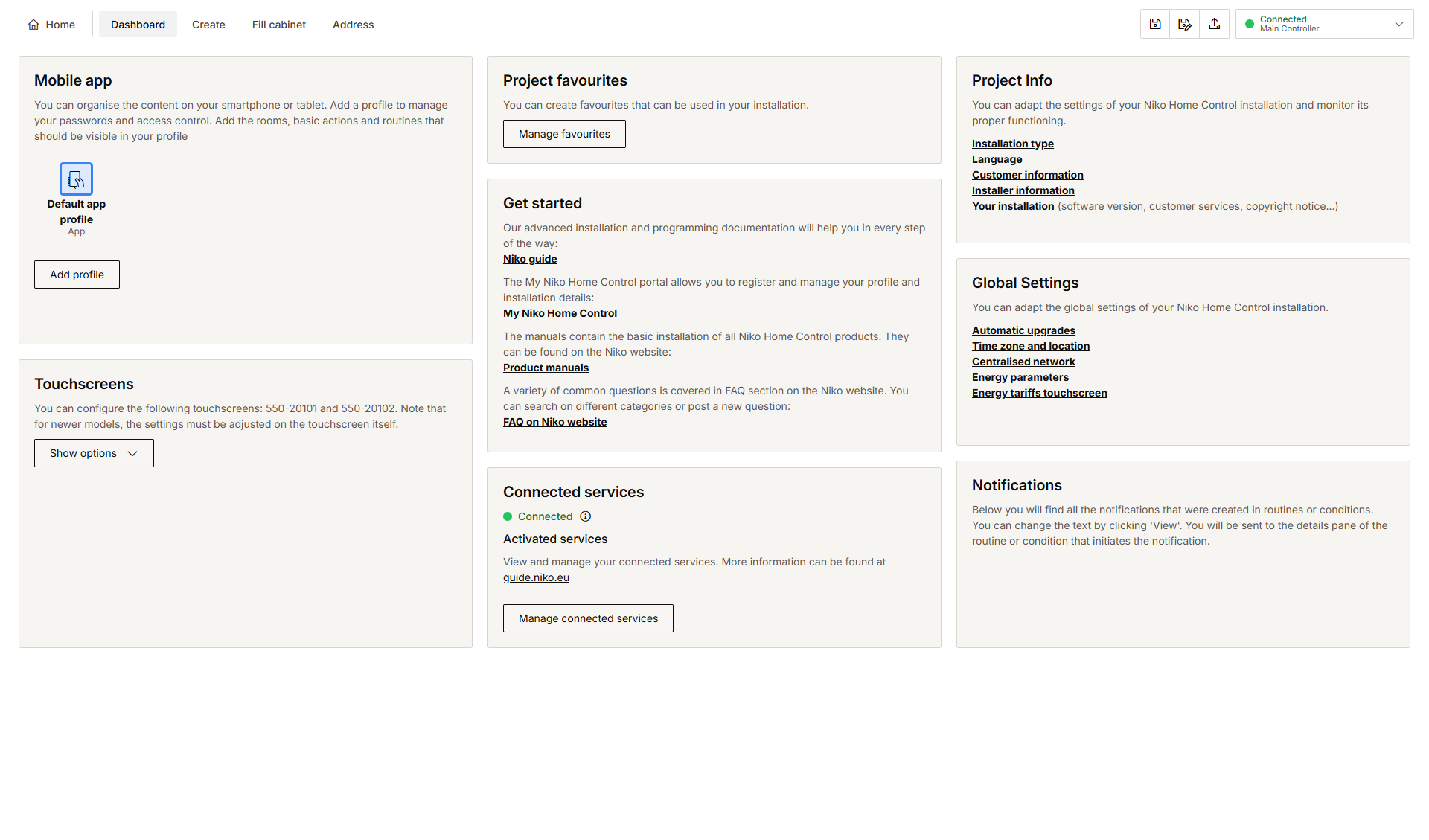
-
Click on Manage connected services.
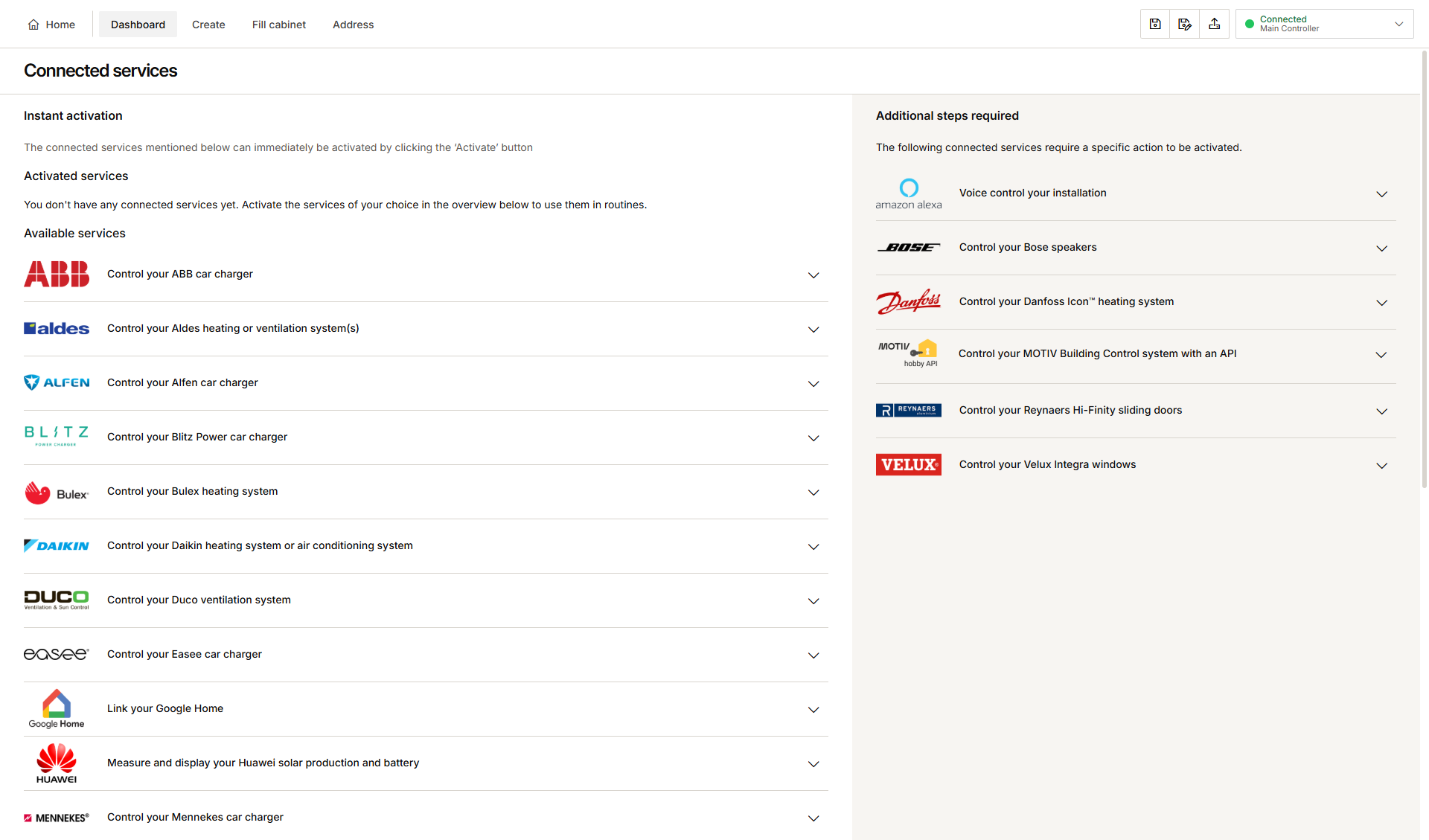
-
In the Additional steps required section, click the arrow next to the hobby API logo.
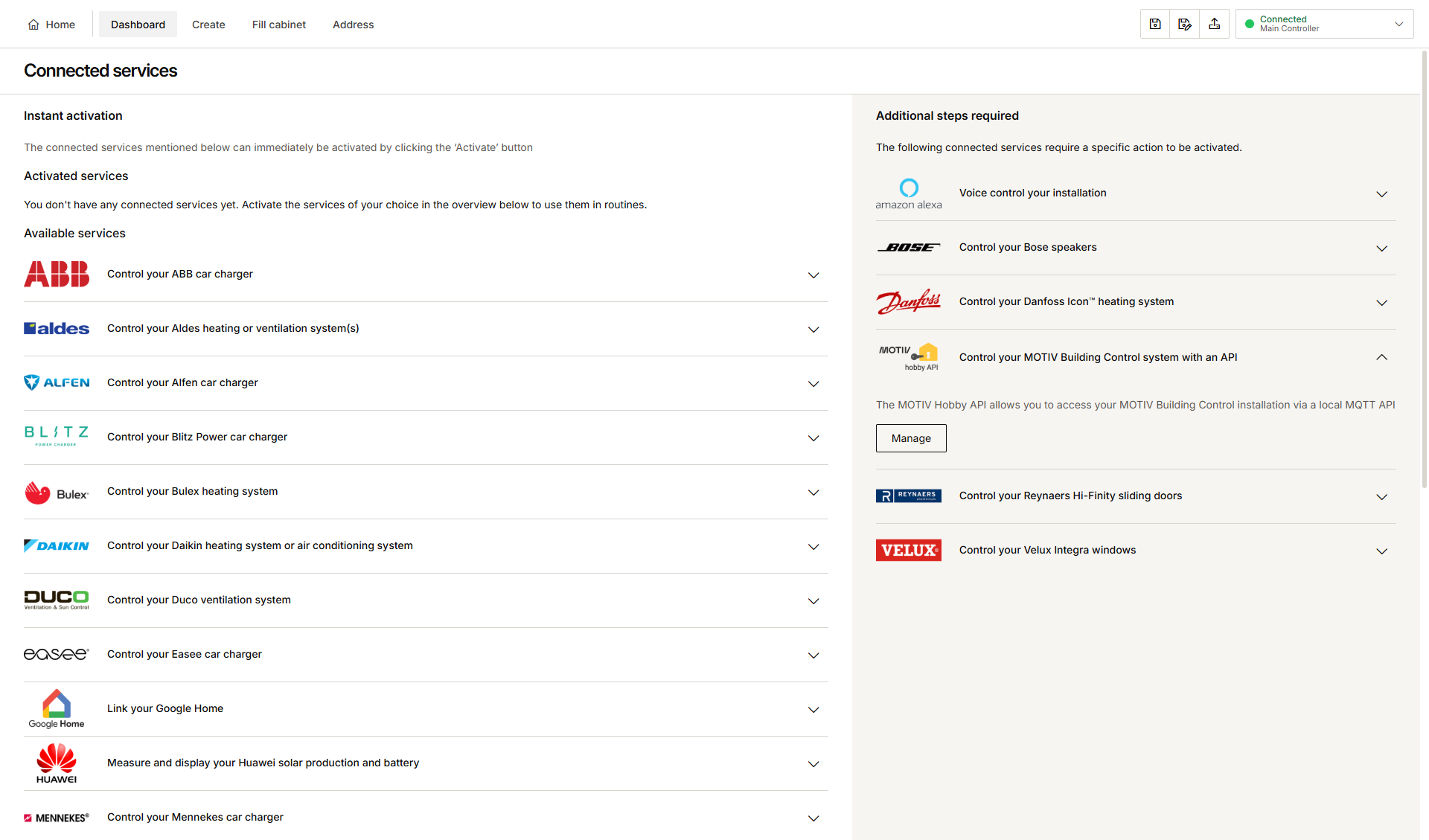
-
Click on Manage.
-
If you are already logged in into MOTIV Building Control programming software, go to step 8. If not, proceed as follows.
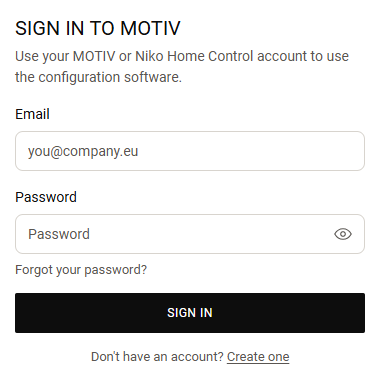
-
Fill in your e-mail address and MOTIV account password.
-
Click on Accept to agree with the terms & conditions.
-
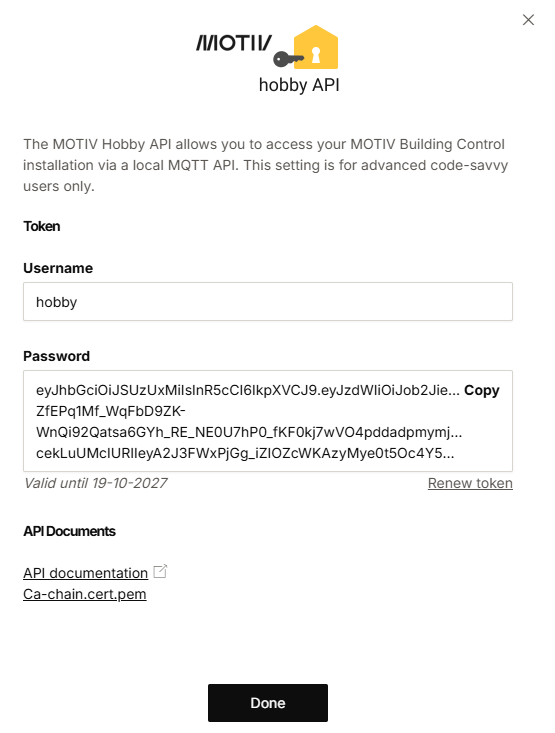
Click on Copy to retrieve the token and use it in your application.
-
Click on Done.
-
You can find the API documentation here.
-
You can't change the username in the activation window.
How do you renew the access token?
About the access token:
-
The token expires after a year.
-
The token needs a yearly renewal.
-
A renewal is possible at the earliest one month before the actual expiration date.
-
You are not informed by Niko that the token is about to expire. Tip: You can create a notification in the software. The Niko Home app will remind you to renew the token.
-
Make sure you have everything you need (see above).
-
Click on Dashboard.
-
Click on Manage connected services.
-
In the Additional steps required section, click the arrow next to the hobby API logo.
-
Click on Manage.
-
Follow the instructions on your screen to receive a new token.