Niko Home Control is evolving into MOTIV Building Control. MOTIV is a new brand for intelligent building automation. Built on the trusted foundation of Niko Home Control, MOTIV solutions are designed to make buildings work more naturally for the people inside them. MOTIV helps professionals create smarter, more comfortable buildings. With technology that works quietly in the background. All existing Niko Home Control solutions remain fully compatible with MOTIV. Over time, the full portfolio will move to the MOTIV brand. During this transition, you will see both Niko Home Control (NHC) and MOTIV Building Control (MBC) appear in this documentation. Discover MOTIV at niko.eu/MOTIV
Software Manual
Working version 2.28.1 2.27.1 English Danish Dutch French German Slovak Swedish

Creating a cabinet

Starting point

Procedure

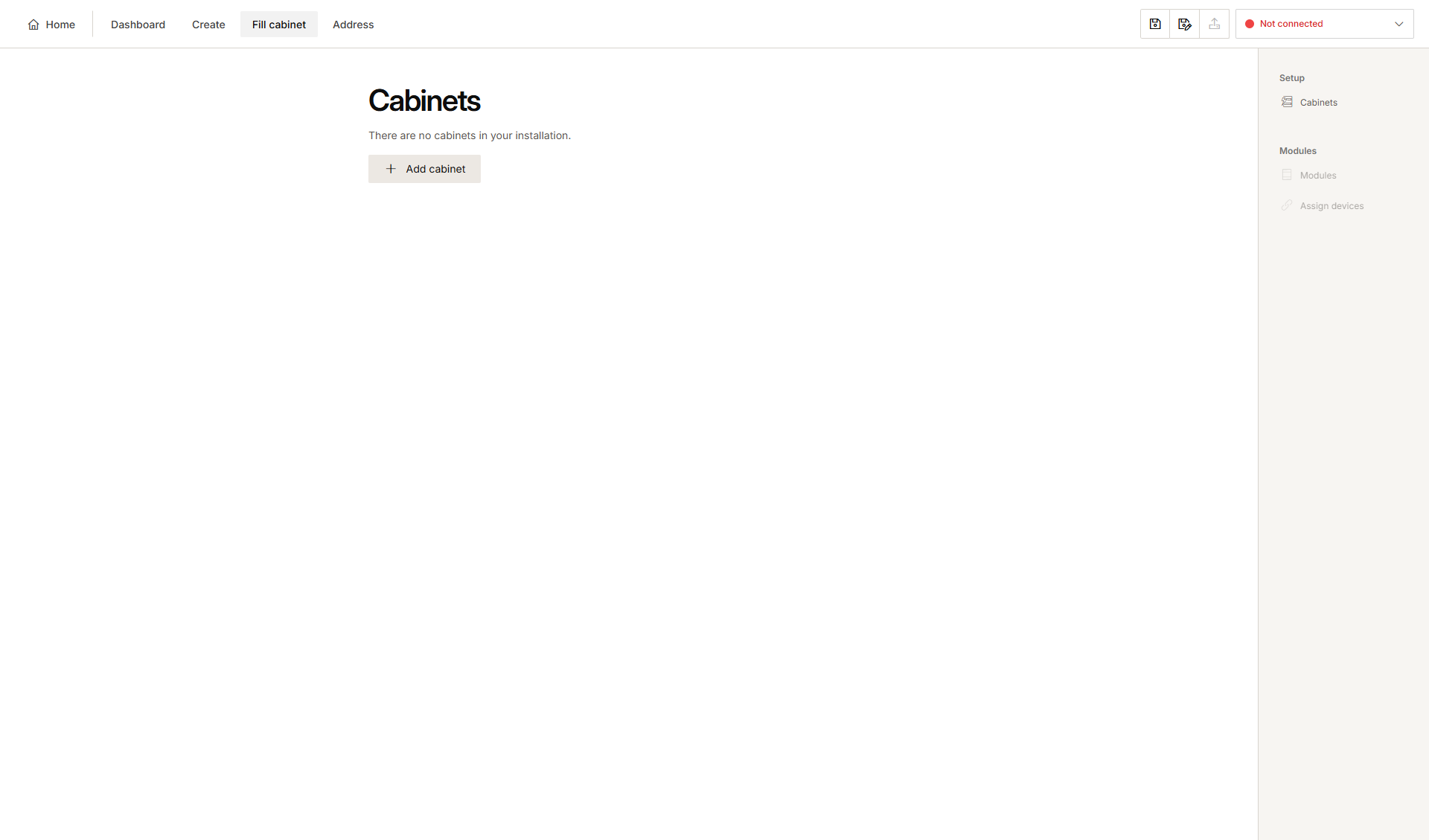
  1. In the right-hand button bar, click Cabinets.
    Result:
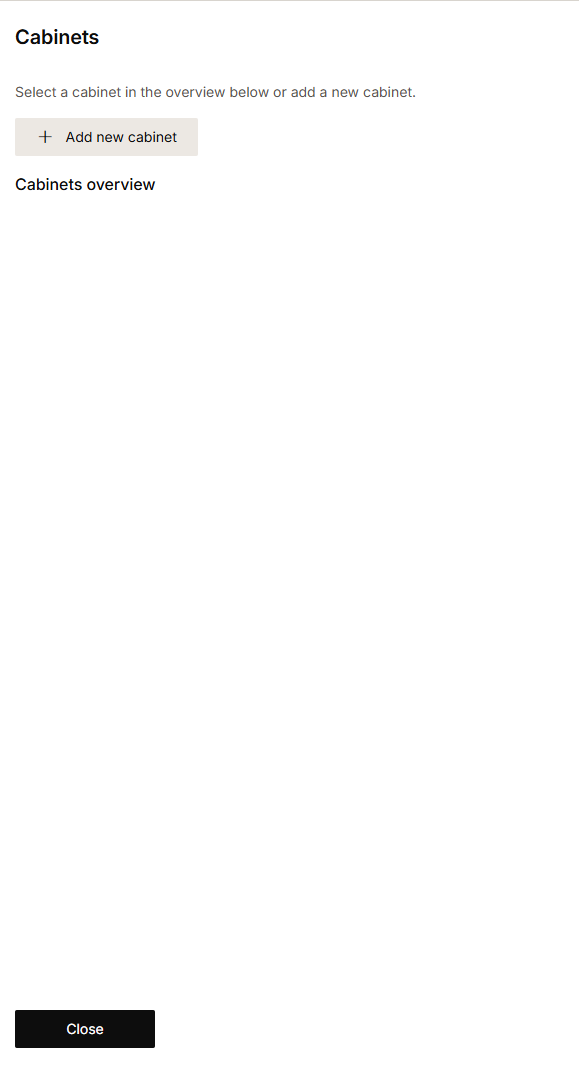
    The Cabinets pane appears. 
    Alt text


  2. Click Add new cabinet.
    Result:
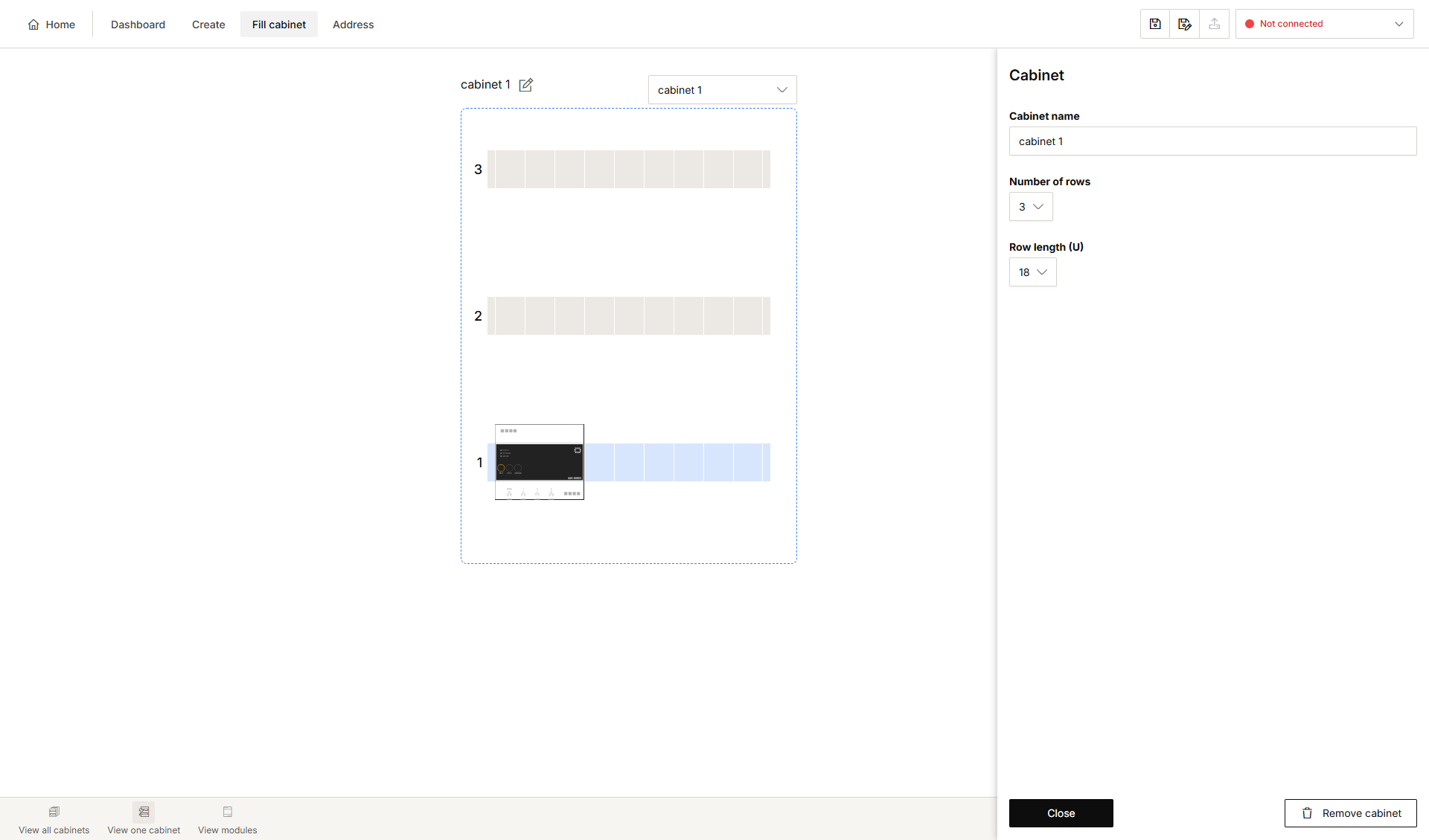
    The Cabinet pane appears.
    Alt text
  3. If you wish, you can change the name of the cabinet.

  4. Choose the number of rows.

  5. Choose the length of the rows.

  6. Click Close to return to the Cabinets pane.

  7. Click Close to return to the Cabinet overview window.

Use the buttons in the selection bar at the bottom to:

  • display all cabinets

  • display one cabinet

  • display modules.