
Starting point
-
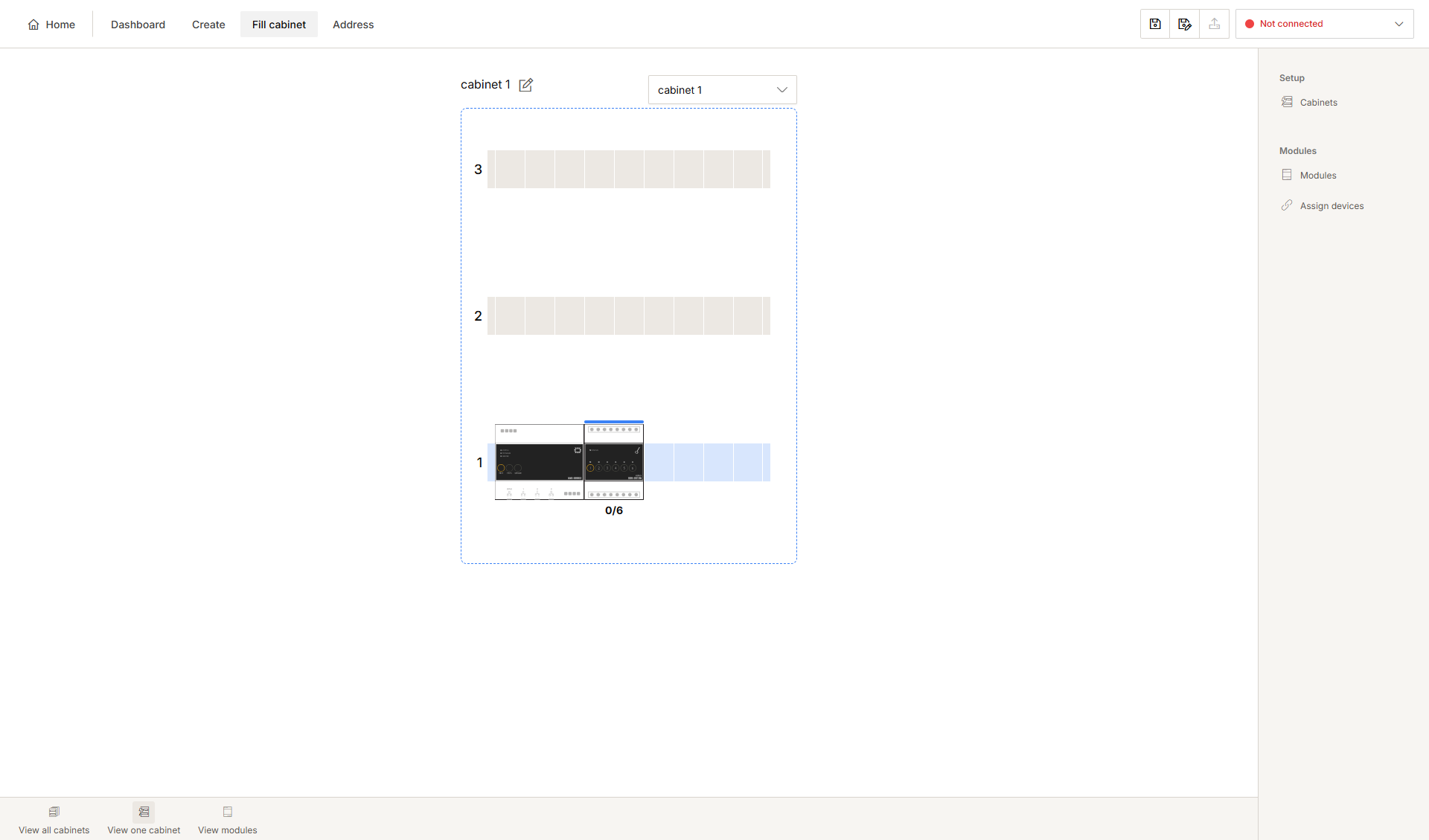
You are in the Fill cabinet overview window.
Procedure
-
Click on the module to be removed.
Result:
The Edit module pane appears and shows the name of the module and any linked devices.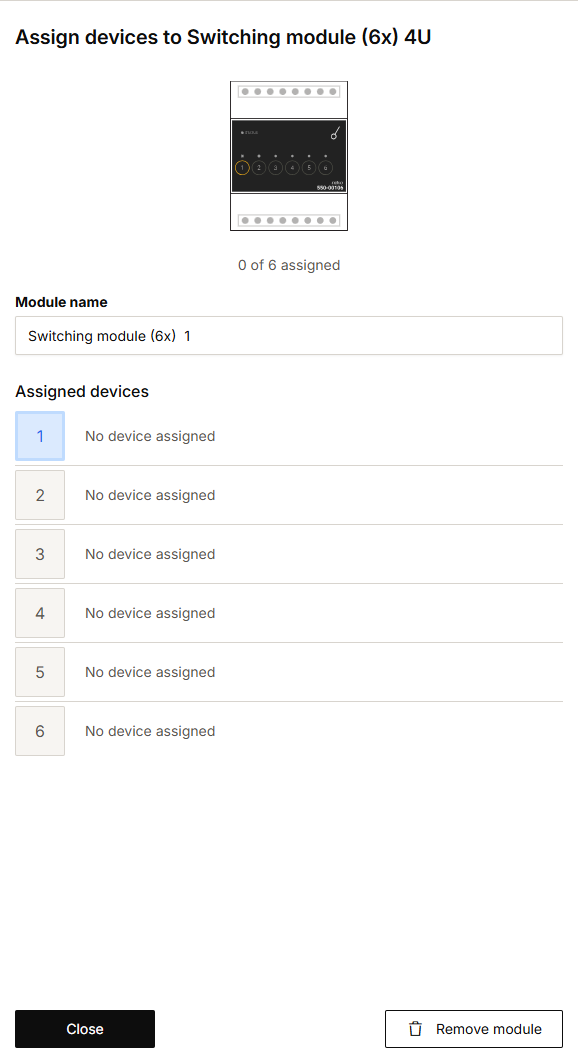
-
Click Remove module.
-
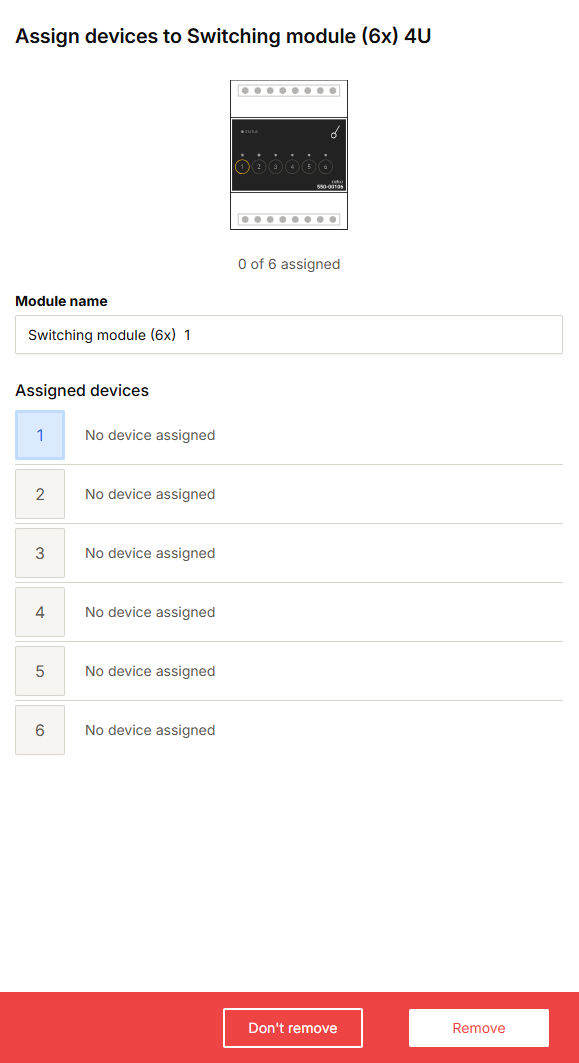
Click Remove to confirm the action.
Use the buttons in the selection bar at the bottom to:
-
display all cabinets
-
display one cabinet
-
display modules.