
Starting point
-
You have created a project. and uploaded it to the controller.
-
Your computer is connected to the controller.
-
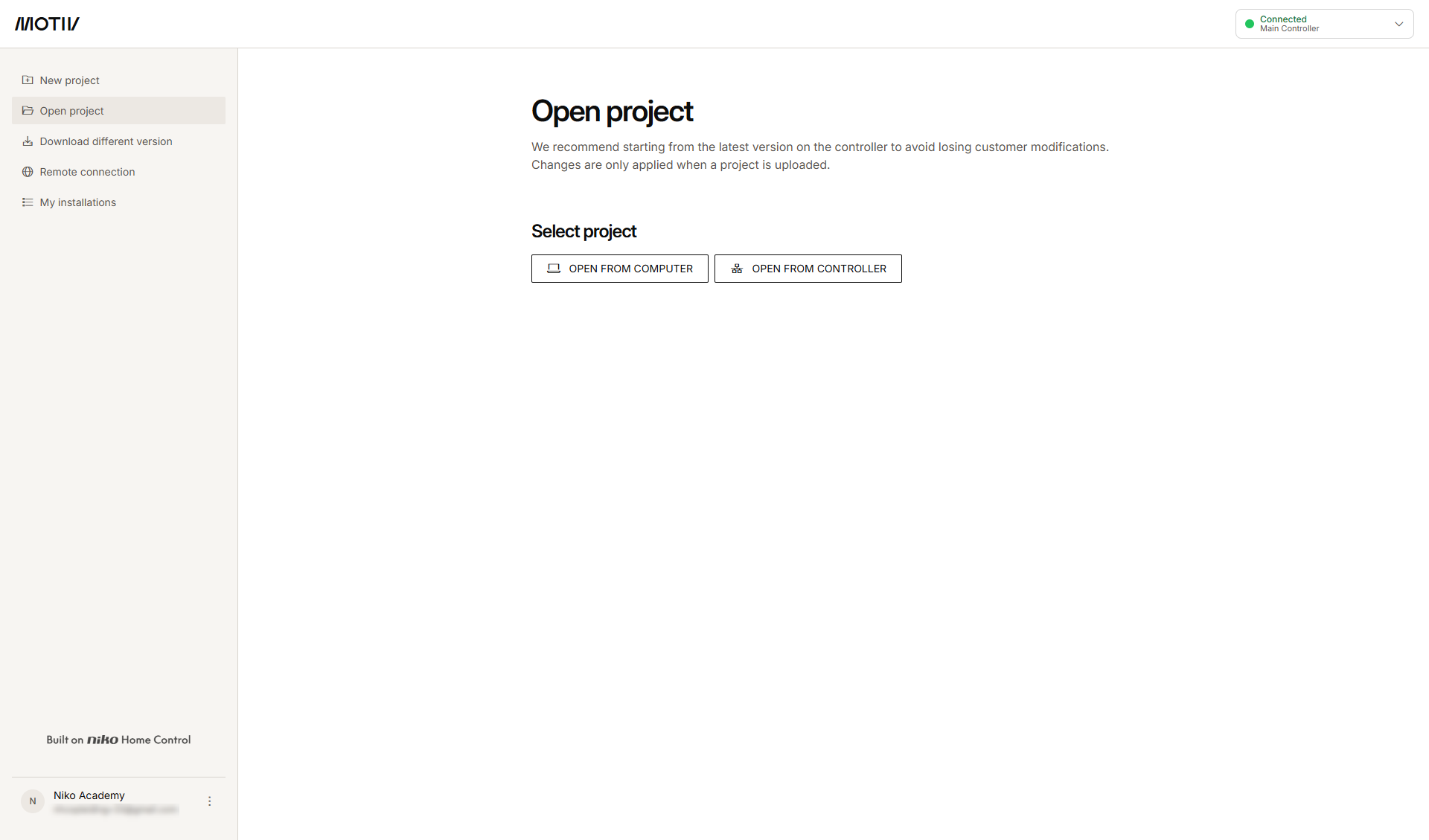
You have opened the MOTIV Building Control programming software (any menu or Home tab).
Procedure
-
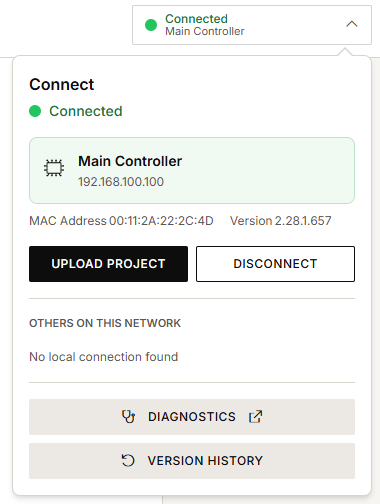
In the right-hand side of the menu, click the Connection centre button.
-
Click Diagnostics.
Result:
Depending on your type of installation, the diagnostics page opens on Overview (connected controller) or Wireless mesh network (smart hub). -
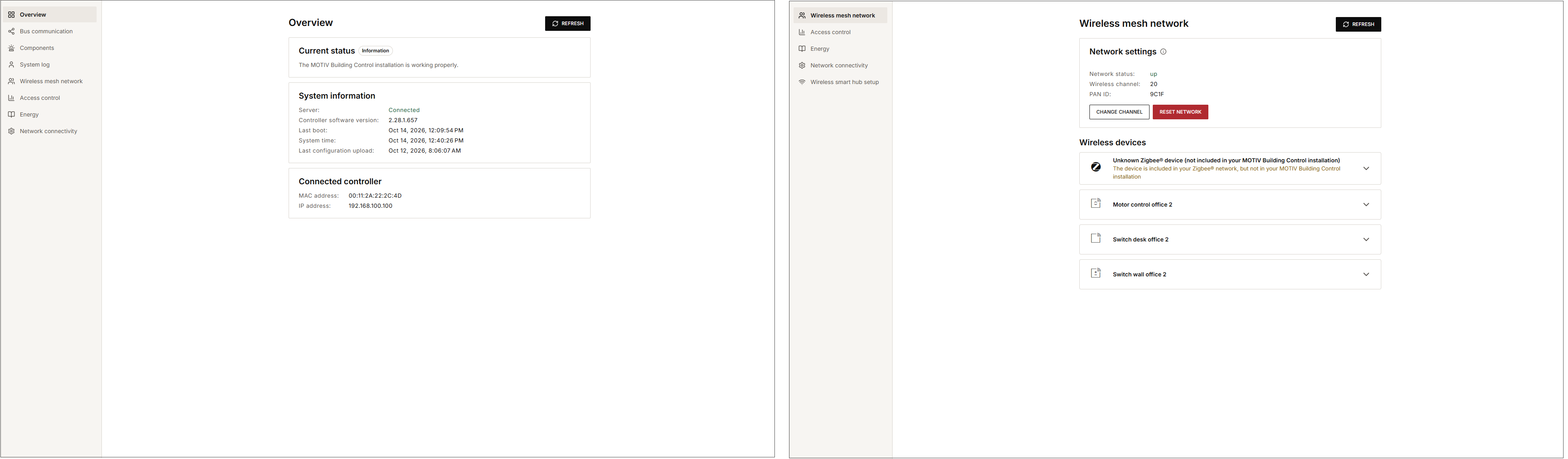
Select the desired tab.
You can select the following tabs:-
For an installation with a connected controller:
-
Overview: to view the current status, system information and latest warnings
-
Bus communication: to view messages from the MOTIV Building Control bus
-
Components: to view the status of components
-
System Log: to view the status of the installation
-
Wireless mesh network: to view the status of your wireless mesh network and devices, reset the wireless mesh network, identify and remove devices
-
Access control: to export your access control data
-
Energy: to view the status of your solar panel inverter and/or your digital meter and export your energy data
-
Network connectivity: to view the connectivity between the installation and the MOTIV cloud.
-
-
For an installation with a wireless smart hub:
-
Wireless mesh network: to view the status of your wireless mesh network and devices, reset the wireless mesh network, identify and remove devices
-
Access control: to export your access control data
-
Energy (diagnostics): to view the status of your solar panel inverter and/or your digital meter
-
Network connectivity: to view the connectivity between the installation and the MOTIV cloud and to set LED behaviour of the smart hub.
-
Wireless smart hub setup: to connect your wireless smart hub to a Wi-Fi network
-
-