
Starting point
-
Your computer is connected to the internet.
-
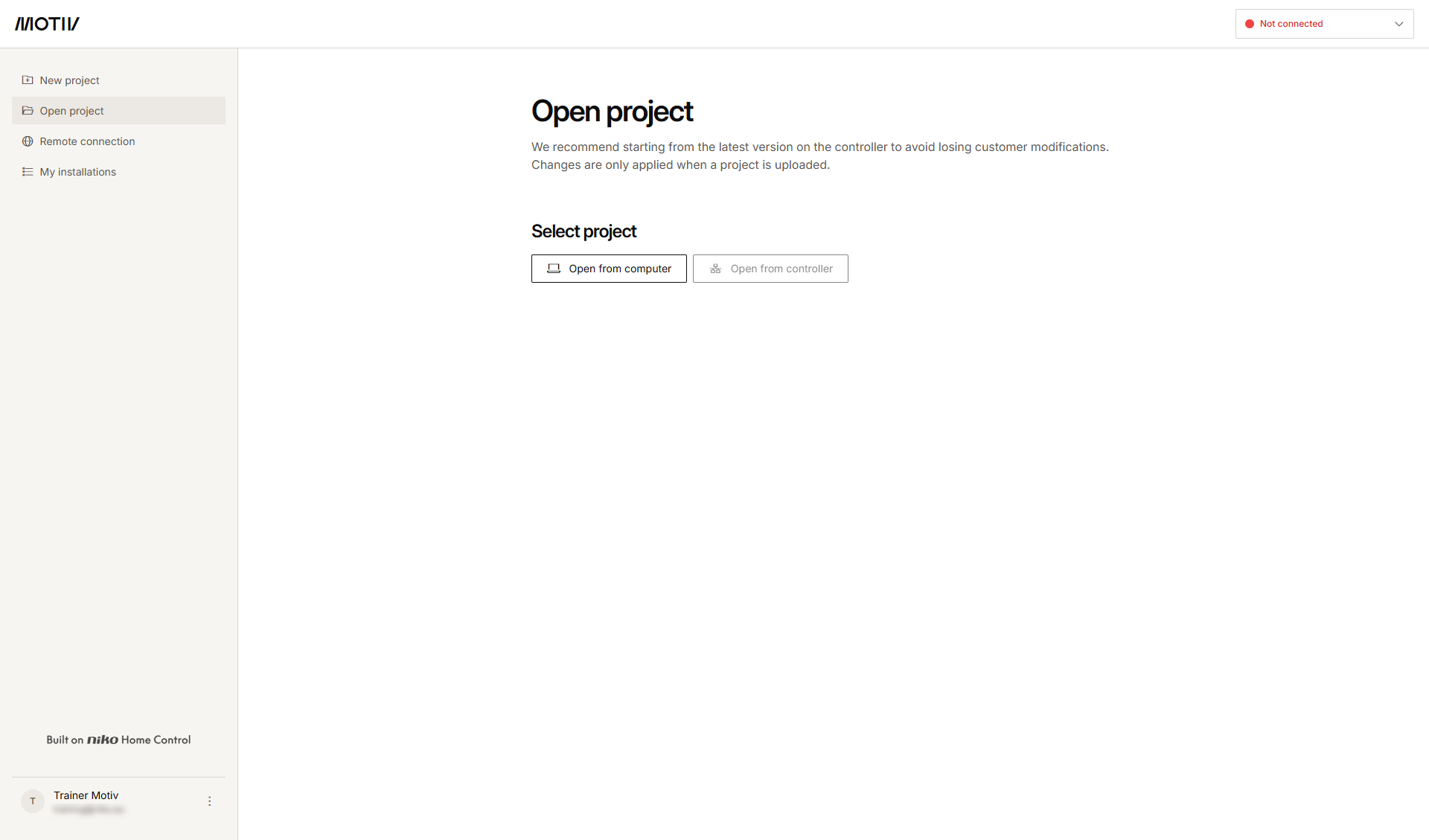
You have opened and logged in into the MOTIV Building Control programming software,
or you have clicked Home when a project was open. -
You have registered the installation.
Procedure
-
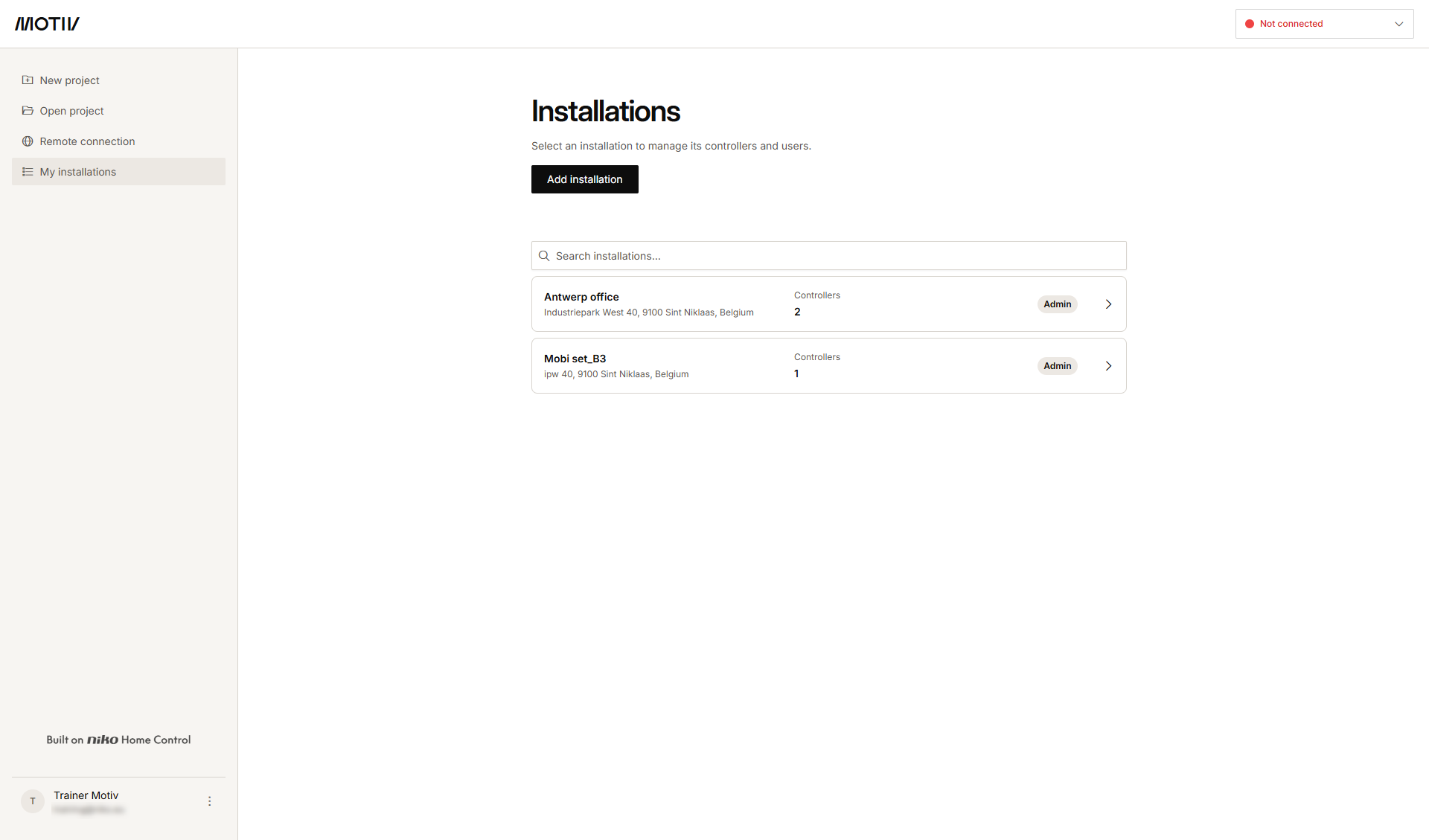
In the left-hand menu, click My installations.
-
Click the arrow next to the installation to which you want to add the controller.
Result: The list of controllers in the installation is displayed with their status.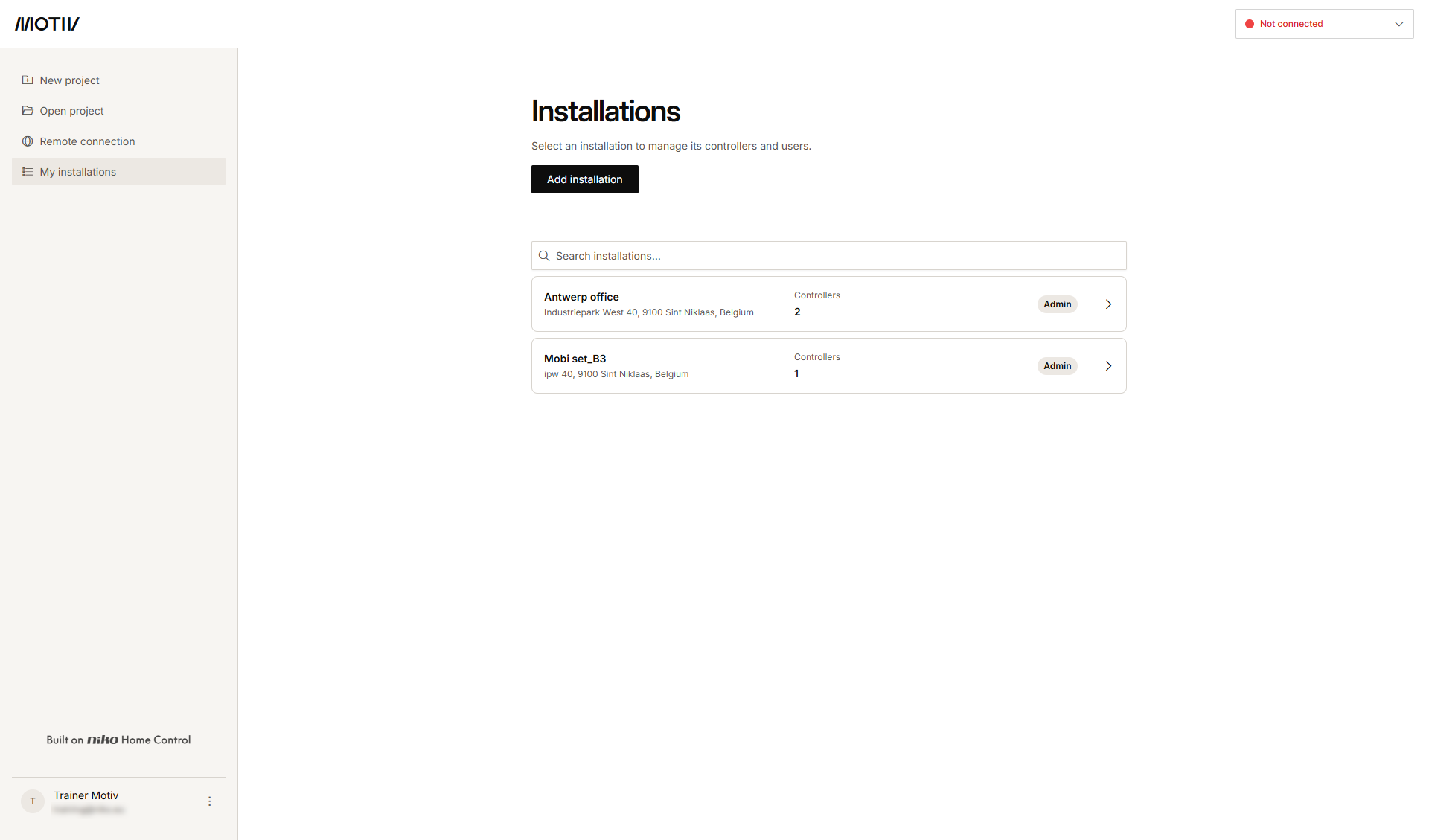
-
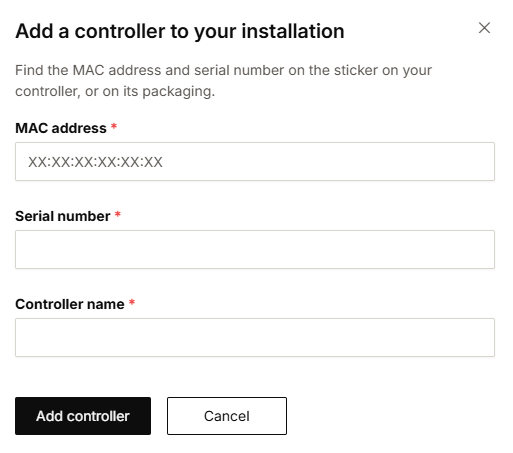
Click Add controller.
-
Fill in the MAC address, serial number and controller name.
-
Click Add controller.