Niko Home Control is evolving into MOTIV Building Control. MOTIV is a new brand for intelligent building automation. Built on the trusted foundation of Niko Home Control, MOTIV solutions are designed to make buildings work more naturally for the people inside them. MOTIV helps professionals create smarter, more comfortable buildings. With technology that works quietly in the background. All existing Niko Home Control solutions remain fully compatible with MOTIV. Over time, the full portfolio will move to the MOTIV brand. During this transition, you will see both Niko Home Control (NHC) and MOTIV Building Control (MBC) appear in this documentation. Discover MOTIV at niko.eu/MOTIV
Software Manual
Working version 2.28.1 2.27.1 English Danish Dutch French German Slovak Swedish

Creating an installation

As the installer, you register the installation in the software with your own MOTIV account and transfer the ownership to your client when the project is finished.

Starting point

  • Your computer is connected to the internet.

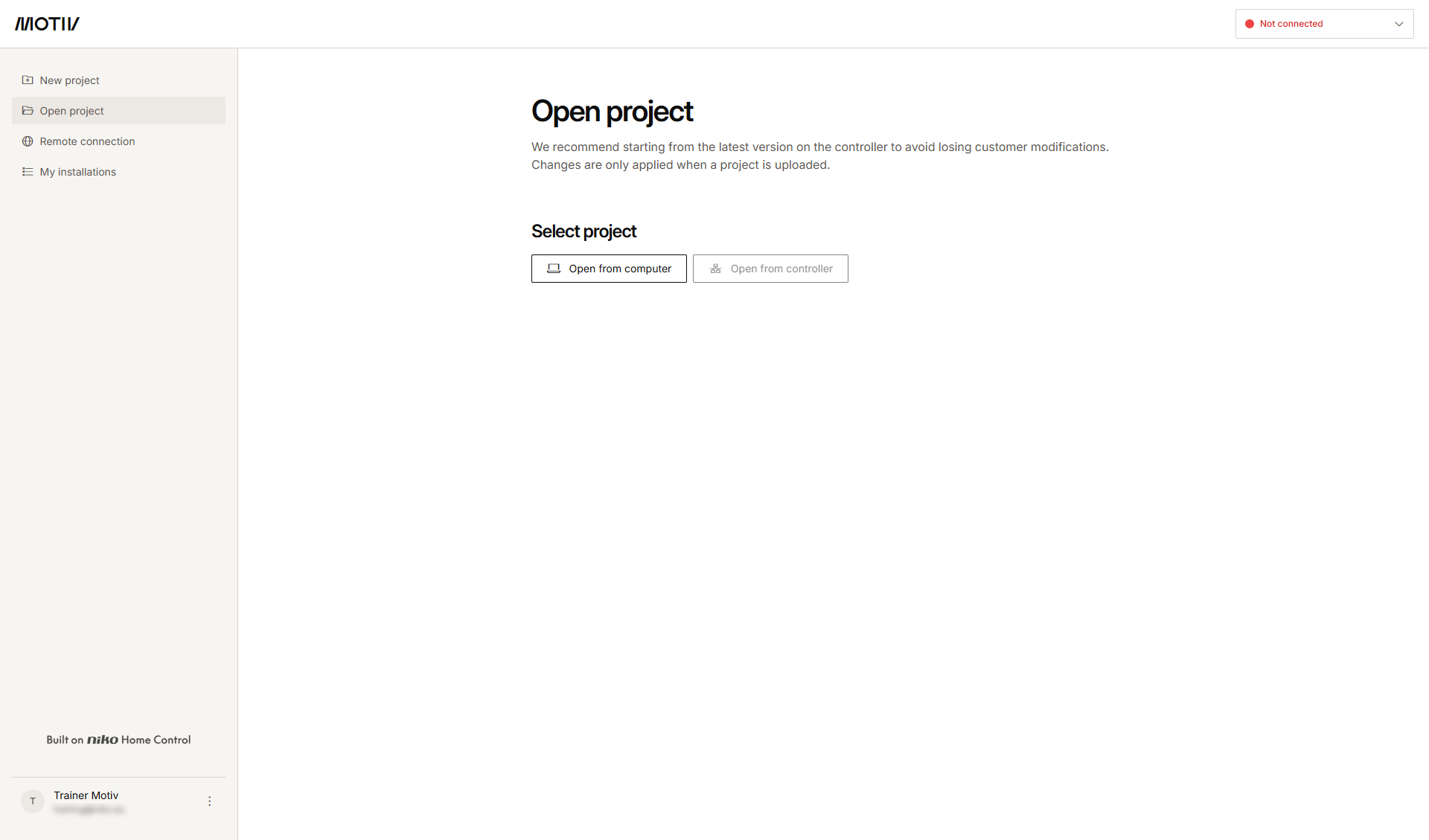
  • You have opened and logged in into the MOTIV Building Control programming software,
    or you have clicked Home when a project was open. 
Alt text

Procedure

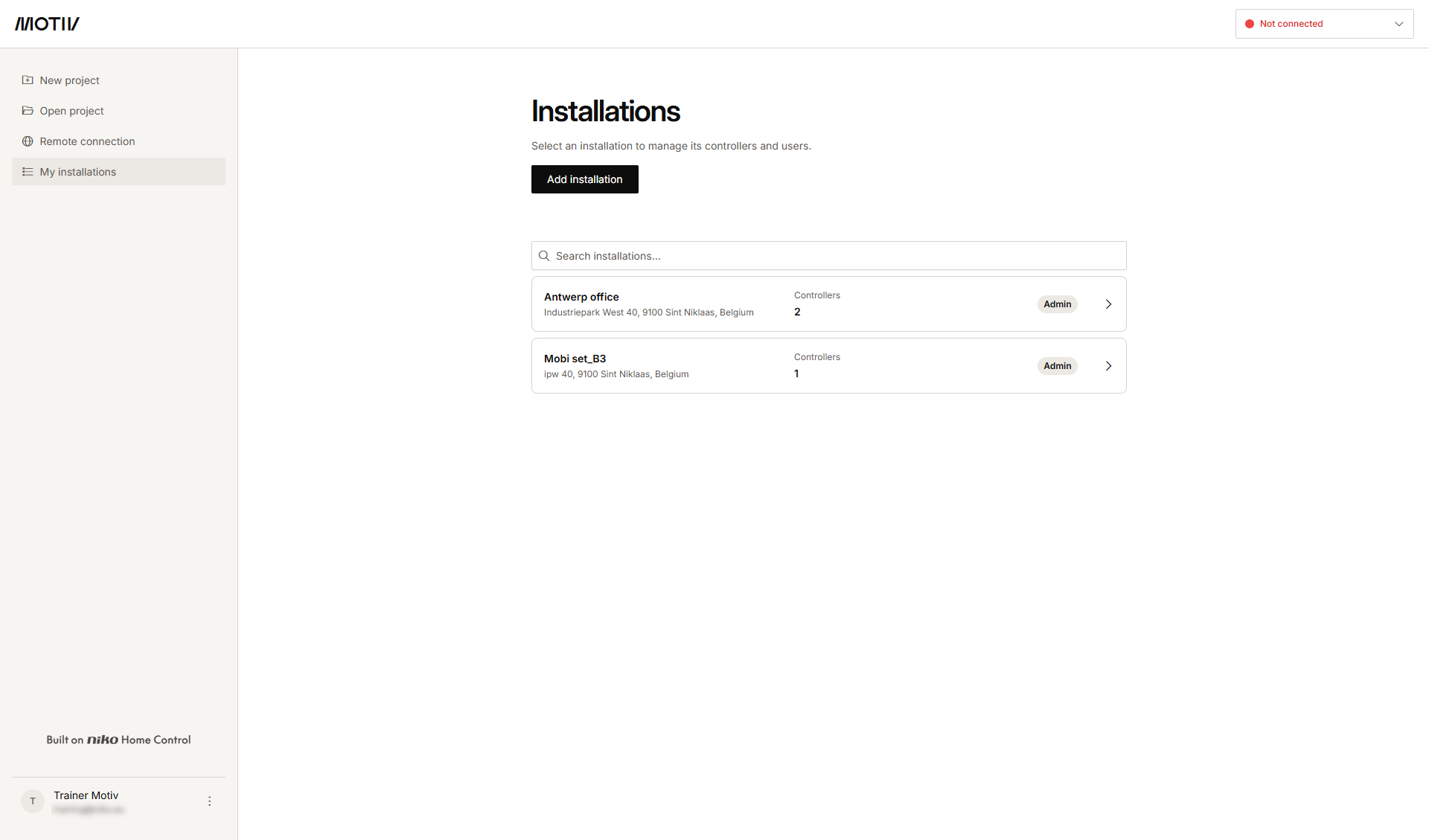
  1. In the left-hand menu, click My installations.
    Alt text
  2. Click Add Installation.

    s19_02_01_228_003.png
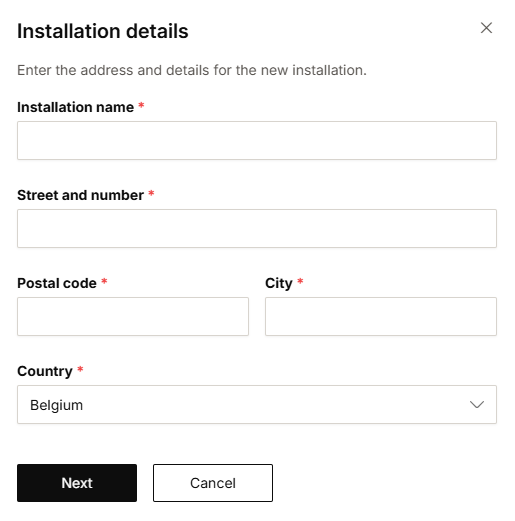
  3. Fill in the installation details: Name and address.

  4. Click Next.

    s19_02_01_228_004.png
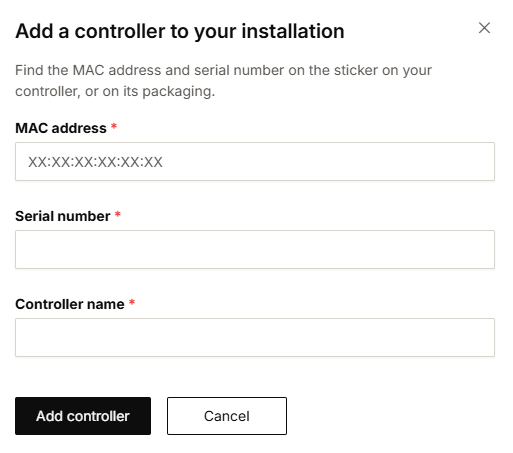
  5. Fill in the controller details: MAC address, serial number and controller name.

  6. Click Add controller.

  7. Click Add another controller if you want to add another controller to the same installation or click Done.
    Result: The installation is added in the overview.

If you receive a message saying that the combination of MAC address and serial number has already been used, please contact our customer support service (+32 3 778 90 80).