Niko Home Control is evolving into MOTIV Building Control. MOTIV is a new brand for intelligent building automation. Built on the trusted foundation of Niko Home Control, MOTIV solutions are designed to make buildings work more naturally for the people inside them. MOTIV helps professionals create smarter, more comfortable buildings. With technology that works quietly in the background. All existing Niko Home Control solutions remain fully compatible with MOTIV. Over time, the full portfolio will move to the MOTIV brand. During this transition, you will see both Niko Home Control (NHC) and MOTIV Building Control (MBC) appear in this documentation. Discover MOTIV at niko.eu/MOTIV
Software Manual
Working version 2.28.1 2.27.1 English Danish Dutch French German Slovak Swedish

Adding a user to an installation

Starting point

  • Your computer is connected to the internet.

  • You have opened and logged in into the MOTIV Building Control programming software,
    or you have clicked Home when a project was open. 

  • You have registered the installation.

  • You are Admin of the installation.

Alt text

Procedure

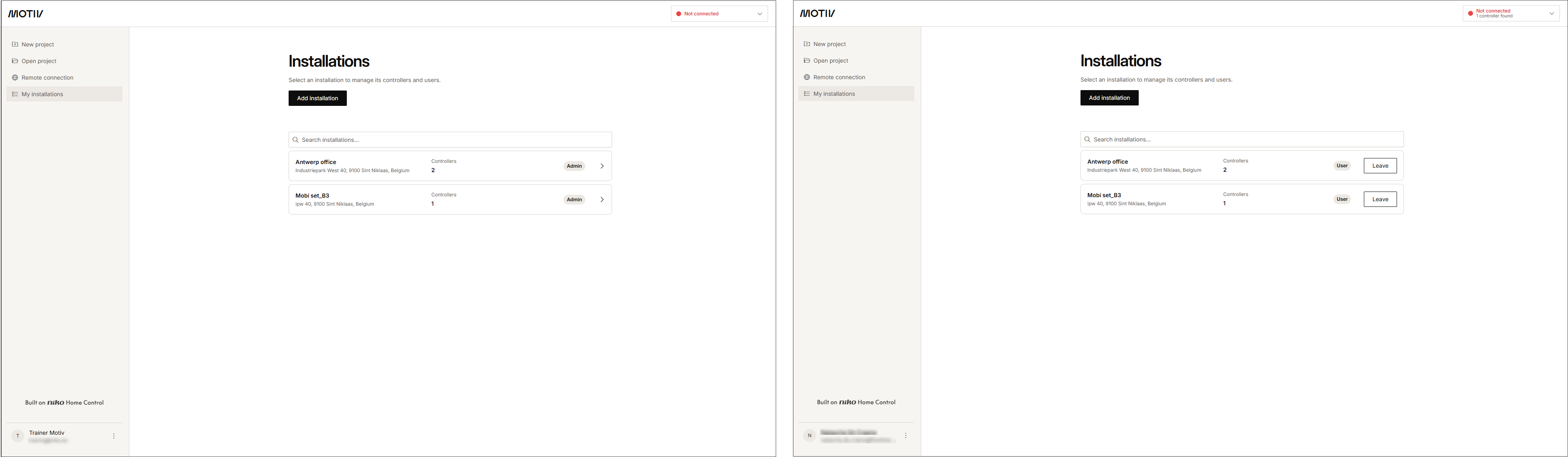
  1. In the left-hand menu, click My installations.
    s19_02_02_228_002
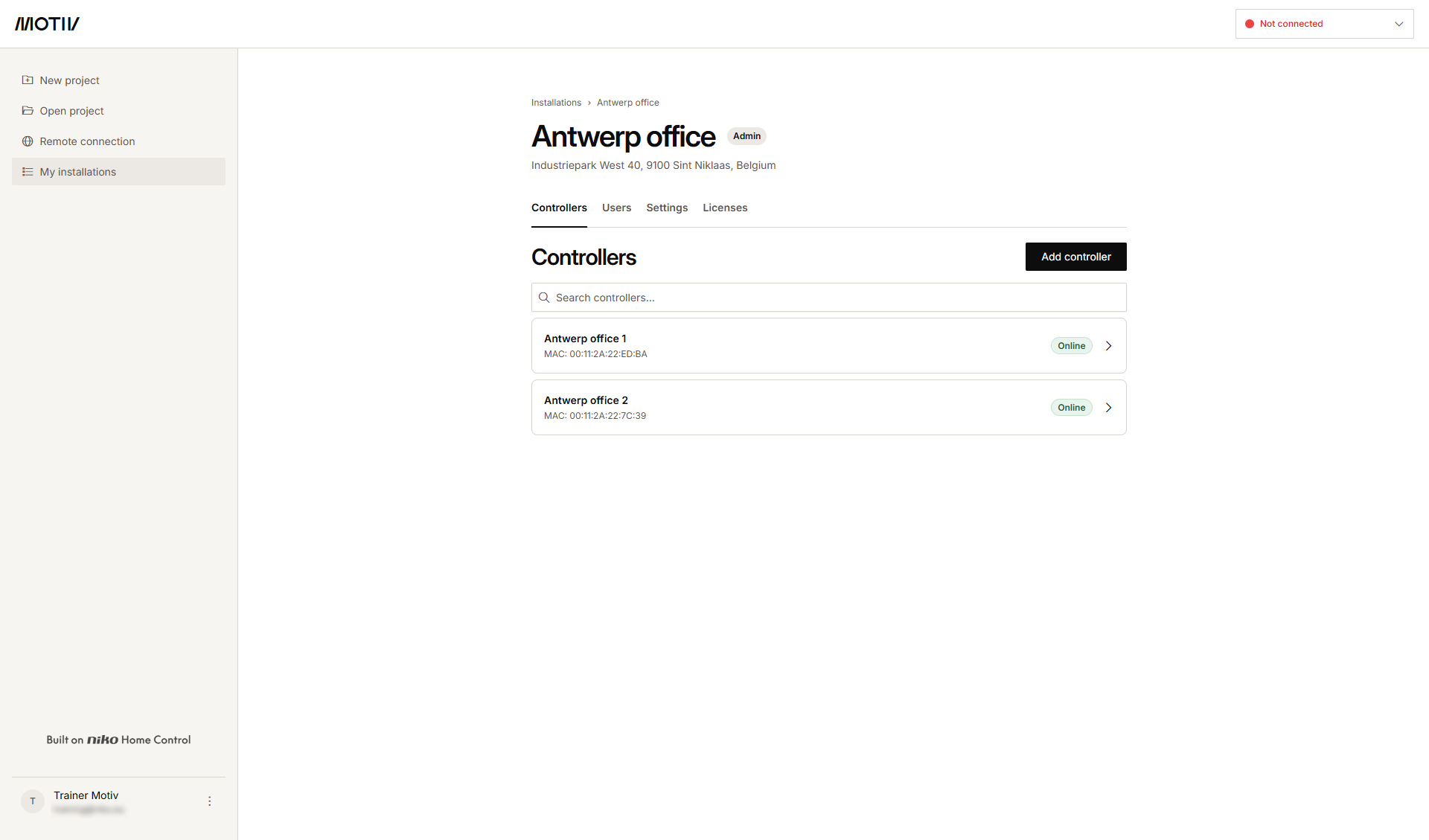
  2. Click the arrow next to the installation to which you want to add a new user.
    Result: The list of controllers in the installation and their status is displayed.
    s19_02_02_228_003.png
  3. Click the Users tab.
    Result: The list of users who have already access or who have been invited is displayed.

    Alt text
  4. Click Invite user.

    s19_02_02_228_005.png
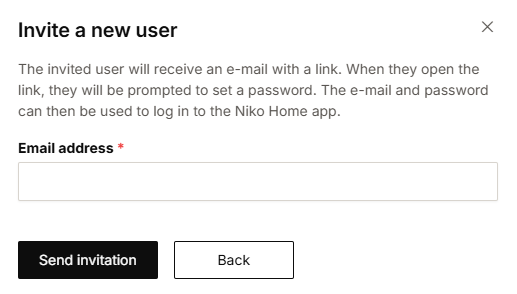
  5. Typ the e-mail address of the new user and click Send invitation.
    Result: The invited user receives an e-mail with a link to set a password.

  6. The invited user accepts the invitation. The e-mail address and set password can be used to log in to the Niko Home app and the MOTIV Building Control programming software.
    Result: The user is added to the overview.