
Before you start
Open the configuration interface and go to the SYSTEM tab. For more information, go to Overview of the configuration interface
Change the password
Proceed as follows:
-
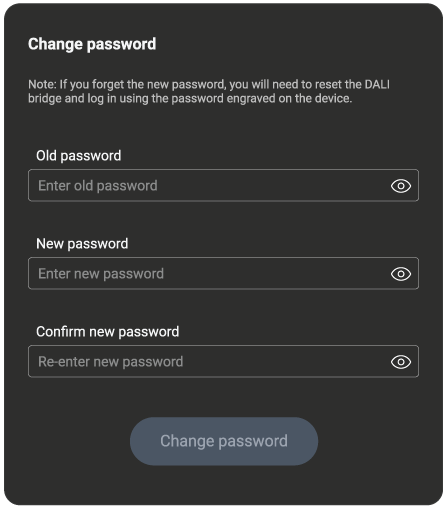
In the Change password section on the SYSTEMS tab, fill in the old password, provide a new one and confirm it:
-
Click Change password.
What if I have forgotten the password?
If you have forgotten the password, Perform a factory reset and use the default password engraved on the DALI bridge.