
LOGIN SCREEN
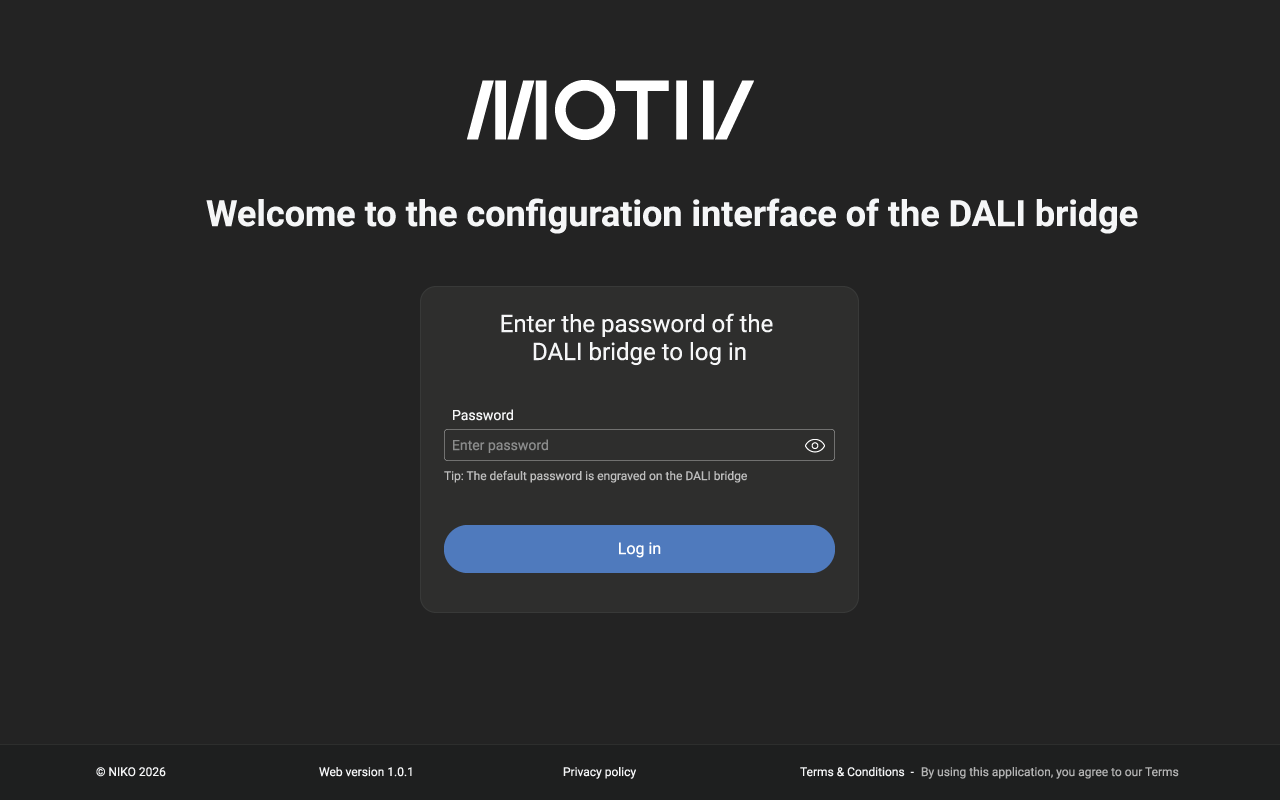
When entering the IP address of the DALI bridge, you are taken to the login screen:
DASHBOARD
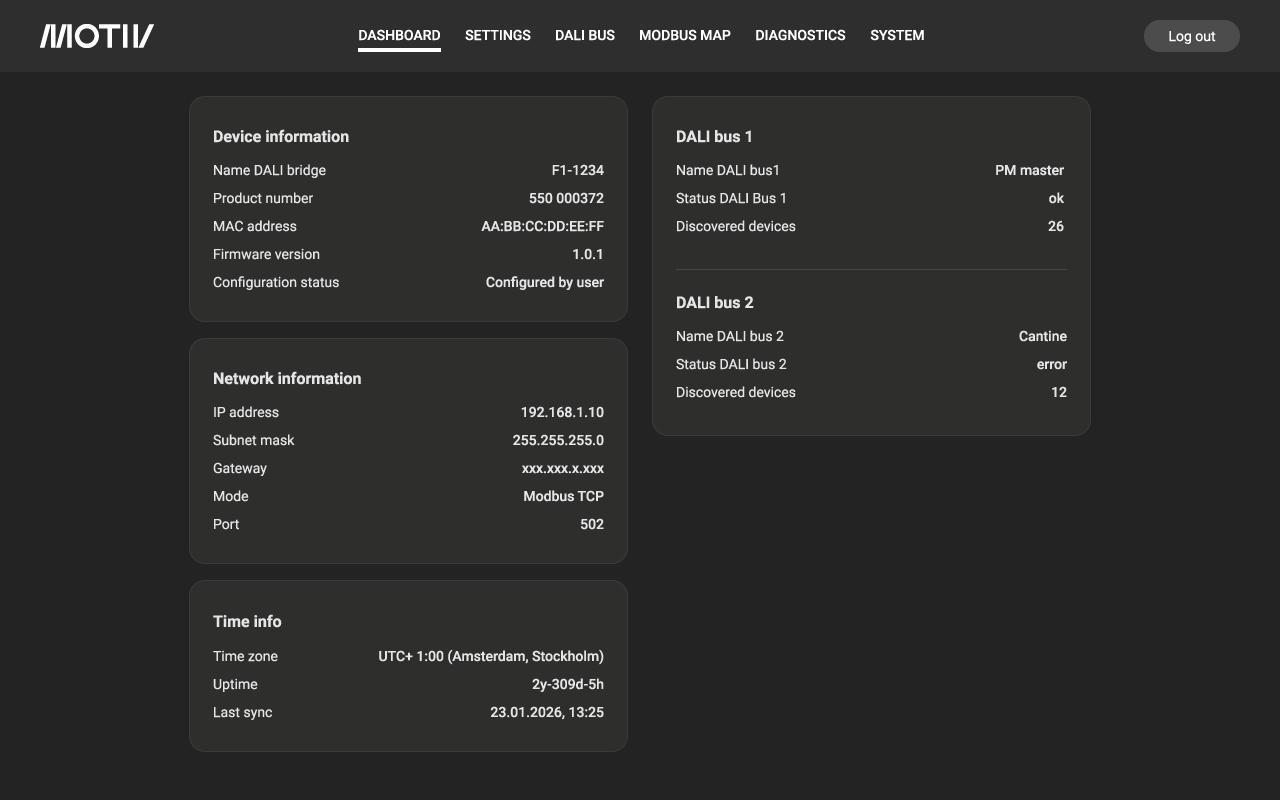
After logging in, the dashboard page loads. To return to the dashboard, click the DASHBOARD tab. This page shows a summary of the most important information of the DALI bridge:
SETTINGS
Click the SETTINGS tab to load the settings page. This page shows the current settings and allows you to change them:
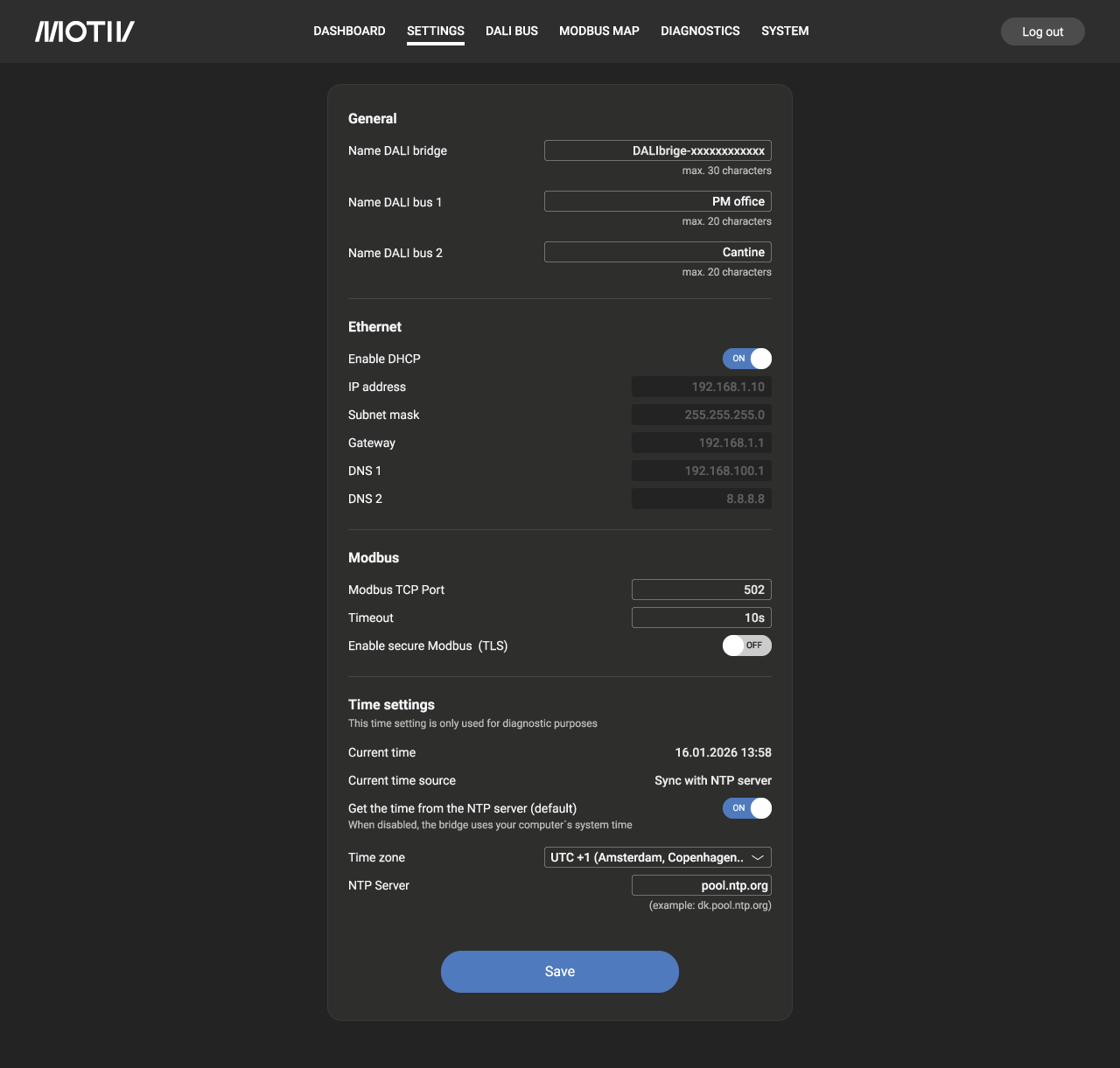
For more information on the DHCP setting, refer to DHCP setting.
For more information on the other settings, refer to Other settings
DALIBUS
Click the DALI BUS tab to load the page. The page shows the current status of the DALI buses. To test a bus, click TEST CONNECTION.
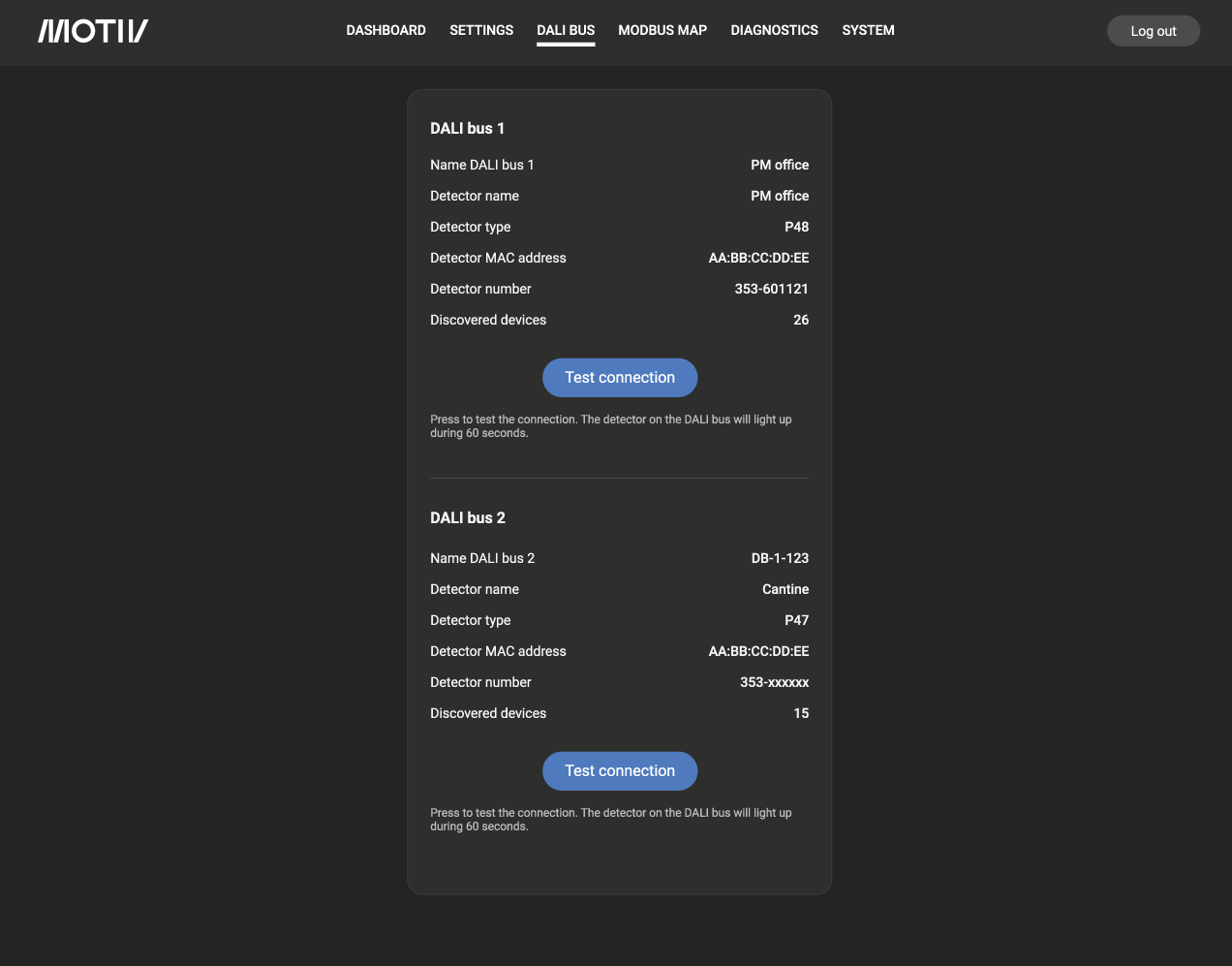
Note: After startup of the DALI bridge, the TEST CONNECTION buttons ar inactive due to heavy configuration trafic making a test impossible.
MODBUS MAP
Click the MODBUS MAP tab to load the page:
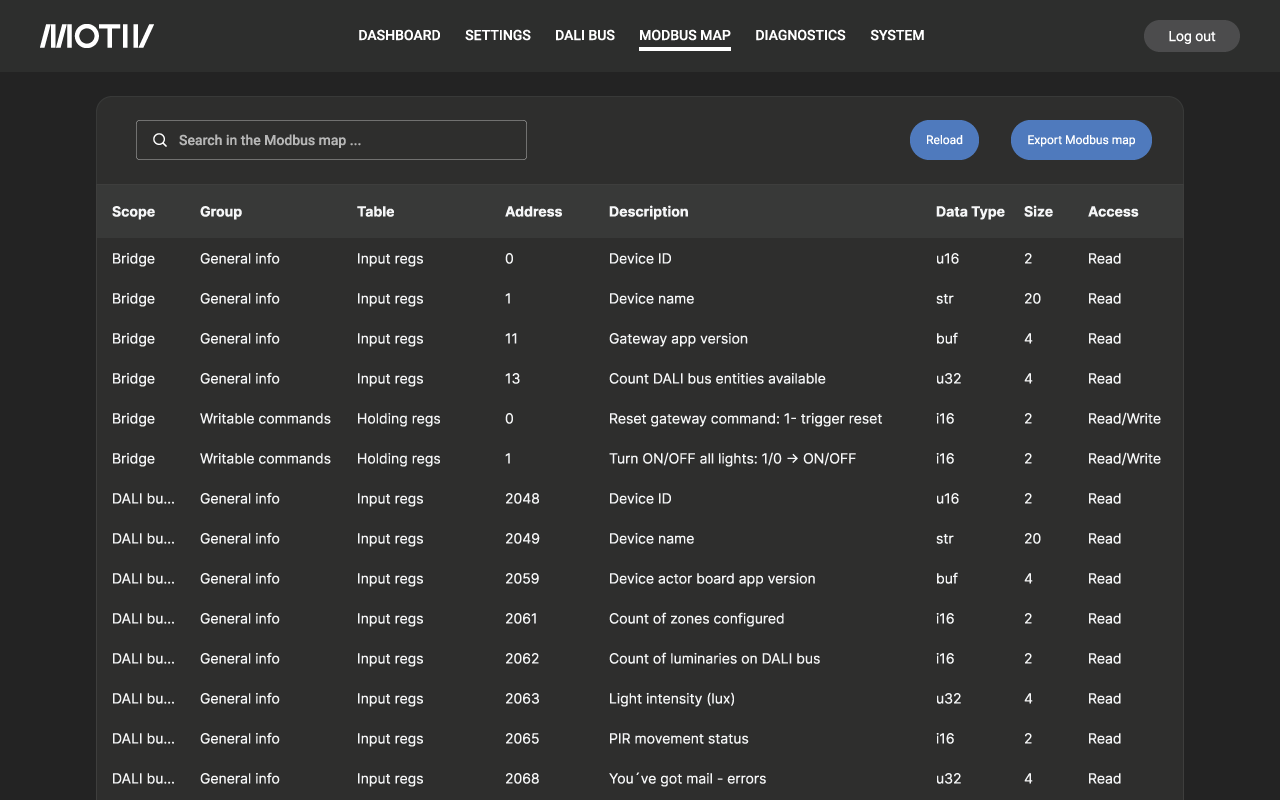
Use the Reload button to reload the page. You can export the list to a file using the Export Modbus button. For a complete overview of the Modbus map, go here: Modbus Map
DIAGNOSTICS
Click the DIAGNOSTICS tab to load the page:
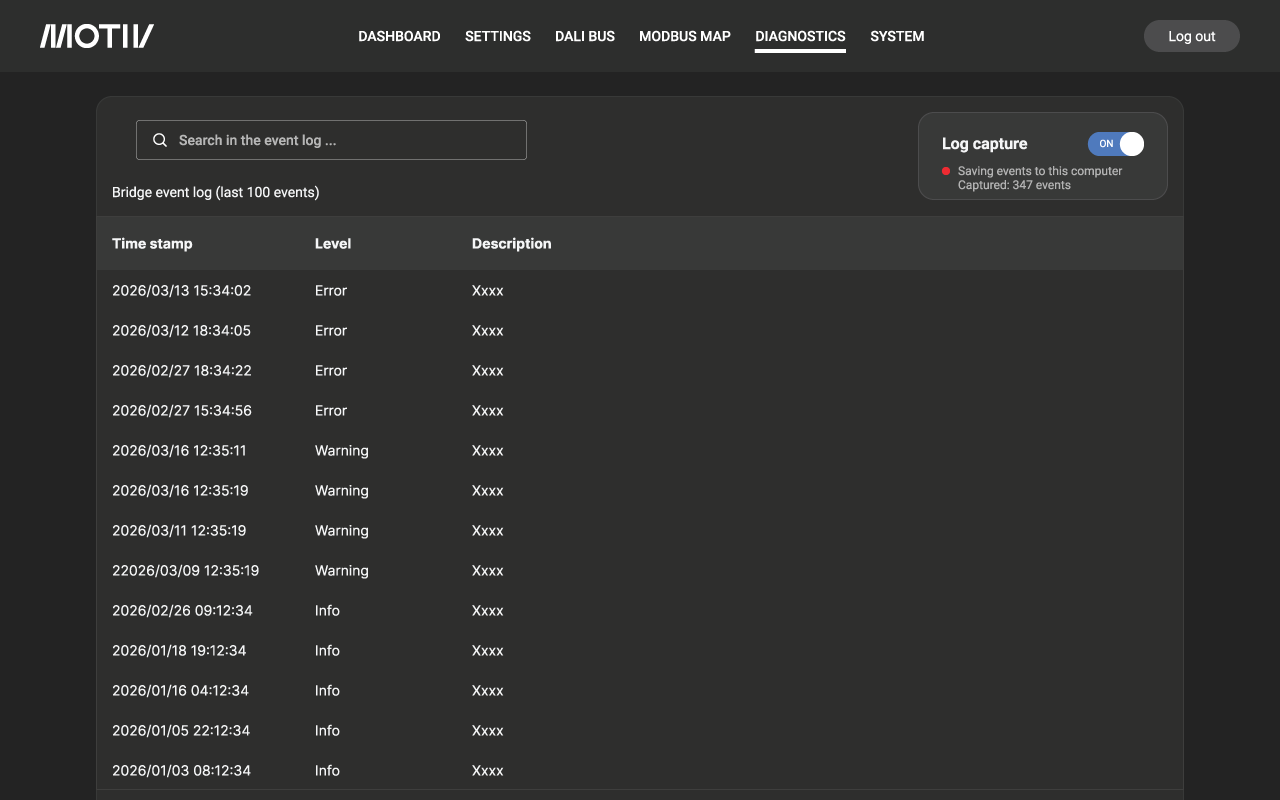
Use the Log capture button to capture the log on your won PC. When set to OFF, only the last 100 messages are saved.
SYSTEM
Click the SYSTEM tab to load the page:
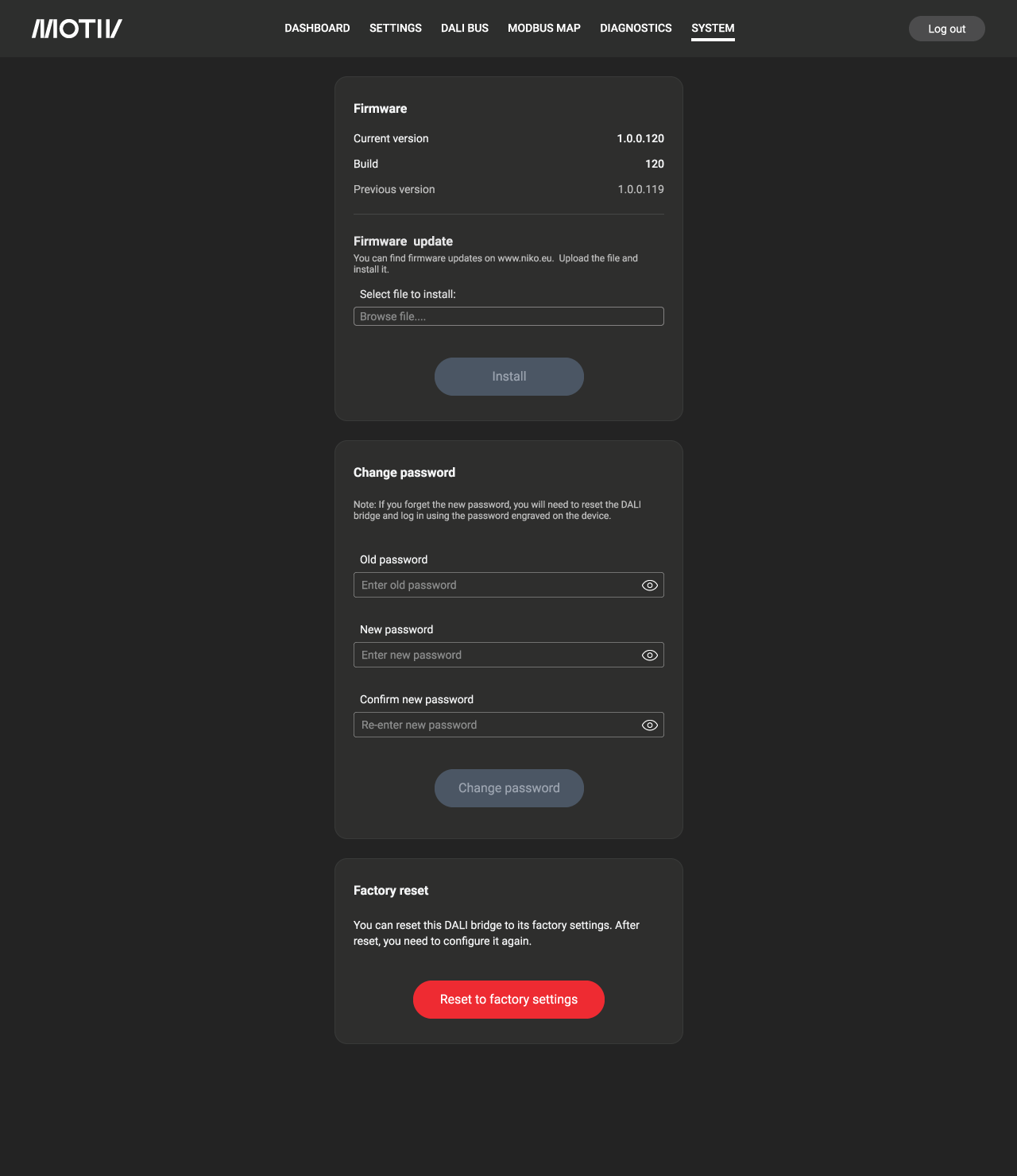
Via this page you can: